

Theory
Customer needs as themes: an opportunity solution tree
How to build roadmap themes from customer needs: a user journey map and the critical path, system needs, an opportunity solution tree, job stories vs user stories, and what to do with requests that serve no objective.
~12 min read · 12 exercises · 250 points
Before you start
What will customers get?
The board meeting is over, and you're back at your desk on CatChow's product team. The board backed the direction, but one member asked two things: what will customers actually get, and roughly when? A churn target is the company's number, not the customers'.
This module answers both questions. This first lesson takes the "what": you'll rebuild the roadmap's themes from customer needs, with a journey map and a tree that links each need to possible solutions.
Themes: needs and problems written as results
Themes, met in Anatomy of a product roadmap as the middle of the page, are how a roadmap answers what will customers actually get? Writing them well starts with knowing which kind of gap you're describing.
A need is something customers don't have yet: a new owner has no way to tell which food suits a kitten. A problem is something that fails today: the next delivery arrives after the bag is already empty. Either can become a theme, as long as it's written from the customer's side, in words they would recognize.
Three things look like themes and aren't. A metric such as “churn from 9% to 6%” is your number, not theirs, so it belongs in the key results. A solution such as “reorder reminders” is one possible answer and may change next month. Internal work such as “replace the warehouse system” is invisible to customers until you tie it to a result they feel.
A quick test: could a customer read the line and say yes, that's what I want? If so, it's a theme.
- Do“Subscribers never run out of food between deliveries”
A result customers recognize; the solutions under it can change.
- Don't“Monthly churn falls from 9% to 6%”
CatChow's own number: a key result, not what customers get.
- Don't“Reorder reminders”
One possible answer, not the need it serves.
The opportunity solution tree
An opportunity solution tree is the frame for turning a key result into themes: it keeps outcomes, needs and ideas from blurring together, on four levels.
At the top sits one outcome the team owns, usually a key result: cancellations that cite running out fall from 30% to 15%. Below it are opportunities: needs, pains and wishes heard from customers, such as owners not noticing the food is low until the bag is empty. Under each opportunity hang several solutions, such as reminder emails or flexible delivery dates. Under a solution sit small experiments that test it cheaply: send 200 subscribers a reminder by hand and compare their reorders with everyone else's.
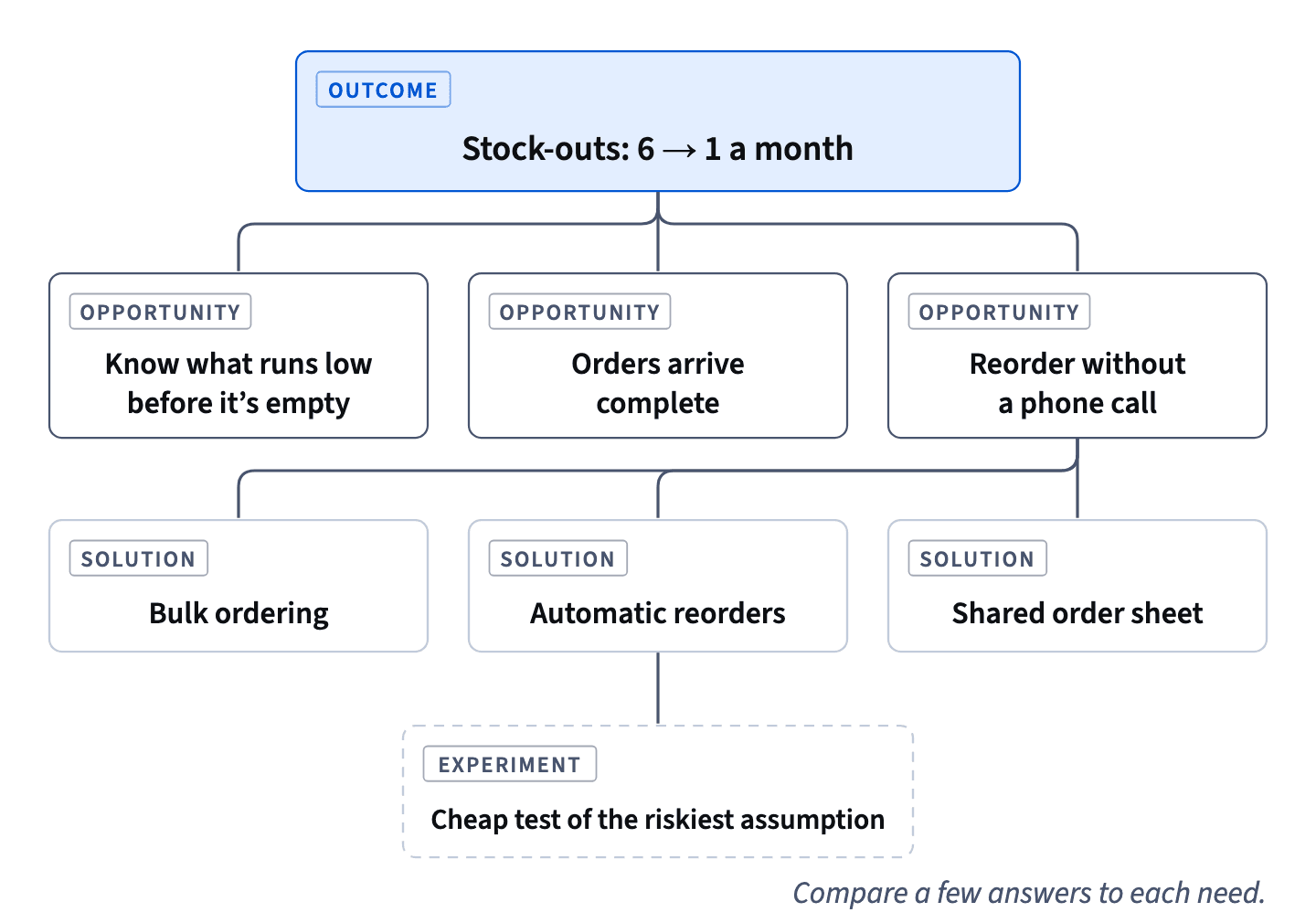
A roadmap theme is usually one big opportunity, or a few grouped together. The tree goes deeper than the roadmap: it lives in discovery and changes every week as the team learns.
Two habits make it work. Put several solutions under each opportunity, because the first idea is rarely the best. And test the riskiest assumption cheaply before anyone writes code.
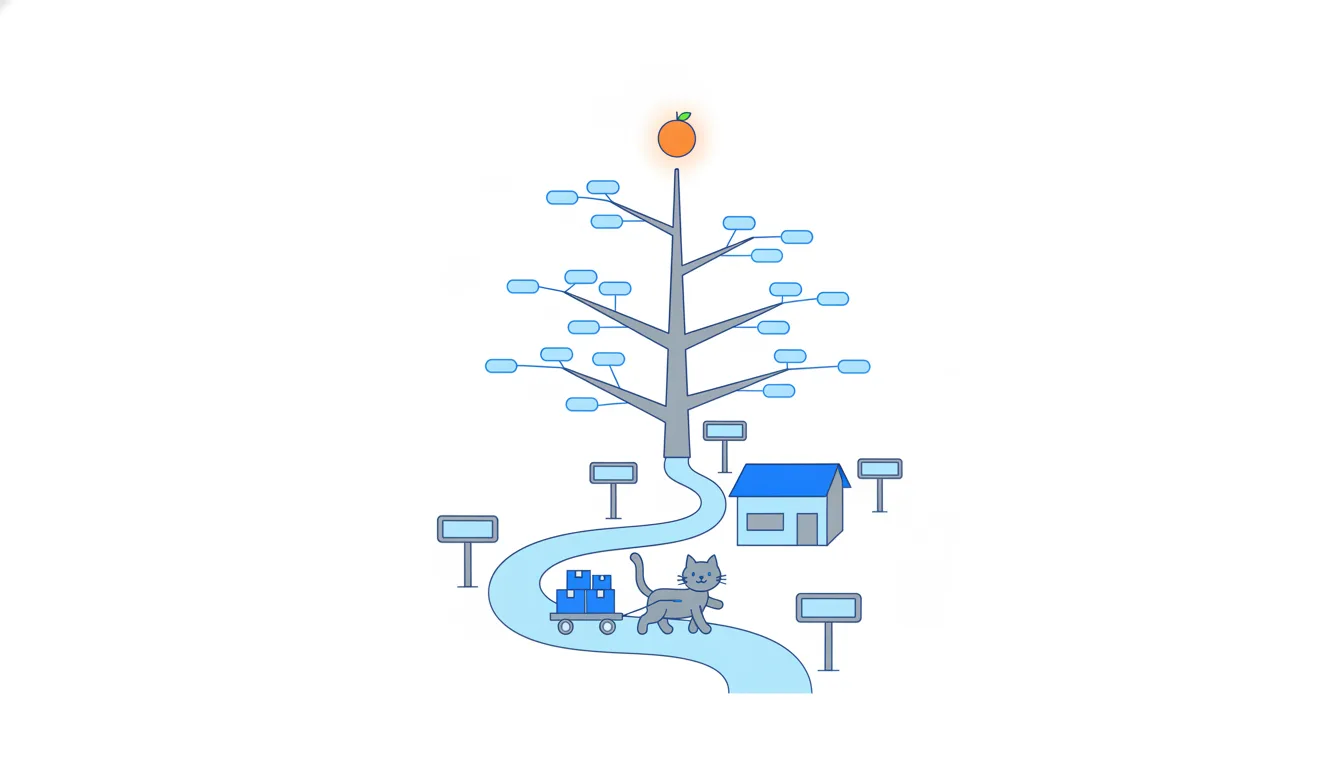
- DoOutcome → opportunity → three candidate solutions → a manual test of one
Levels kept apart, several options compared.
- Don'tOutcome → “build reminder emails”
Skips the need and commits to the first idea.
From forty requests to a few themes
A spreadsheet of forty requests isn't forty themes. Most rows are different answers to the same few needs, and the opportunity solution tree has room for exactly that: one need, several candidate solutions beneath it.
Dataset · 40 rows
CatChow's request spreadsheet
The 40 feature requests from sales, support and the founders that the product team starts the course with, in the order they sit in the spreadsheet. Synthetic data made for this course.
First 5 of 40 rows
To sort the rows, run the why ladder from Outcomes over outputs on each one and stop at the first customer need. “One-click reorder” climbs to owners reordering before the food runs out, and so do reminders and flexible delivery dates. All three land under the theme “Subscribers never run out between deliveries”.
The row doesn't become a theme itself. It stays a candidate solution under the theme it serves, free to be replaced by a better one. Rows that land elsewhere go under another theme: the food-picker quiz under new owners choosing the right food, bulk ordering under the clinic theme.
A row that lands on no objective at all, like birthday greetings for cats, is a warning sign, not a theme. Don't force it under the nearest heading to keep it alive.
- DoOne-click reorder → quick reordering → owners reorder before running out
Stops at the customer need, then files the row under it.
- Don'tMake “One-click reorder” a theme of its own
A solution promoted to a goal; better answers get locked out.
- Don'tFile birthday greetings under “never run out” to keep them
They climb to no objective; forcing them in hides that.
A user journey map
A user journey map lays out every step a person takes from the moment they notice a problem to the moment it's solved, including the workarounds they've invented along the way. It turns a vague complaint such as “clinics run out” into a story you can examine step by step.
Start the journey where the person first notices something, not where your product comes in. A clinic admin's weekly order doesn't begin with the call to CatChow. It begins when she counts what's left on the shelves. Then comes a list on paper, a call to dictate it, two or three days of waiting and, finally, checking the box against the list.
Laid out in order, the map shows where things go wrong before the shelf is empty: counting by eye, dictating by phone, finding a missing diet only when the box is opened. Each painful step is a candidate for a narrower need under the theme.
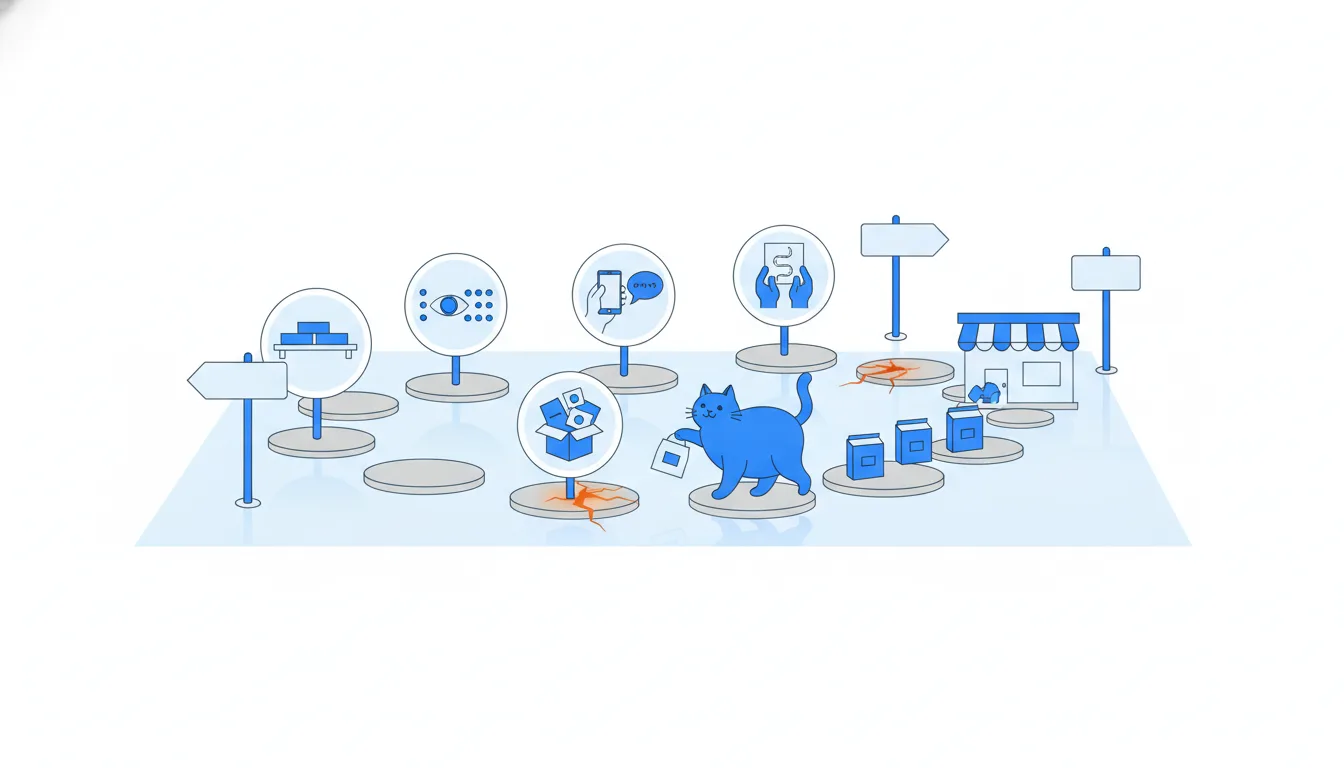
Build the map from what you saw, not from what you assume, and revisit it: journeys change, partly because of your own product.
- DoCounts the shelves → writes a list → phones in the order → waits → checks the box
Starts where she notices the need and keeps the workarounds.
- Don'tOpens the order page → places the order → receives the box
Starts with your product and skips the painful steps around it.
- Don't“Clinics run out of food.”
The end of the story, not the journey; it hides where things break.
Subthemes and the critical path
Each painful step on the journey can become a subtheme: a narrower need inside the theme, also written as a result. From the clinic journey: “Admins know what's running low before the shelf is empty”, “Orders arrive complete”, “Reordering takes no phone call”.
Not all pains weigh the same. The critical path is the handful of steps that must work, or nothing else matters. For a vet clinic, that's having the prescribed diet on the shelf when the vet prescribes it. If that fails, the owner goes elsewhere, and a nicer order form or an emailed invoice changes nothing.
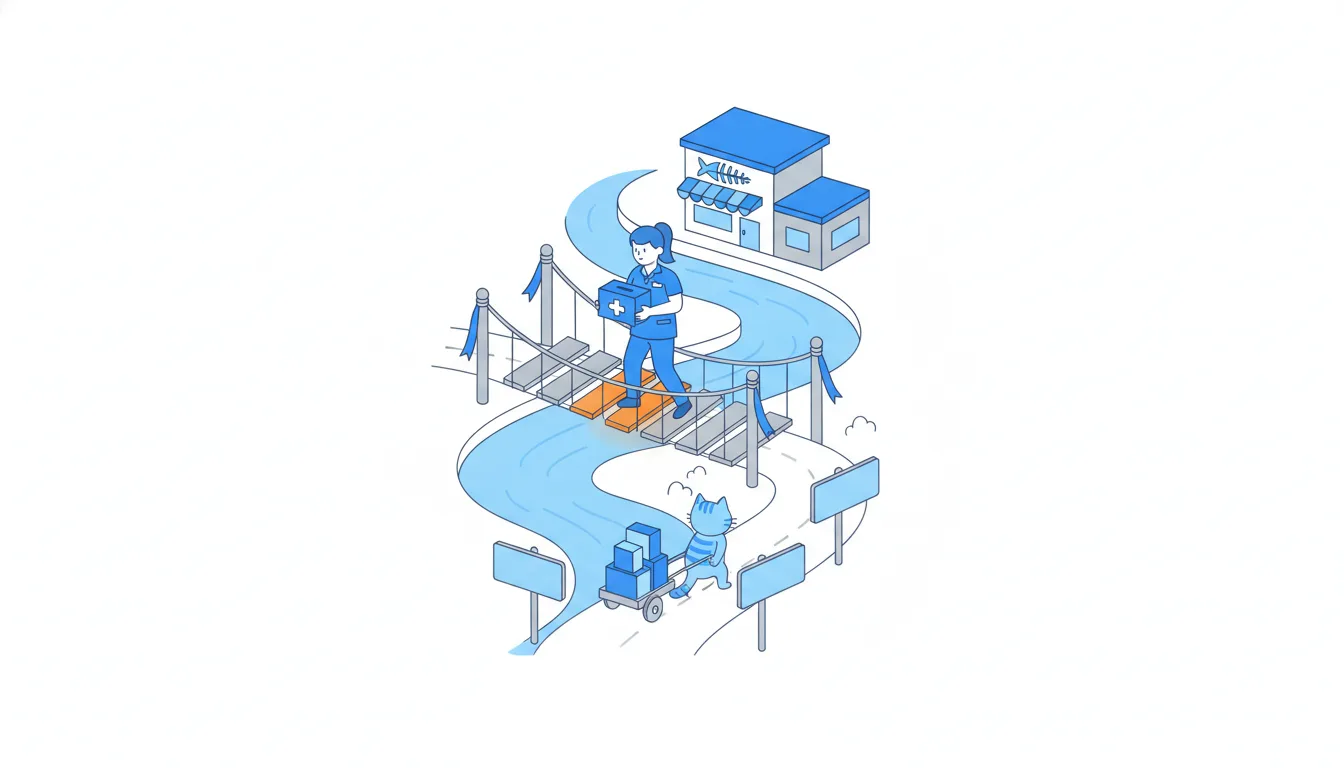
So rank pains by whether they break the journey, not by how often they come up or how easy they are to fix. Annoyances off the critical path, such as paper invoices or a few minutes on hold, are real and can wait their turn.
Once the critical path works, look again. Another step will become the weakest one, and that's your next priority. It can also be the gap a competitor walks through if you stop watching.
- DoSubtheme: “A prescribed diet is on the shelf when the vet prescribes it”
On the critical path: if it fails, nothing else matters.
- Don'tStart with emailed invoices because they are quick to fix
Easy isn't critical; the stock-outs stay untouched.
- Do“Reordering takes no phone call”
A narrower need, written as a result, under the clinic theme.
Job stories vs user stories
A theme says what should become true. A job story underneath shows why it matters, in the customer's situation: “When [situation], I want to [motivation], so I can [expected result].”
The familiar user story (“As a [user], I want to…, so that…”) starts from a persona. A job story starts from the moment instead, and the moment usually explains a need better than a description of who the person is. The same clinic admin wants very different things on a calm Monday morning and late on a Friday when a diet is running low.
A good job story passes three checks: a real, specific situation; a motivation in the customer's own words; a result they would recognize. And it names no solution. “I want a reorder button” has already picked the answer. “I want to reorder without a phone call” leaves the team free to compare an online form, automatic reorders or a portal.
Take the situations from evidence, such as interview notes, support calls and journey maps, not from imagination.
- Do“When a diet runs low late on Friday, I want to reorder it without a phone call, so I can be sure it's on the shelf on Monday.”
A real moment, a motivation and a result; no solution named.
- Don't“As a clinic admin, I want a reorder button in the portal.”
A persona plus a chosen feature: nothing left to compare.
System needs belong on the roadmap
Themes don't only come from customers: the product itself has needs. System needs, often called non-functional requirements, are what the product needs to keep working as it grows: reliability, speed, capacity, security. No customer will ever ask for a new warehouse system, yet without one the clinic theme can't grow past a couple of clinics without lost orders.
Treat the system as a special kind of customer. Its needs earn a place on the roadmap for the same reason customer needs do: something important fails without them.
Leaving them off doesn't make the work disappear. It only makes it invisible: it quietly competes for the same engineers, and when it finally surfaces, it looks like an unexplained delay. Stakeholders then wonder why “nothing is happening” on the themes they can see.
Place a system need under the theme that depends on it, or right next to it, written as the result it protects. Then the rule from module 2 applies: enabling work is judged by the key results it unlocks. That also explains why the year's biggest piece of work is on the page, though no customer asked for it.
- DoUnder the clinic theme: “Every clinic order is picked and delivered correctly, even at 80 clinics”
Visible, and linked to what it unlocks.
- Don'tKeep the warehouse work off the roadmap because customers didn't ask for it
The work still happens, only hidden and unexplained.
From a solution to a system need
Engineers usually name their big work as a solution: “replace the warehouse system”, “move to a new database”. On a roadmap, that hides why it matters. Climb one step up and ask: what must be true for the product to keep working as it grows? The answer is the system need.
For CatChow: “Every clinic order is picked and delivered correctly, even at 80 clinics.” Written this way, the need does three jobs. It shows people outside engineering what the work protects. It links straight to the key results it unlocks, such as fewer clinic stock-outs. And it leaves the team free to choose the best solution: a new system, a fix to the old one or a move in stages.
Avoid two shortcuts. Adding a date to the solution (“by March”) turns it into a promise without explaining it. Writing a technical preference (“a modern stack”) gives readers nothing to check. If you can't say what result the work protects, keep asking the engineers until you can.
- Do“Every clinic order is picked and delivered correctly, even at 80 clinics”
A result anyone can check, linked to the clinic key results.
- Don't“Replace the warehouse system by March”
A solution with a date: a promise, not a need.
- Don't“Move to a modern stack”
A preference; readers can't tell what it unlocks.
A theme with no objective
Sometimes a request climbs the why ladder and lands on a need that none of your objectives covers. A monthly cat photo contest climbs to more people hear about CatChow: acquisition. CatChow chose to keep subscribers and grow the clinic channel, so the contest maps to no objective. That doesn't prove the idea is bad; it shows it doesn't serve the current strategy.
You have three honest options. Reframe it, if it really does serve an objective. Leave it off with a one-line reason. Or ask whether an objective is missing, if several strong requests keep pointing the same way: a question for the strategy, not a back door for one idea. If you leave it off, say what would bring it back; module 4 turns that into a “not now” list.
How it fits together: A theme on the page is a need in customer words, linked to an objective, with subthemes on the critical path, a job story and candidate solutions beneath it. Next, Timeframes and the roadmap disclaimer decides when each theme gets attention.
- Do“It isn't on the roadmap because this year we're focused on keeping subscribers. If we set a goal for winning new customers, it's among the first ideas we'll look at.”
A reason and a way back.
- Don't“Let's put it in Later for now.”
Sounds kind, but reads as a promise nobody made.
- Don'tRename it “a community for loyal subscribers” so it fits retention
Bending the words hides the real aim.
Ready to practise?
Answer the lesson's exercises and earn 250 points the first time you finish it.
Start the exercises