

Theory
Anatomy of a product roadmap: five components and an example
The five parts every useful roadmap needs (product vision, business objectives, themes, timeframes and a disclaimer), what each one does, and a product roadmap example: Sofia's first one-page roadmap for CatChow, plus a fill-in template.
~10 min read · 11 exercises · 250 points
Before you start
One page for Ian
Back at CatChow, and it's Thursday. Ian's roadmap is due tomorrow, and you and Sofia already have the outcomes, the clinics' needs and the churn problem. What you still don't have is the page itself: what goes on it, and in what order.
In this lesson you'll go through the five parts every useful roadmap needs, see what each one tells the reader, and finish with a one-page example for CatChow and a template you can reuse.
Five components, one story
There's no single roadmap template, but every useful roadmap tells the same short story: where we're going, how we'll know we're getting closer, what has to be true, in what order, and a reminder that it will change. Five essential components carry that story, and each answers one question a reader brings to the page:
- Product vision: where are we going, and who benefits?
- Business objectives: how will the company know it's working?
- Themes: what has to be true for customers to get us there?
- Timeframes: what comes first, and what can wait?
- Disclaimer: how firm is this plan?
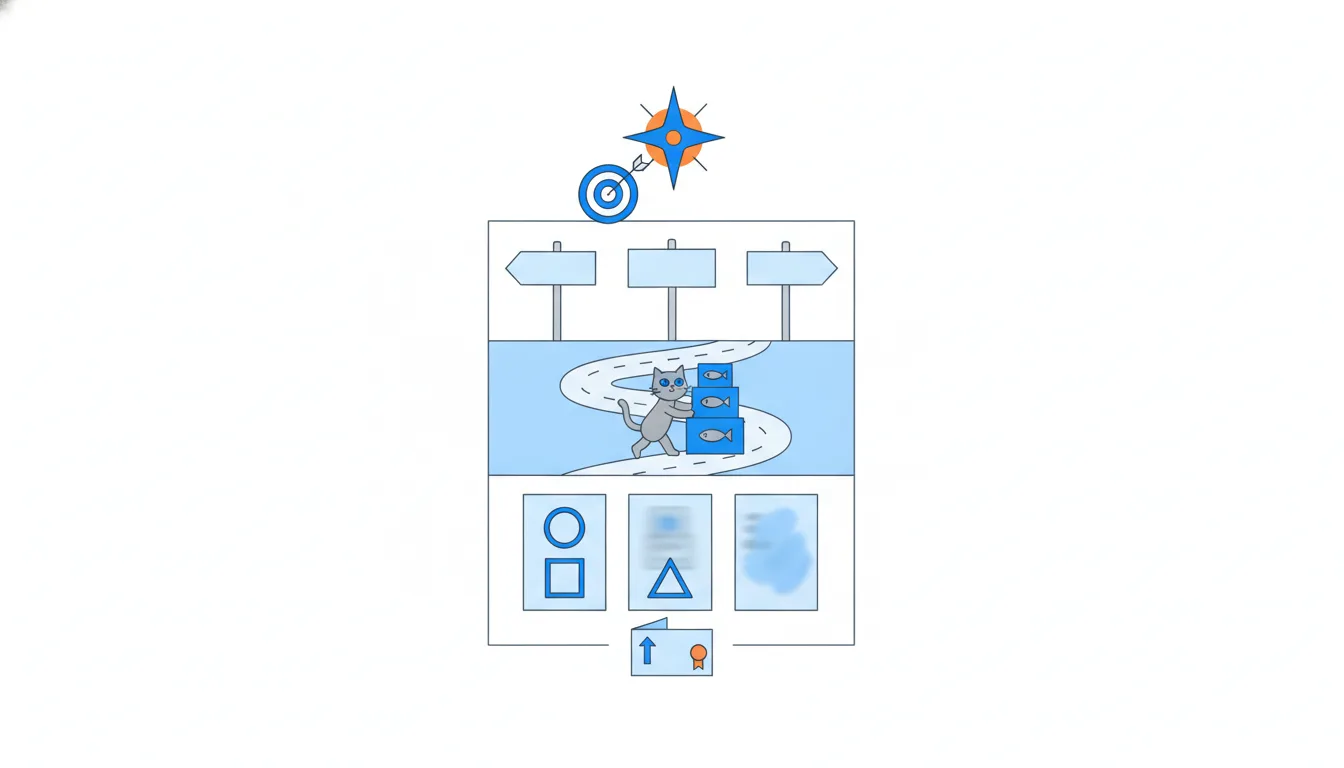
Leave one out and the story has a hole. Without a vision, themes have nothing to point at. Without objectives, nobody knows why the work is worth funding. Without themes, the page falls back to a feature list. Without timeframes, readers can't tell what's urgent. Without a disclaimer, every line becomes a promise.
All five fit on one page: a reader should be able to follow the whole story in a couple of minutes, without a meeting.
- DoVision → two objectives → four themes in Now / Next / Later → a dated disclaimer, all on one page.
The whole story, readable in two minutes.
- Don'tThemes and timeframes, but no vision or objectives above them.
Nobody can tell why these themes and not others.
The top of the page: vision and objectives
The top of the page holds the two components that explain everything below them.
The product vision is the future the product is working towards: who benefits and how their life is different. A first draft for CatChow: “cat owners never have to think about running out of the right food”. Everything else on the page traces back to it.
The business objectives are the measurable results the company expects from the product. They explain why the roadmap is worth funding. Ian, the CEO, names two for next year: subscription revenue, which means fixing churn, and the vet clinic channel. Two or three objectives are plenty; ten objectives means no priorities.
A vision has no number; an objective does. Module 2 builds both properly: where they come from, how to word them and how to measure them.
- DoObjective: “Grow subscription revenue by cutting monthly churn from 9% to 6%.”
A measurable result for the company.
- Don'tObjective: “Reorder reminders by email and push.”
A feature, not a result.
- Don'tTen objectives on one page, each “top priority”.
Ten priorities means none.
Themes: what has to be true
The outcomes from the spreadsheet go into themes. A theme answers: what would have to be true for us to reach the vision and hit the objectives? It's a customer need or problem phrased as a result, not as a solution.
Dataset · 40 rows
CatChow's request spreadsheet
The 40 feature requests from sales, support and the founders that the product team starts the course with, in the order they sit in the spreadsheet. Synthetic data made for this course.
First 5 of 40 rows
For CatChow: “Subscribers never run out between deliveries.” “Clinics restock prescription diets without phoning us.” “New owners pick the right food on their first order.” Each gathers many possible features under one need.
The features from the spreadsheet become candidate solutions under a theme, if they appear at all. Reminders, one-click reorder and flexible delivery dates all sit under “never run out”, and the team chooses among them later. Dark mode, loyalty points or a payment migration are solutions, not themes; if they matter, they belong under a theme.
Two rules. Every theme should support at least one business objective: a theme that serves none is a hobby. And write it in the customer's words: if a clinic director wouldn't recognize the problem, the theme is written from your side, not theirs. Module 3 shows how to find themes in customer needs and fill them with candidate solutions.
- Do“Clinics restock prescription diets without phoning us.”
A need phrased as a result, linked to the clinic objective.
- Don't“Loyalty points program in Q2.”
A solution with a date, not a theme.
Timeframes instead of dates
Timeframes replace dates with broad buckets: quarters, halves, or Now / Next / Later. The order alone tells people what matters first.
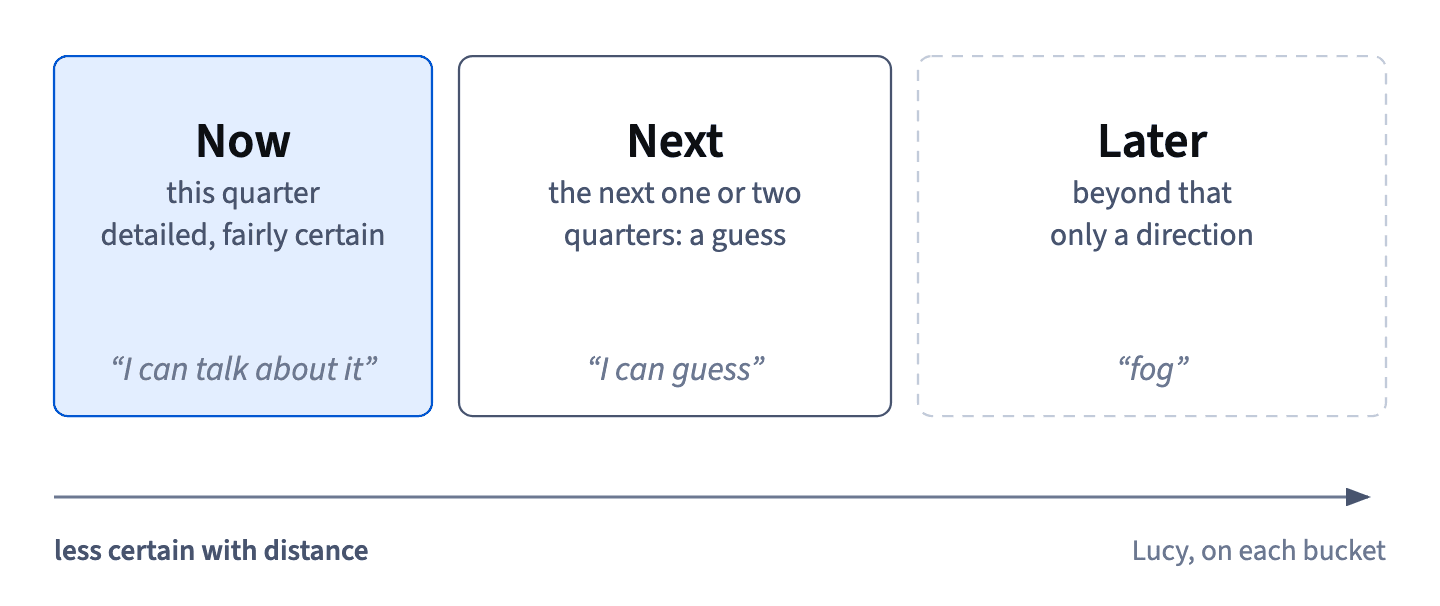
The buckets get wider and fuzzier with distance, because certainty does too. CatChow's tech lead, Lucy, puts it in three lines: Now she can talk about, Next she can guess, Later is fog. So Now is detailed and fairly certain, and Later is only a direction. That's honest: it matches what the team actually knows.
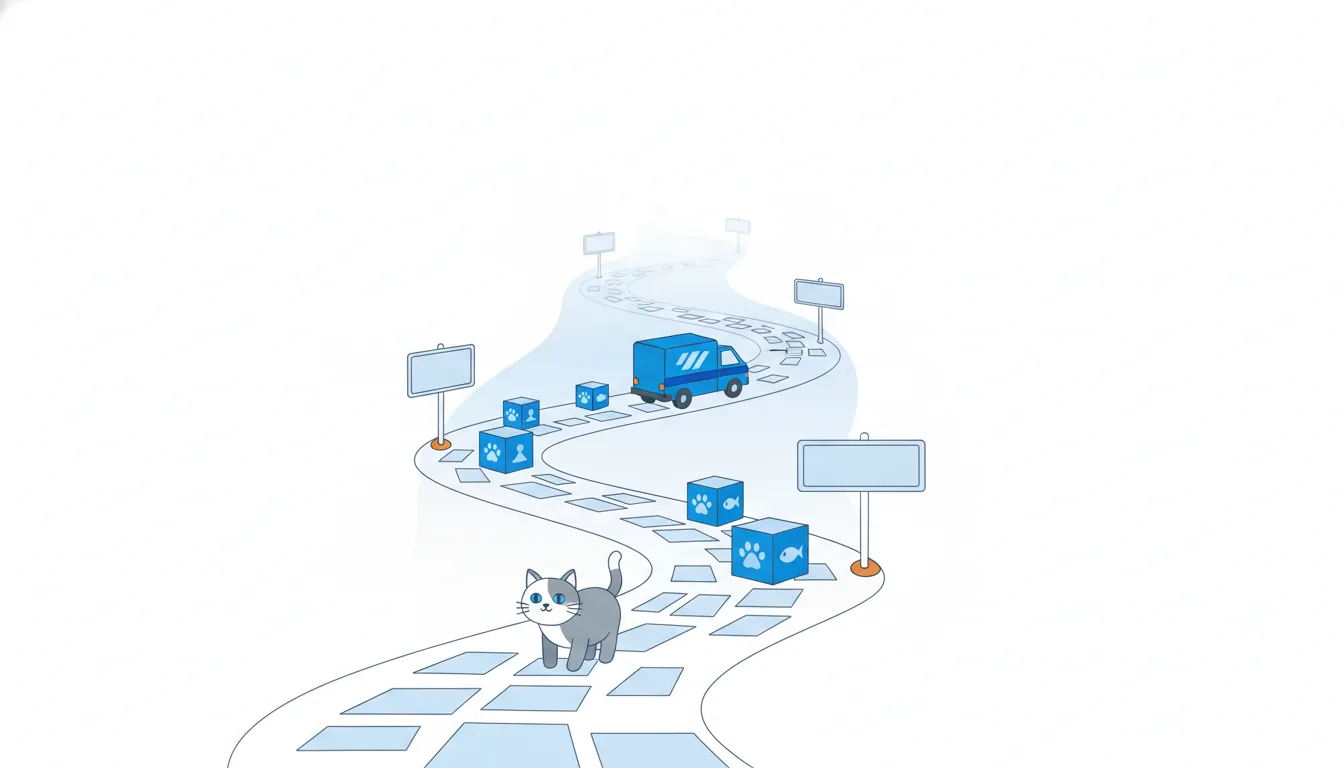
Readers will still ask what Now means in the calendar, so say it on the page: for example, Now is this quarter, Next is the following one or two, Later is beyond that.
A date next to “subscribers never run out” is a guess about when a problem will be solved, and readers will treat it as a promise. Exact dates belong only to hard external events that won't move whatever the team learns, such as a conference whose date the organizers set. Module 3 shows how to put them on the page.
- Do“Now = this quarter. Next = the following one or two. Later = beyond, direction only.”
Buckets defined on the page.
- Do“Now (October–December): subscribers never run out between deliveries.”
The bucket says what it means in the calendar.
- Don't“Subscribers never run out between deliveries: 12 March.”
A guess about solving a problem, read as a promise.
The disclaimer
A disclaimer says plainly that this is the current plan and that it will change as the team learns. It looks like legal small print, but it does real work: it protects the team from “but you promised”, and it warns readers not to bet their own plans on Later.
Is it only for roadmaps customers see? No. Internal readers turn roadmap items into promises too: sales quotes them to clients, other teams plan their quarters around them. A short internal disclaimer with the date of the last update keeps everyone reading the page as a plan that will change.
For an internal roadmap, a date and one honest sentence are enough. A version for clients, such as PurrPoint's clinics, needs firmer wording, and a public company would check it with its lawyers. Brandon, the key account manager, may want to show the internal page to a client straight away, but each audience gets its own version with its own disclaimer; module 3 covers those versions.
- Don'tAn internal roadmap with no date and no note about change.
Sales will quote it as a promise.
- Do“Updated 2 October. Our current plan, not a commitment; Next and Later will change.”
Short, dated, honest: enough for internal readers.
A disclaimer people actually read
Lucy has one request: make the disclaimer something people actually read, not grey text nobody notices. A disclaimer only works if readers see it before they start quoting dates.
Four habits make it work:
- Put it where everyone sees it, near the top or right next to the timeframes, not in a footer.
- Keep it human. Plain words beat legal phrases: readers should hear the team talking.
- Date it. “Updated 2 October” tells readers how fresh the plan is.
- Say how often it's reviewed. A monthly review tells people the roadmap is alive and when to come back for news.
A simple structure covers it: say what the page is (our current plan, based on what we know today), what it isn't (a commitment to specific features or dates) and when it changes (reviewed every month; Next and Later will move). Three short sentences are usually enough. “Subject to change” in small print technically says the same thing and practically says nothing.
- Don'tSubject to change. (grey, 8pt, in the footer)
Technically there, practically invisible.
- Do“Updated 2 October. This is our current plan, not a promise of features or dates. We review it monthly; Next and Later will change.”
What it is, what it isn't, when it changes.
Optional extras, and what stays off
Beyond the five essential components, a roadmap can carry optional extras: likely features, stage of development, confidence, target customers, product areas. They're useful, but add them only when a particular audience needs them. Lucy, the tech lead, will want features, statuses and confidence levels; a client version may want none of them.
Some information isn't part of the roadmap at all, even though people will expect you to know it: project schedules, budgets, architecture. It lives in other documents, such as the release plan, the project plan or the technical design, and you can link to them.
Why so strict? A roadmap overloaded with extras starts to read like a project plan again, and the whole point was to escape one. Every column you add is something readers will hold you to, and something you'll need to keep up to date.
So the rule is: five essential parts always, extras on demand, and schedules and budgets in their own documents. Module 3 shows which extras serve which reader.
- DoAn engineering view of the same roadmap adds stage of development and confidence for each theme.
An extra added because this audience needs it.
- Don'tEvery version carries task owners, budgets, sprint numbers and the database schema.
A project plan sneaking back in.
Checking the chain
Before the page is final, check the chain. Take any item and walk up: which theme is it under, which objective does that theme serve, and how does that lead to the vision?
For CatChow the chain runs from broad to concrete:
- Vision: cat owners never have to think about running out of the right food.
- Business objective: grow subscription revenue by cutting monthly churn from 9% to 6%.
- Theme: subscribers never run out between deliveries.
- Candidate feature: reorder reminders.
- Release plan item: reminder emails ship in release 12.
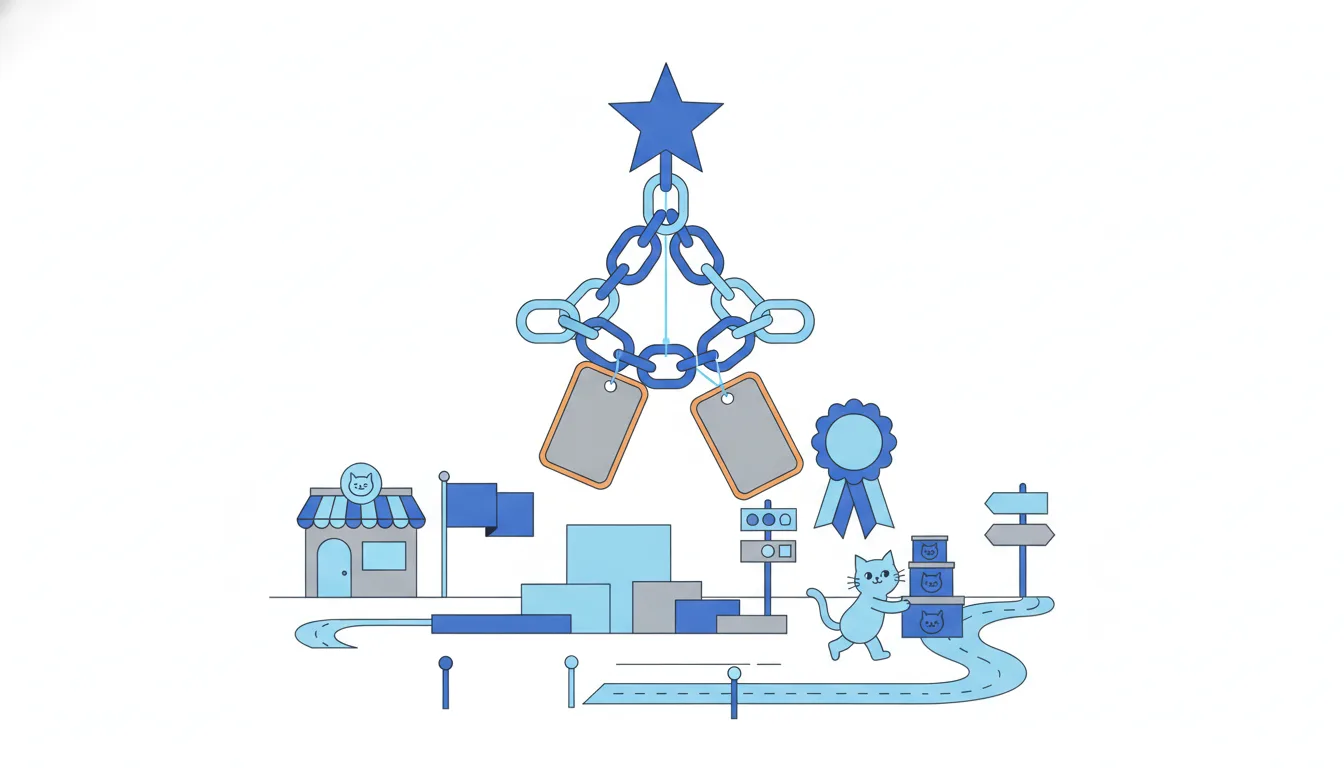
Each level answers “how?” for the one above it and “why?” for the one below. The first three belong on the roadmap, the feature only as an example under its theme; the release item belongs in the release plan. An item with no theme, like dark mode, stays in the spreadsheet with one line saying why.
Dataset: CatChow's request spreadsheet · shown above
How it fits together: the chain is the five components read from top to bottom, with timeframes setting the order and the disclaimer keeping it honest. Next, Gathering inputs opens module 2: where the vision and the objectives come from.
- Do“Reminders → never run out → churn 9% to 6% → owners never worry about food.”
Every link holds.
- Don't“Dark mode → …?”
No theme, no objective: leave it off and say why.
Ready to practise?
Answer the lesson's exercises and earn 250 points the first time you finish it.
Start the exercises