

Theory
Icons, colours and checks: what every GitHub state means
Read pull request status, issues, GitHub checks, reviews, labels and the merge box at a glance: what every icon and colour means, merged vs closed, and how to tell states apart by shape and text, not colour alone.
~12 min read · 12 exercises · 250 points
Before you start
A minute with the list
Another morning on CatChow's product team, and Daniel is about to merge #134. Before he does, you open the repository's Pull requests tab and just look at the list for a minute: icons, colours and small marks next to each title.
In this lesson you'll learn to read every GitHub state at a glance, from pull requests and issues to checks, reviews, labels and the merge box, and to tell states apart by shape and text, not by colour alone.
Pull request status at a glance
In the repository's Pull requests list, every row starts with an icon: the pull request status. As of 2026 there are four, and each has its own shape as well as a colour:
- Open: the pull request icon, two dots joined by lines with an arrow. Green. Waiting for review or merge.
- Draft: the same icon with a dashed line. Grey. Work in progress; it can't be merged.
- Merged: two lines joining into one. Purple. The changes are in the base branch.
- Closed: the pull request icon with a small cross. Red. Shut without merging; nothing reached the code.
Fix checkout button after cart edits#134
by Daniel · Approved · checks passed · bug, checkout
Add autumn sale banner#136
by Emma · Draft · content
Bump image-optimizer from 2.3.0 to 2.4.1#137
by dependabot · Review required · 1 check failed · dependencies
The small mark next to each title is something else: the combined result of its checks.
By default the list shows only Open. Merged and closed pull requests sit together under Closed, right next to it. Some rows come from bots: Dependabot, for example, opens a pull request whenever a library the site uses gets a new version. In a terminal, gh pr list --state merged lists only the merged ones.
- Do“#133 is merged; #127 was closed without merging.”
Reads the shape and names the state.
- Don't“Where did #133 go? It's not in the list, so it was dropped.”
The list shows
Openby default; merged ones are underClosed.
The Closed tab holds two different endings
The Closed view of the pull request list is easy to misread. It holds every pull request that is no longer open, and that means two very different endings:
- Merged: the merge icon, two lines joining. The changes are in the base branch. At CatChow, a merge into
mainis on the site within minutes. - Closed without merging: the pull request icon with a cross. Someone shut it, and nothing from it reached the code. An experiment that didn't pan out, a duplicate, or work replaced by a better pull request.
So “it's under Closed” tells you only that the pull request is finished, not how it finished. Read the icon on each row, not the tab name.
For a PM this matters whenever you report. “Five pull requests closed this week” could mean five shipped changes or five abandoned ones. Count merged and closed separately, and name each: “#132 and #133 merged, #127 closed without merging.” If you need just one kind, filter: is:merged or is:unmerged in the search box above the list.
- Do“This week: #132 and #133 merged, #127 closed without merging.”
Two endings, counted apart.
- Don't“Three pull requests closed this week, nice progress.”
Mixes shipped and abandoned work.
Shape first, colour second: say states in words
Colour alone is a weak signal. In bright sun on a phone, purple and grey look almost the same. About 1 in 12 men and 1 in 200 women see some colours differently, most often red and green. And GitHub's appearance settings include colour-blind friendly themes that swap red and green for other colours, so a colleague's screen may not match yours at all.
That's why GitHub pairs every state colour with a shape and a word: a tick, a cross, a dashed line, two lines joining; “Merged”, “Draft”, “Closed”. Read those first.

The same habit applies when you write or speak about states. Name them:
- “#133 is merged.”
- “#136 is still a draft.”
- “#138 was closed as not planned.”
Never “the purple one” or “the grey one”. A colour word forces the reader to see what you see, and some of them can't. A state word works for everyone, on every screen and in every theme, and it still makes sense when read out loud at a meeting.
- Do“#136 is still a draft; Emma hasn't asked for reviews yet.”
A state word anyone can read.
- Don't“The grey one is Emma's, the purple ones are done.”
Depends on screen, theme and eyesight.
Issue states: shipped or dropped
Issues have their own icons, and they're all circles, which tells them apart from pull requests at a glance. As of 2026:
- Open: a circle with a dot in the middle, green.
- Closed as completed: a circle with a tick, purple. The work is done. Purple means “finished” here, just as on a merged pull request.
- Closed as not planned: a circle with a slash, grey. The team decided against it.
Checkout button stays grey after editing cart#131
opened by support · bug, checkout · linked pull request #134
Test an orange checkout button#135
opened by Daniel · idea
Courier rates up from 1 June#120
Closed as completed
Show prices in euros#138
Closed as not planned
When someone closes an issue, GitHub asks for the reason, and the icon follows it. A team that decided not to show prices in euros closes that idea as not planned instead of pretending it was done. From a terminal: gh issue close 138 --reason "not planned". GitHub also offers “duplicate” as a reason.
For a PM the difference is the difference between shipped and dropped. Both issues are closed, but only one means someone did the work. When you report on issues, never count the two together. And remember that a purple merged pull request and a purple completed issue share a colour but not a shape.
- Do“#131 closed as completed, #138 closed as not planned.”
Shipped and dropped, kept apart.
- Don't“Two issues closed this week, both done.”
One of them was never built.
GitHub checks at a glance
GitHub checks are the automated runs GitHub shows on every commit of a pull request: building the site, running the tests, deploying a preview. A team can make some of them required status checks, so a pull request can't merge while one of them fails.
Each check reports one of four results (as of 2026):
- a circle with a tick, green: passed;
- a circle with a cross, red: failed;
- a dot, yellow: queued or still running;
- grey, often a circle with a slash: skipped or neutral; the check didn't run or gave no verdict.
build
Successful
test
Failing: 1 test on product images
preview
Skipped: no previews for dependency updates
The small mark next to a pull request's title in the list sums up all its checks: one red cross means at least one check failed. Open the pull request, or run gh pr checks 137, to see which one.
Read the result for what it is: a statement about that branch. A red cross on Dependabot's #137 means its library update broke a test on its own branch. The live site, built from main, is fine.
- Do“
testfailed on #137's branch; the live site is unaffected.”Places the failure where it is.
- Don't“The yellow dot means the check passed with warnings.”
Yellow means queued or still running.
Skipped is not passed
A grey, skipped check is the sneakiest result on the page. It looks calm, it isn't red, and as of 2026 a skipped job doesn't block the merge, even when that check is required. GitHub treats it as “nothing to complain about”.
But skipped means the check didn't run. Nobody built that preview, nobody ran those tests. It's like a checkpoint with an empty booth and a raised barrier: cars get through, and nobody looked inside.
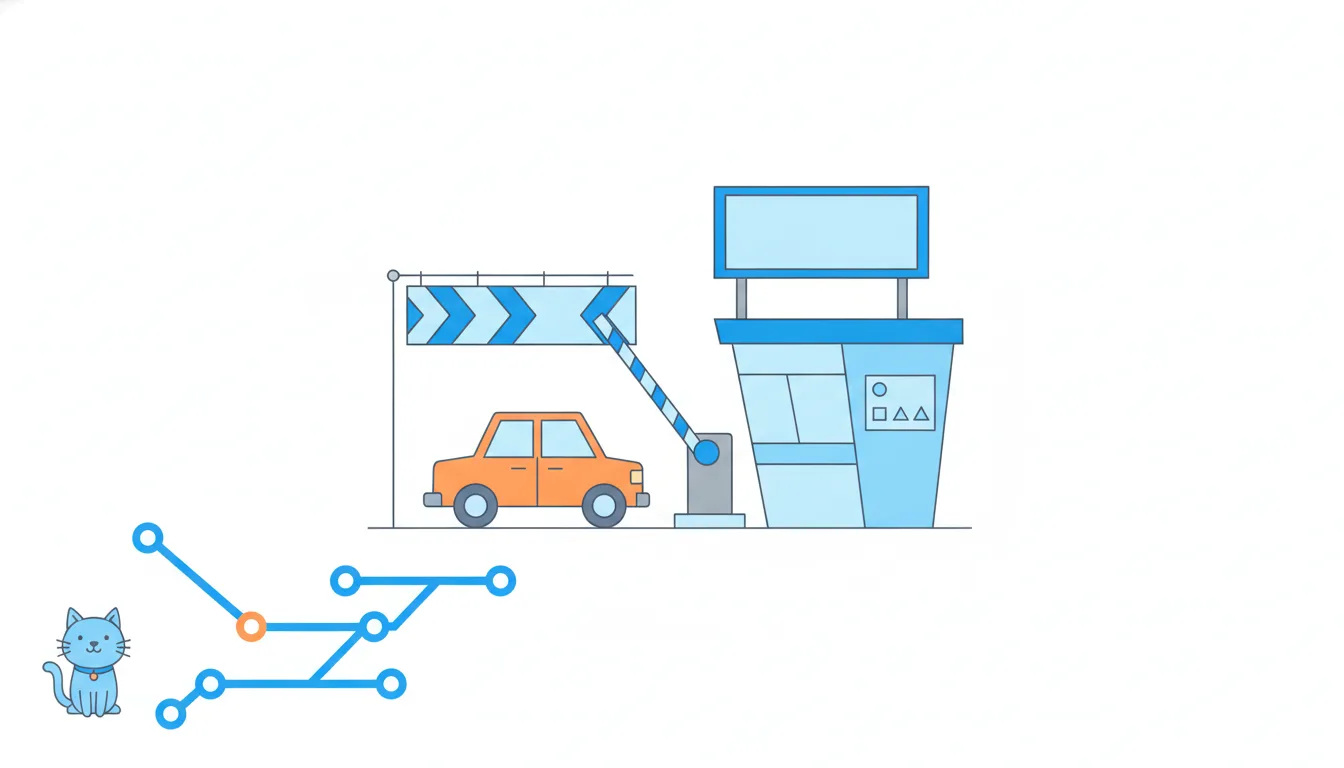
Checks get skipped for ordinary reasons: a workflow runs only when certain files change, a bot's pull request doesn't get secrets, or a job depends on another one that failed. On Dependabot's #137, preview was skipped, so there's no preview link to click through.
GitHub view · shown above
What this means for a PM:
- Don't report a skipped check as “all green”.
- If the skipped check covers what you need to review (the preview, say), ask why it didn't run before you approve.
- In a status update, say it plainly: “
testfailed,previewwas skipped”.
- Do“
previewwas skipped on #137, so nobody has seen the update in a browser yet.”Treats skipped as “not tested”.
- Don't“No red on
preview, so that part is fine.”It didn't run at all.
Review decisions and their icons
Reviews have icons too. On the pull request page they sit next to each reviewer's name in the sidebar (as of 2026):
- a tick: approved, this can be merged;
- a file with a plus and a minus: changes requested, something must change first;
- a speech bubble: commented, feedback without a verdict;
- a small dot: the review was requested and is still waiting; that person hasn't reviewed yet.
Approved
A tick: the reviewer says it can be merged
Changes requested
A file with plus and minus: changes are needed first
Commented
A speech bubble: comments, no verdict
In the pull request list, each row sums the reviews up in words: “Review required” (no approving review yet), “Approved” or “Changes requested”. A Dependabot pull request that nobody has looked at says “Review required”.
Two things to keep in mind. A comment is not an approval: a reviewer who only asked questions hasn't said “yes”. And a waiting dot next to your own name means someone is blocked on you. A quick filter for that: review-requested:@me in the pull request search, or gh pr list --search "review-requested:@me" in a terminal.
- Do“Oscar approved, Sofia commented with a question; no verdict from Sofia yet.”
Tells a comment apart from an approval.
- Don't“Two reviewers have responded, so it's approved twice.”
A speech bubble isn't a tick.
Labels: the team's colours
Labels are the one place where colour means nothing on GitHub's side. Whoever creates a label picks its colour. New repositories start with a few defaults, such as a red bug, but a team could make bug pink tomorrow, and a blue label is blue only because someone chose blue.
So keep two things apart:
- the state comes from the icon on the left of the row: open, draft, merged, closed;
- the label says what the item is about:
bug,checkout,content,idea,dependencies.
A red bug label on an open pull request is simply an open pull request about a bug. It doesn't mean urgent, failed or blocked. A blue dependencies label doesn't mean the checks passed or that the pull request is waiting for review. Some labels are added automatically: Dependabot puts dependencies on its own pull requests.
A small label set is easier to read than a big one. Five labels the whole team understands beat fifty in twelve colours. To filter by one: gh pr list --label bug.
- Do“#137 is open; it's labelled
dependenciesbecause it updates a library.”State from the icon, topic from the label.
- Don't“It's red, so it must be urgent.”
Label colours are the team's choice, not a status.
The merge box, top to bottom
At the bottom of Conversation, the merge box says what still stands between the pull request and a merge. As of 2026 it can show:
- Review required: no approving review yet. Blocked.
- Changes requested: a reviewer asked for changes. Blocked.
- Some checks were not successful: a check failed. Blocked if that check is required.
- Some checks haven't completed yet: checks are running. Wait.
- This branch is out-of-date with the base branch: when the rules require an up-to-date branch, press
Update branch. - This branch has conflicts that must be resolved: someone has to resolve them first.
- All checks have passed and no conflicts, plus an approval: the merge button turns green.
Update branch merges the base branch into the pull request's branch (in a terminal, gh pr update-branch 134). That's a new commit, so the checks start again, now testing the change together with everything that reached main since. The exact wording drifts from year to year; the meaning doesn't.
f02a6d4Update FAQ answers3a9d1c4Reproduce bug in a test8be2f70Add cat treats bundleb7e4a05Re-enable button after cart edits6f2c8a1Raise free-delivery threshold to 1000 UAH (#133)a7d93e4Rewrite delivery page copy (#132)mainc2d7f90Update checkout hint copyf7a2b61Restore checkout button colour9e3b5d2Merge branch 'main' into fix/checkout-buttonfix/checkout-button
Commit graph, oldest first: fix/checkout-button after Update branch 1. commit f02a6d4 on main "Update FAQ answers" 2. branch fix/checkout-button starts from commit f02a6d4 3. commit 3a9d1c4 on fix/checkout-button "Reproduce bug in a test" 4. commit 8be2f70 on main "Add cat treats bundle" 5. commit b7e4a05 on fix/checkout-button "Re-enable button after cart edits" 6. commit 6f2c8a1 on main "Raise free-delivery threshold to 1000 UAH (#133)" 7. commit a7d93e4 on main "Rewrite delivery page copy (#132)" 8. commit c2d7f90 on fix/checkout-button "Update checkout hint copy" 9. commit f7a2b61 on fix/checkout-button "Restore checkout button colour" 10. merge commit 9e3b5d2: main merged into fix/checkout-button "Merge branch 'main' into fix/checkout-button" (highlighted)
- Do“#134 is out of date; Daniel pressed
Update branchand the checks are running again.”Reads the message and the next step.
- Don't“Two approvals and green checks, so the merge button must work.”
An out-of-date branch can still block it.
Merged vs closed, and what happens after a merge
Keep the two endings of a pull request apart. A merged pull request brought its commits into the base branch. A closed one was shut without a merge, and nothing from it reached the code. Both sit under Closed in the list, so read the icon, not the tab.
At CatChow, a merge of #134 into main sets off a chain:
- With
Squash and merge,maingets one commit: “Fix checkout button after cart edits (#134)”. - The closing keyword
Fixes #131closes issue #131 as completed: a circle with a tick. - The merged branch is deleted automatically, a repository setting the team switched on.
- The deploy starts. “Merged” becomes “live” only when it finishes, within minutes; then it's worth one look at the live site on a phone.
Fix checkout button after cart edits#134
Merged into main as d51c7e8
Checkout button stays grey after editing cart#131
Closed as completed by #134
And the three questions to ask about any merge: merged into what, when, and is it still there? For #134: main, 9:40, and yes, nobody has reverted it.
- Do“#134 merged into
mainat 9:40, #131 closed as completed, live after the deploy.”Into what, when, and what follows.
- Don't“#127 is under Closed, so it shipped.”
Closed without merging means nothing shipped.
Ready to practise?
Answer the lesson's exercises and earn 250 points the first time you finish it.
Start the exercises