

Back to course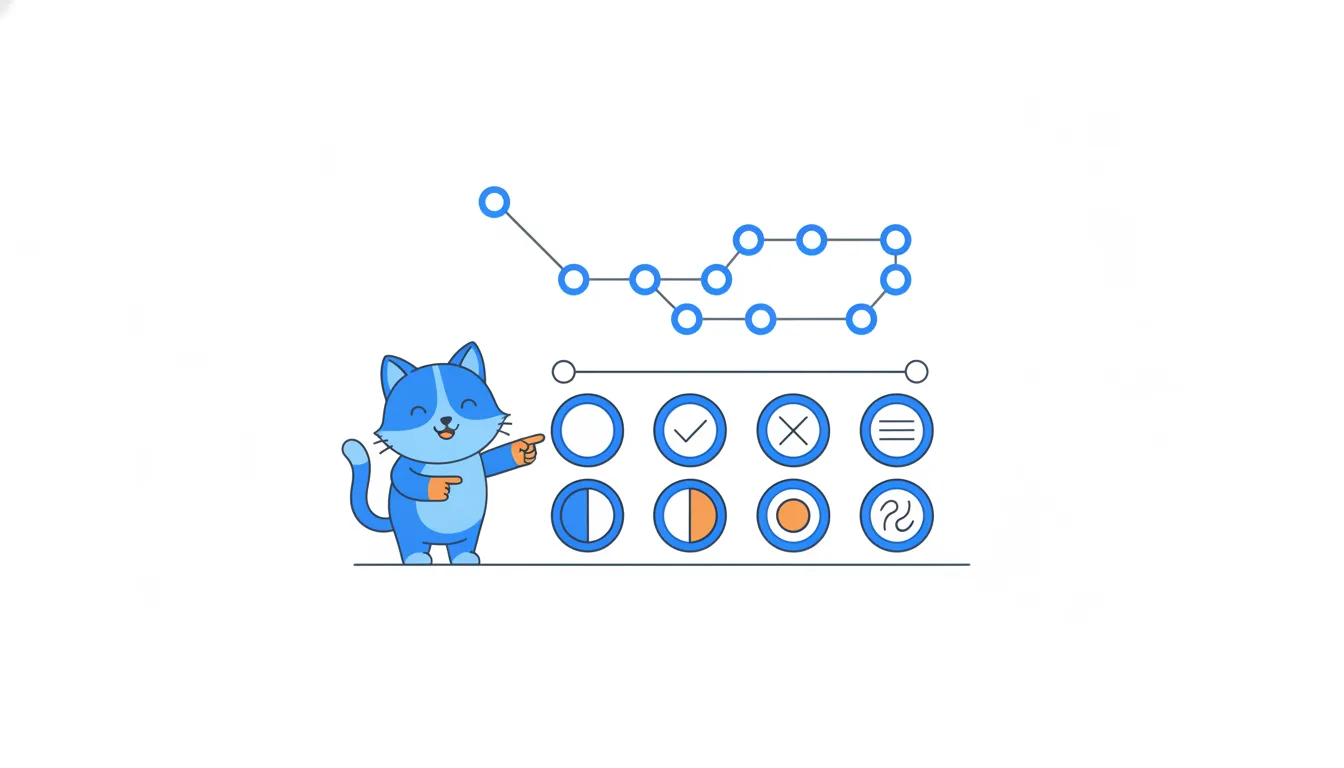
Icons, colours and checks: what every GitHub state means
Read pull request status, issues, GitHub checks, reviews, labels and the merge box at a glance: what every icon and colour means, merged vs closed, and how to tell states apart by shape and text, not colour alone.
Lesson 9 of 15~45 min of learningIncludes ~26 min for questions and tasks
Read the theory (10 cards)