

Theory
Releases without fear: rollback and feature toggles
A module case: a late-night release goes wrong, and the habits that limit the damage: small releases, a quick rollback, a feature toggle for anything new and a calm apology.
~9 min read · 10 exercises · 250 points
Before you start
17 April, 23:40
GarageDesk has been live for six weeks. Late on Thursday night Nina released new reminder templates, and something went wrong: one shop's car owners got a second reminder just before midnight, and the owner called Oscar within minutes. Nina rolled back quickly, but the night isn't over yet.
This case closes the module. You'll look at what limited the damage and what made it bigger, and at the habits that make releases calm: small changes, a quick rollback, switches for anything new and an honest apology.
A way back, one command away
Every release can go wrong. What decides the damage is how fast you can undo it. On 17 April a new release made GarageDesk send that day's reminders a second time: 140 of Greg's car owners got a duplicate just before midnight. Six minutes after Greg's call, Nina had redeployed the previous version and the sending stopped.
That only worked because a rollback was ready: the previous version could go back with one command, rehearsed and boring. Without it, Nina would have been debugging at midnight while messages kept going out.
The rule that follows: never release what you can't undo. Before a release, know exactly how you'd put the previous version back, and make database changes reversible.
After the rollback comes the second half: telling customers. Do it fast, honest and specific: what broke, that it's fixed, and what changes so it won't repeat. No excuses, no blaming a provider. A bug handled well can build more trust than a quiet month; Greg stayed.
- DoBefore each release: "If this goes wrong, I redeploy version 41 with one command."
- Don't"If it breaks, I'll figure out a fix on the spot."
Debugging at midnight while the damage keeps growing.
Small releases, one change at a time
Nina's release on 17 April carried three weeks of work: new templates, a faster car-entry form and a change to how the day's sending list is built. When the duplicates appeared, any of the three could have been the cause.
That's the hidden cost of big releases. They pile up changes nobody can check together, and when something breaks you start by guessing. Customers also find everything different at once.
The alternative is to release small changes often, ideally one change per release:
- each release carries little risk;
- if something breaks, the cause is obvious: it's the one thing that changed;
- undoing it undoes one change, not three weeks of work.
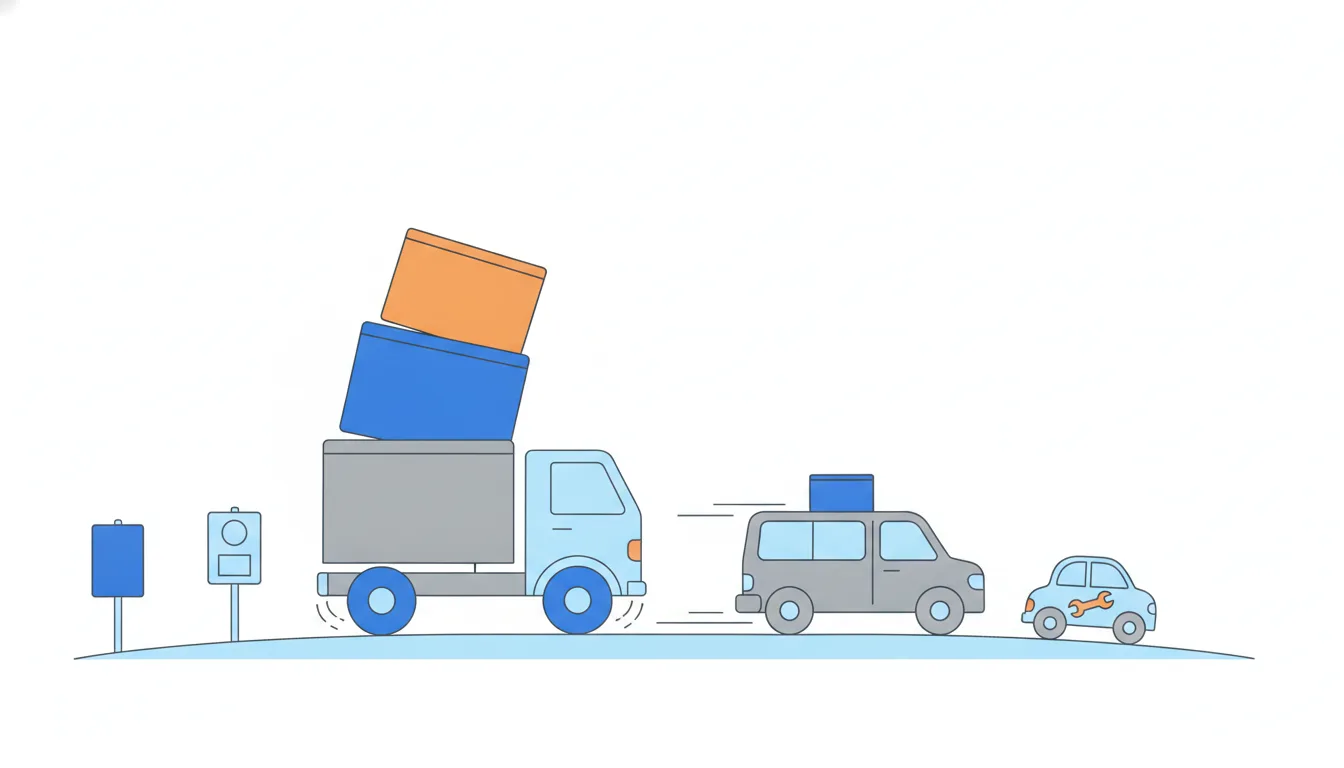
It feels backwards: more releases sound like more chances to break something. But the total amount of change is the same. Releasing it in small pieces doesn't add risk; it splits it into parts you can see, check and undo one by one.
- DoMonday: templates behind a switch. Wednesday: the faster form. Next week: the sending list change.
- Don'tOne release with templates, the form and the sending list after three weeks.
When it breaks, three suspects and no quick answer.
Switch it off without a release
The point of a feature toggle shows up on the day something looks wrong. If Dennis's car owners start replying "what is this number?" to the new templates, Nina doesn't need a new release, a rollback or a late-night fix. She flips the switch off for Dennis's shop, and the old templates are back in seconds.
That's different from a rollback in two ways:
- it touches one feature, not the whole release, so the faster car-entry form or any other change stays in place;
- it touches one shop, not every customer, because the switch is per shop.
Then comes the calm part: find out what confused people, fix it, and switch it on for Dennis again before anyone else.
Two wrong reactions are common. Leaving the feature on "to collect more feedback" turns a small surprise into a bigger one. Switching it on for everyone "to see if it's just Dennis" spreads the problem to every shop. The switch exists precisely so you don't have to choose between those.
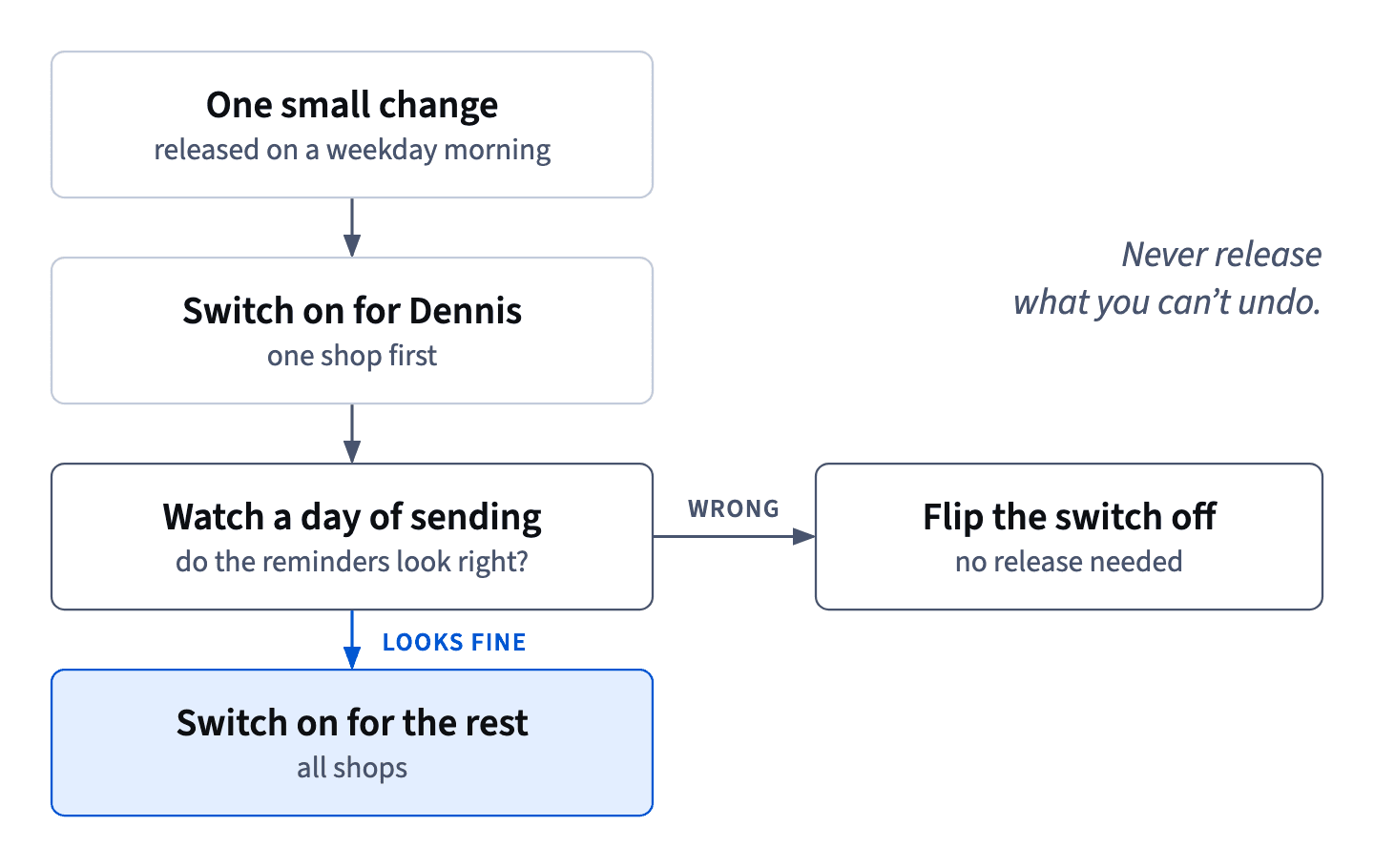
- DoCar owners are confused → switch the templates off for Dennis → fix → switch on for Dennis again.
- Don'tSwitch the templates on for every shop to see whether it's only Dennis's car owners.
Spreads the problem instead of containing it.
Rolling out behind a feature toggle
A feature toggle is an on/off switch for a new feature, here per shop. It separates two moments that are usually glued together: releasing the code and turning the feature on.
A safe rollout of the new reminder templates goes like this:
- release the code with the templates switched off for every shop, so the release itself changes nothing anyone can see;
- switch them on for one shop (Dennis likes being first);
- watch a full day of sending and the car owners' replies;
- switch them on for the other shops;
- once stable, remove the switch and the old templates, so dead paths don't pile up in the code.
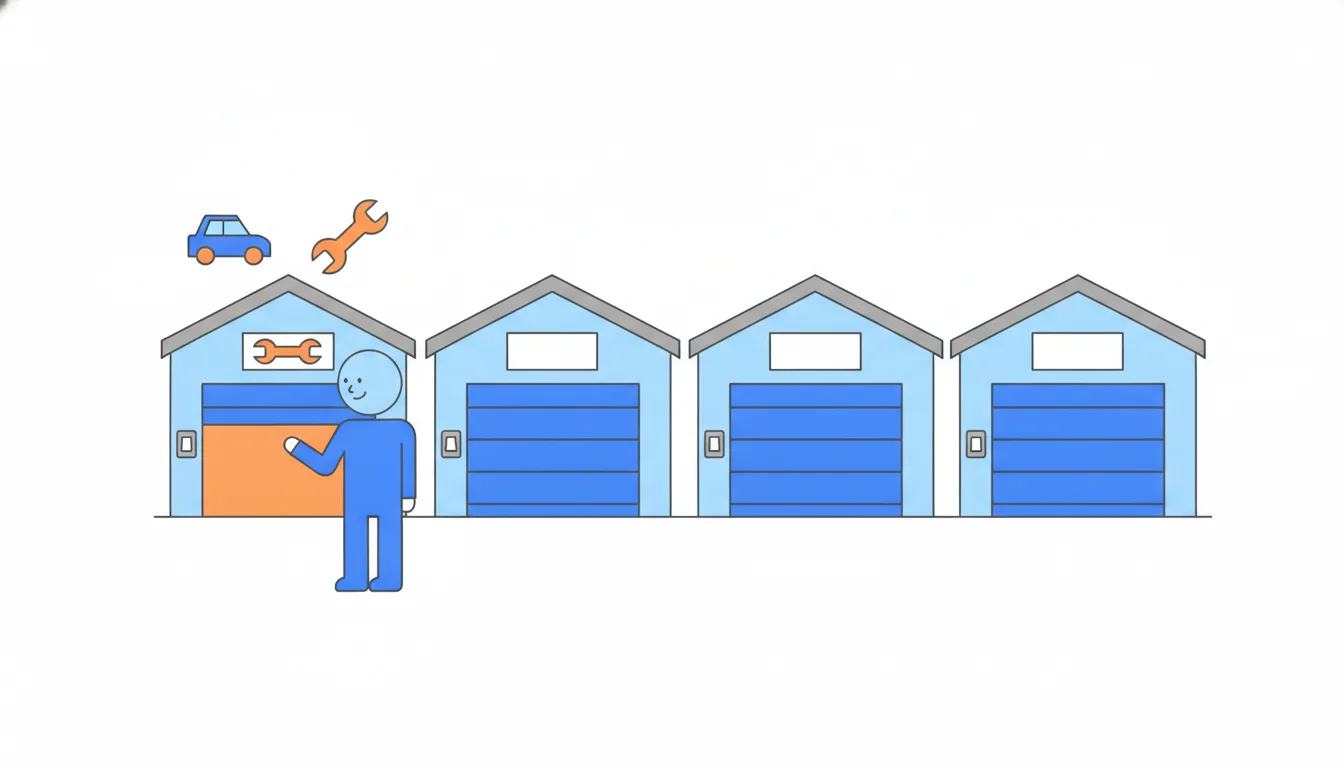
The one-shop step limits any surprise to one shop's car owners. The day of watching gives the surprise time to show up: reminders go out at different hours, and replies come later. And removing the switch at the end matters too: every switch you leave behind is a second version of the product someone will have to understand.
- DoCode out dark → on for Dennis → a day of watching → on for everyone → remove the switch.
- Don'tRelease the templates switched on for all 14 shops and check the replies tomorrow.
A surprise reaches every shop's car owners at once.
Release when you can watch
Late night feels like the safest time to release: nobody is using the app, so nobody will notice a hiccup. For a product that acts on its own, that logic fails. GarageDesk sends messages to real people whatever the hour, and on 17 April the duplicates landed just before midnight, on the phones of car owners who were going to sleep.
Pick release times around two questions:
- Can you watch it? Release when you're fresh enough to follow the first sends, read the replies and roll back calmly. A tired founder at 23:40 is slower at all three.
- Who does a mistake reach, and when? Release when an error can't wake anyone up and when the customers' staff are there to notice and tell you.
For GarageDesk that gives a simple rule: releases on weekday mornings, never on a Friday evening. A Friday evening release leaves a whole weekend for a problem to grow while the shops are closed and the founders are away.
- DoTuesday, 10:00: release, then watch the first sends and replies.
- Don'tFriday, 19:00: release and check on Monday.
A whole weekend for a problem to grow unseen.
Guard rails: limit the harm, not the bugs
Most habits try to prevent bugs: tests, reviews, careful releases. They're worth having, but none of them catches everything. A guard rail works differently: it doesn't care whether there is a bug. It sets a hard limit on how much harm any bug can do.
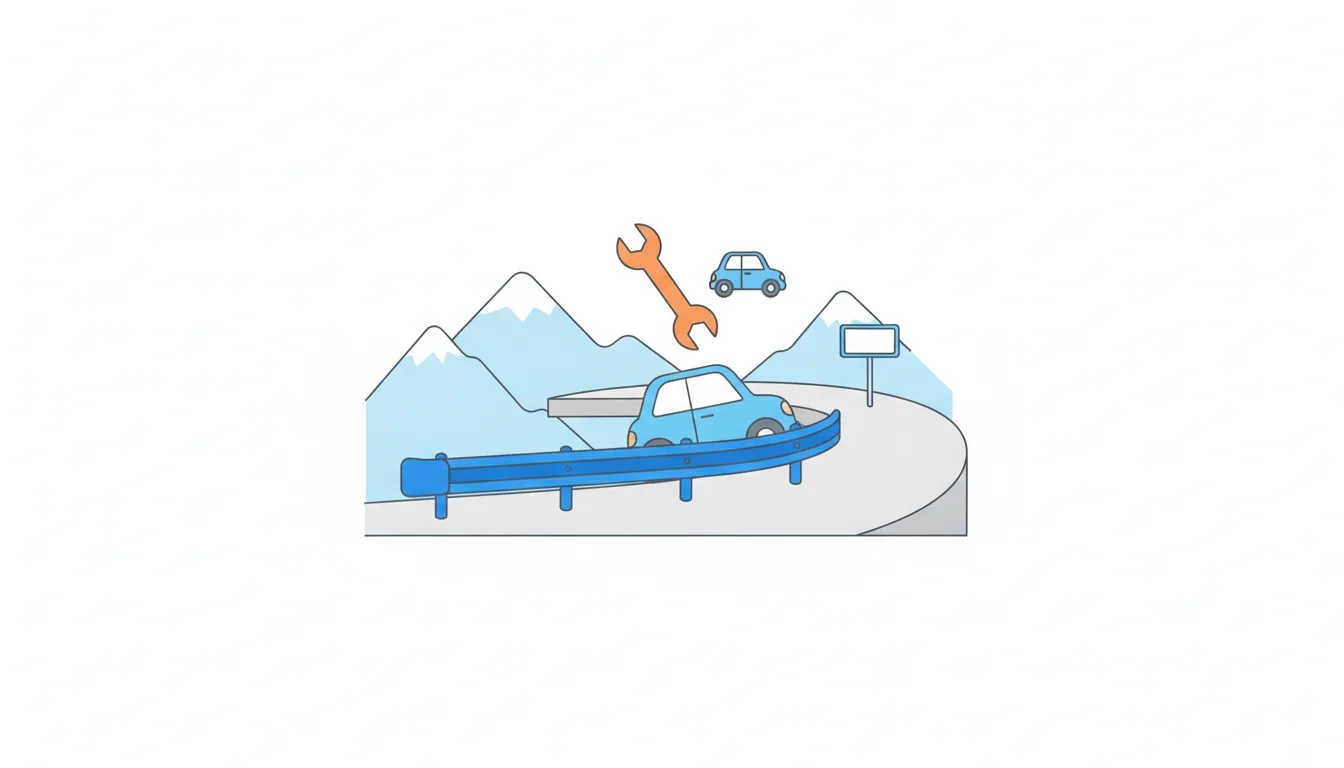
GarageDesk's example: no reminders at all between 21:00 and 9:00, whatever the code says. If a future release miscounts, loops or resends, the messages still can't reach anyone's phone at midnight. The bug may happen; the worst version of it can't.
Other guard rails follow the same pattern:
- a daily cap on messages per car owner, so a loop can't send ten in a row;
- a cap on how many reminders one shop can send in an hour;
- an alert to Nina when today's sending is far above yesterday's.
Good guard rails are simple, sit close to the harm (here, at the point of sending) and don't depend on the code they protect against being correct.
- Do"Whatever the code says, nothing is sent between 21:00 and 9:00."
- Don't"We test every release carefully, so we don't need a sending window."
Tests reduce bugs; they don't cap the harm of the one they miss.
Three ways to limit the harm
No habit prevents every bug. Good habits limit the harm a bug can do, and each one limits it along a different line:
- One change per release limits how long it takes to find the cause: if something breaks, it's the one thing that changed.
- A per-shop on/off switch limits who is affected: a surprise reaches one shop's car owners, not all fourteen shops', and it can be turned off without a release.
- A sending window (no reminders between 21:00 and 9:00) limits when harm can happen: whatever the code does, nobody gets a message at midnight.
Two habits do the opposite, even though they feel safe:
- releasing late at night because "nobody uses the app": the app is quiet, but the messages go to real people, and the person who has to fix it is tired;
- saving changes for one big monthly release: fewer releases, but each one is a pile of changes nobody can check together.
Use all three good habits together; they cover each other's gaps.
- DoOne change, behind a switch, inside the 9:00–21:00 sending window.
- Don'tA monthly bundle released at 23:40 for every shop at once.
Every way of limiting harm switched off at the same time.
Saying sorry after an incident
A bug that reached customers isn't over when the code is fixed. People noticed, and some are already asking. The follow-up has two audiences.
The shop (Greg and Martha) hears first, early the next morning, before they open: what happened in concrete terms (a duplicate reminder to about 140 car owners just before midnight), that it's fixed, what changes so it won't repeat (a sending window, switches, one shop first, smaller releases), and what GarageDesk will do for them now.
The shop's customers (the car owners) are the shop's relationship, not GarageDesk's. So a message to them goes out only with the shop owner's OK, under the shop's name, and it's short: sorry for the double message, nothing to do on your side. It isn't piling on: half of them had already asked "why twice?", and the other half would ask Martha at the counter.
What makes an apology work is the same in both: fast, honest and specific. "Sorry for the inconvenience" with no details, excuses, or blaming a provider all do the opposite.
- DoWith Greg's OK, under his shop's name: "Sorry, you got our service reminder twice last night. Nothing to do on your side."
- Don't"Sorry for the inconvenience caused by our SMS provider."
Vague, and it blames someone else for GarageDesk's release.
Ready to practise?
Answer the lesson's exercises and earn 250 points the first time you finish it.
Start the exercises