

Theory
How to build an MVP: sign up, get value, pay
How to build an MVP for a subscription product: the three things a first version needs, how much can stay manual behind the scenes, and when a manual step has to be automated.
~9 min read · 9 exercises · 250 points
Before you start
Four weeks to launch
Back at GarageDesk: launch is on 3 March, with the five shops that prepaid. Nina's list has everything from sign-up and password reset to dashboards with charts, booking, repair history and a billing page, plus the reminders. That's a list for a year, and there are four weeks.
In this lesson you'll cut it down to what a first version really needs, decide what can stay manual behind the scenes, and see when a manual step has to be automated.
An MVP: get in, get the result, pay
A first version of a subscription product needs exactly three things:
- the customer can get in and feed the product (for GarageDesk: enter a car and its mileage at hand-over);
- the customer gets the result they paid for (a reminder under the shop's name, and a car that comes back);
- the customer pays, so it stays a business and not a favour.
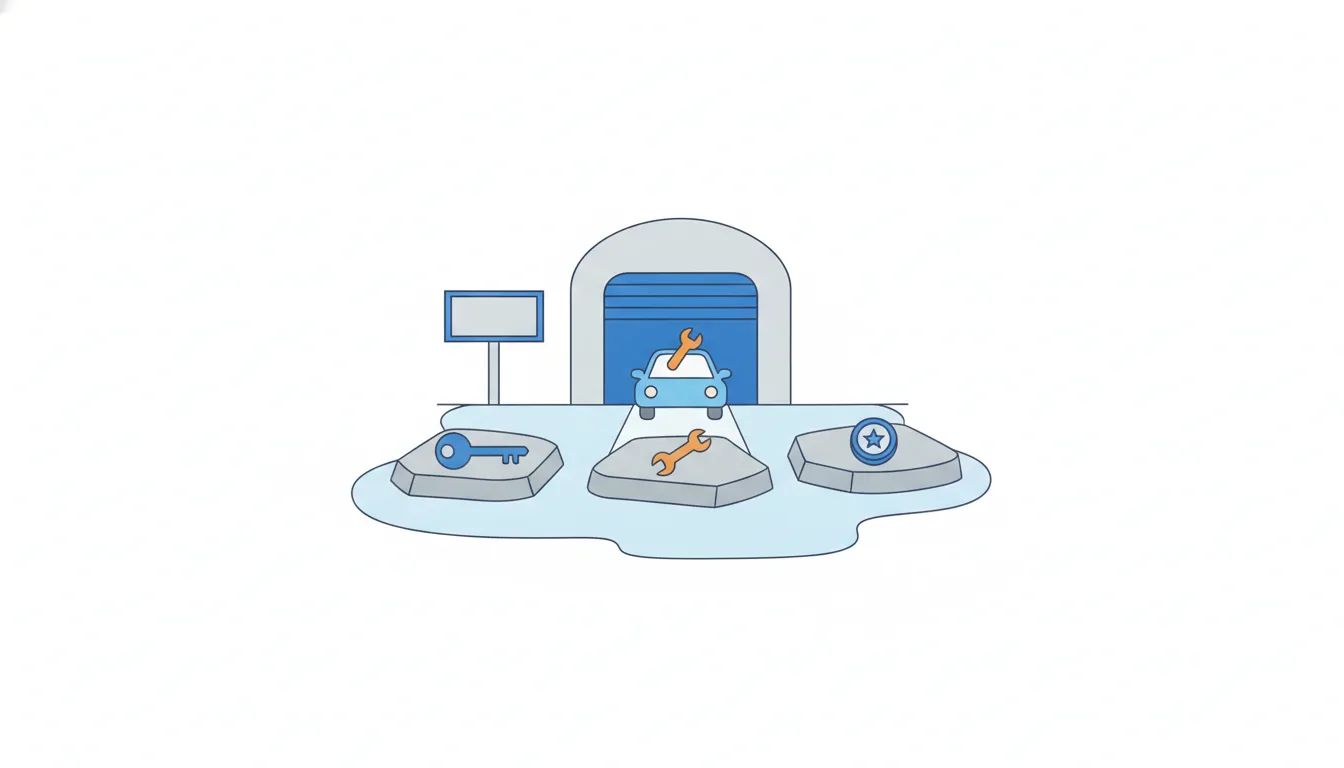
That's what MVP (minimum viable product) means in practice. Minimum: nothing more can be cut without losing the result. Viable: the result is real; a car owner actually receives the reminder and books a service.
Everything else waits: online booking, a dashboard with charts, repair history, plan changes. They may be useful later, but none of them is needed for the first car to come back.
A quick test for any item on a feature list: if we drop it, does the first customer still get in, get the result and pay? If yes, it isn't part of the MVP.
- DoCar entry at hand-over, automatic reminders, a payment link.
Get in, get the result, pay.
- Don'tSign-up flow, password reset, charts, booking, repair history, billing page, reminders: all by 3 March.
A list for a year squeezed into four weeks.
Answer data questions before launch, in writing
A concierge MVP means you handle customers' data by hand: Nina types in client lists with names, phone numbers and cars. Owners will ask what happens to that data, and some will say no if the answer is vague. One owner refused in January for exactly that reason.
So answer before launch, in plain words and in writing:
- whose the data is: the client list stays the shop's;
- who sees it: only that shop;
- what it's used for: the shop's car owners get nothing but that shop's reminders, under the shop's name;
- how to get it back: the shop can download or delete the list at any time.
A concrete written answer does two jobs. It removes a real reason to refuse, and it commits the founders to rules they can keep, which matters later when someone asks to reuse the lists for something else.
"Don't worry, it's safe with us" answers none of these questions. It sounds friendly and leaves the owner guessing.
- Do"Your list stays yours. Only you see it, your clients get only your reminders under your name, and you can download or delete it any time."
- Don't"Don't worry, your data is safe with us."
Friendly, but answers none of the owner's questions.
Concierge MVP: manual behind the scenes
Not every part of an MVP has to be code. In a concierge MVP the customer sees a working service, while some of the work behind it is done by hand by the founders.
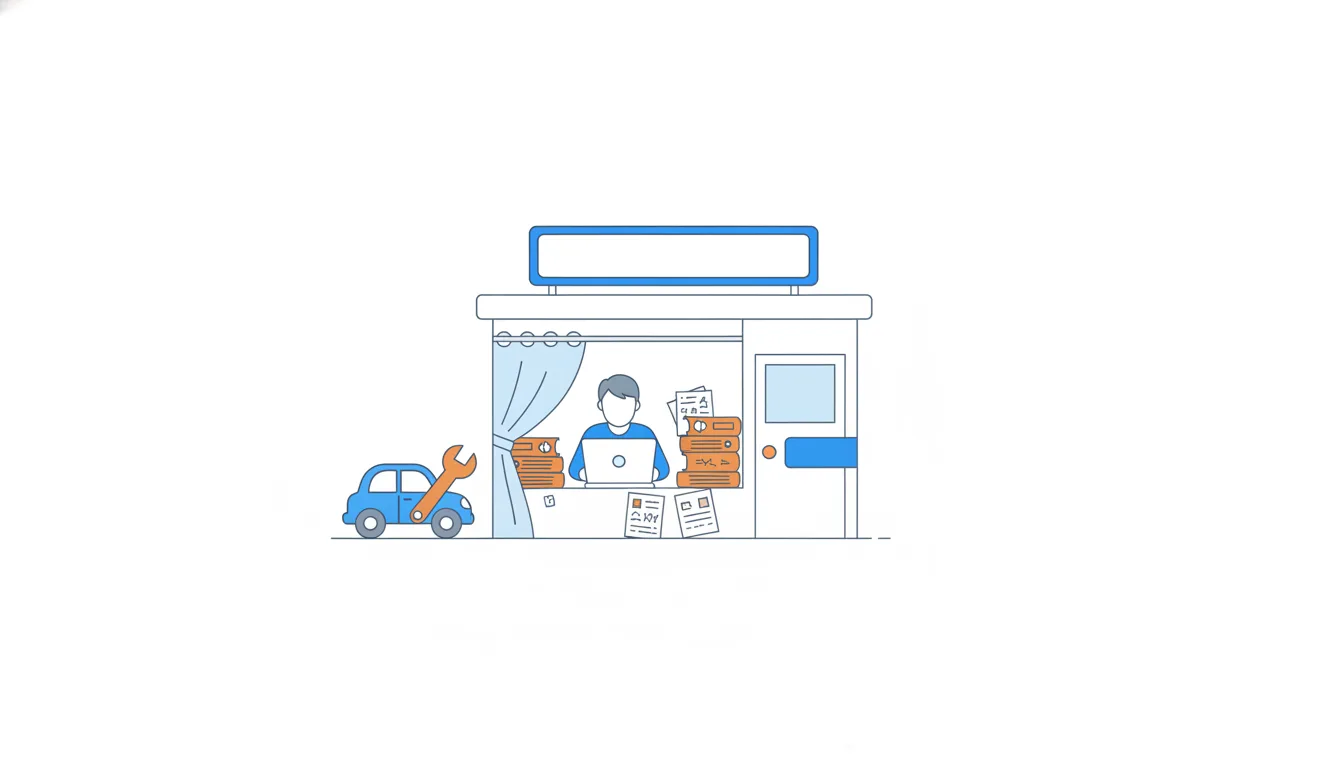
For GarageDesk's five launch shops:
- accounts: Nina creates them herself and sends each owner a link;
- client lists: Nina types them in from notebooks and spreadsheets;
- payment: an invoice or a payment link from a ready-made provider;
- reminders: automatic, by date and mileage.
Manual work here isn't a shortcut to be ashamed of. Typing in Dennis's notebook shows Nina every odd phone number and every car without a mileage, which tells her what the real import will have to handle. And with five shops, a few hours by hand is far cheaper than weeks spent building sign-up and billing screens nobody needs yet.
The customer doesn't care whether a step is code or a person, as long as the result arrives.
- DoNina types in the five client lists herself and notes every odd record.
- Don'tSpend two of the four weeks on a self-service sign-up and import for five shops.
Builds edges nobody needs yet and starves the core.
Keep the edges manual, automate the core
A concierge MVP has one firm limit: the core promise is never manual. For GarageDesk the promise is the reminder. A reminder that arrives late, or not at all because Nina was ill one evening, breaks the very result the shops paid for.
The edges are different. Creating an account or typing in a list happens once per shop. If it takes a day longer, nobody is hurt. That's why it can stay manual for a while.
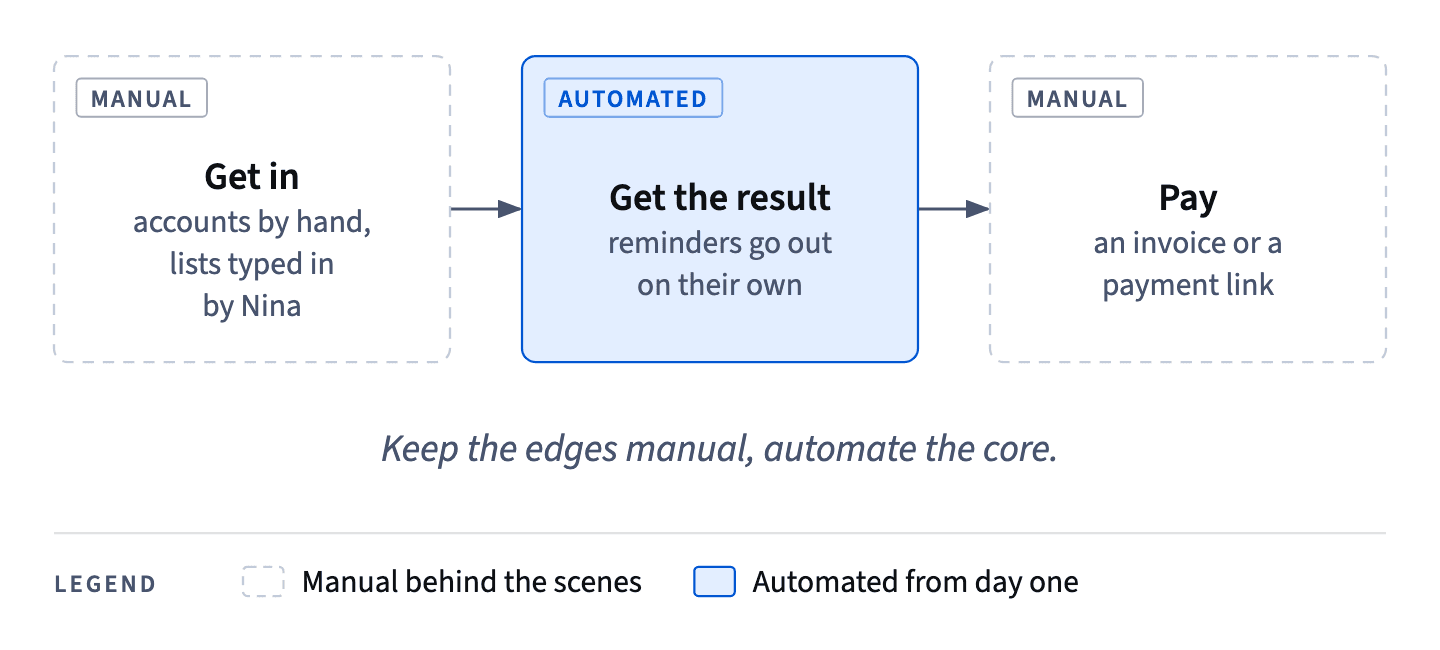
There's a second reason to automate the core early. If Nina sends reminders by hand, she learns nothing about whether the automatic version works: the wrong dates, failed messages and odd phone numbers stay hidden until the day she switches it on.
Manual work stays only while it does two things: it teaches you something and it fits into your week. When it stops doing either, it moves to the top of the list for automation. Manual work is never banned in an MVP, and it's never permanent either.
- DoReminders go out automatically from day one; accounts and lists are done by hand.
- Don'tNina writes the reminders herself in the evenings until the code is ready.
The paid-for promise depends on one person's free evenings.
Checking the first five against the limit
The four-hour rule also tells you when manual work is fine. Before launch Nina typed in the five shops' client lists: about 3 hours each, so 5 × 3 = 15 hours in total. She did it over the four weeks before 3 March.
Hours a week: 15 ÷ 4 = 3.75. That's under the limit of about four hours, so typing lists by hand was the right call for launch. It cost less than building an import and taught Nina what real lists look like.
The same task fails the test in April, when 9 new shops would take 27 hours, about 6.75 hours a week. Nothing about the task changed; the volume did.
Two slips are common with this check:
- comparing the monthly total (15 hours) with the weekly limit (4 hours), which makes a fine task look too slow;
- forgetting to divide at all and deciding by gut feeling.
Always bring both numbers to the same period before you compare them.
- Do15 hours ÷ 4 weeks = 3.75 hours a week < 4: manual is fine for launch.
- Don't"15 hours is more than 4, so we must automate before launch."
Compares a four-week total with a weekly limit.
A limit for manual work, set in advance
Manual work creeps. Five shops are easy; fourteen are a part-time job nobody planned. So set the rule before you need it: when a manual task takes more than about half a day a week (roughly four hours), it's next in line to automate.
To check a task against the limit:
- hours per unit × units in the period = total hours;
- total hours ÷ weeks in the period = hours a week;
- compare with the limit.
Nina's April: one client list takes about 3 hours, and Oscar expects 9 new shops. 9 × 3 = 27 hours in the month. Over about four weeks that's 27 ÷ 4 ≈ 6.75 hours a week, well above four. So a self-service import from a spreadsheet file becomes the next thing she builds, in May.
A limit agreed in advance turns "I'll automate it when it gets annoying" into a decision the team can see coming, and it stops the founders from quietly burning evenings on work a small feature would remove.
- Do9 shops × 3 hours = 27 hours; 27 ÷ 4 weeks ≈ 6.75 hours a week > 4, so automate the import next.
- Don'tCount only the 14 shops' total, 14 × 3 = 42 hours.
The five launch shops are already typed in; only the 9 new ones cost April hours.
The "later" list and early adopters
Everything cut from the MVP goes on a "later" list, and each item carries two notes: who asked and how often. Booking, repair history, charts, plan changes and the old idea of an app for car owners all sit there.
The notes matter more than the titles. Early users ask for many things, and one loud request can feel urgent. The list shows which requests repeat across shops and which came from one person once. When it's time to choose the next feature, you pick by evidence, not by who called last.
The five launch shops are early adopters: customers who join while the product is rough, because the problem hurts enough. They forgive gaps, missing charts and manual steps, as long as they see quick progress and their requests are heard.
That forgiveness isn't unlimited. It holds while the core promise works and while they can see the list moving. A missed reminder or months of silence use it up quickly.
- Do"Monthly return report: Dennis, March; Greg, March."
- Don't"Ideas: report, booking, app."
Titles without who and how often can't show what repeats.
One problem at a time
Customers will tell you about many real problems. In December, 11 of the 14 shops Nina and Oscar checked complained about phone chaos, and online booking would help with that. It's still not in the first version.
The reason is focus. The five shops prepaid for one result: regulars who come back. Booking solves a different problem. Starting both at once doubles the work and halves the attention, and in four weeks it usually means two half-finished products instead of one that works.
A frequently mentioned problem isn't automatically the next feature. Ask:
- Is it the problem customers paid for?
- Does the MVP's result depend on it?
- Can the core work without it?
If the answers are no, no and yes, it waits. That's not a rejection: booking goes on the "later" list with a note of who asked, so it can come back when the first problem is solved and the evidence for it has grown.
- Do"Booking goes on the later list: 11 of 14 shops mentioned it. Reminders first, because that's what the five paid for."
- Don't"Most shops mentioned booking, so we'll build it alongside reminders."
Two problems in four weeks: half the attention for each.
Ready to practise?
Answer the lesson's exercises and earn 250 points the first time you finish it.
Start the exercises