

Theory
A tracking plan for a new feature
Before payment reminders ship, plan the data: the questions, the events and properties that answer them, where each is logged, the metric definitions and the checks before launch.
~10 min read · 10 exercises · 250 points
Before you start
Plan the data before launch
On the Halves product team, payment reminders ship in three weeks: Halves will nudge whoever owes money so they can settle up. After launch Maya needs two answers: do reminders get people to settle faster, and do they annoy anyone? She wants your data plan before the feature goes out.
This lesson closes the module with a tracking plan: from the questions to the events and properties, where each is logged, the metric definitions and the checks before launch.
A tracking plan starts from questions
A tracking plan is the document that says what a product logs and why. The common mistake is to start from screens and buttons ("log every tap on the reminder screen") and end up with hundreds of events nobody uses and none that answers the real question.
Build it from the top down, in five steps:
- Questions. Write what the team needs to know after launch. For payment reminders: do they reach people and get opened, do reminded debts get settled and how fast, is that faster than without a reminder, and do people mute them?
- Events and properties each question needs.
- Source: where each event is logged, app or server, and what sits on the user.
- Metric definitions computed from those events, written like last lesson's DAU.
- QA before launch: trigger every event on a test account and read the raw rows.
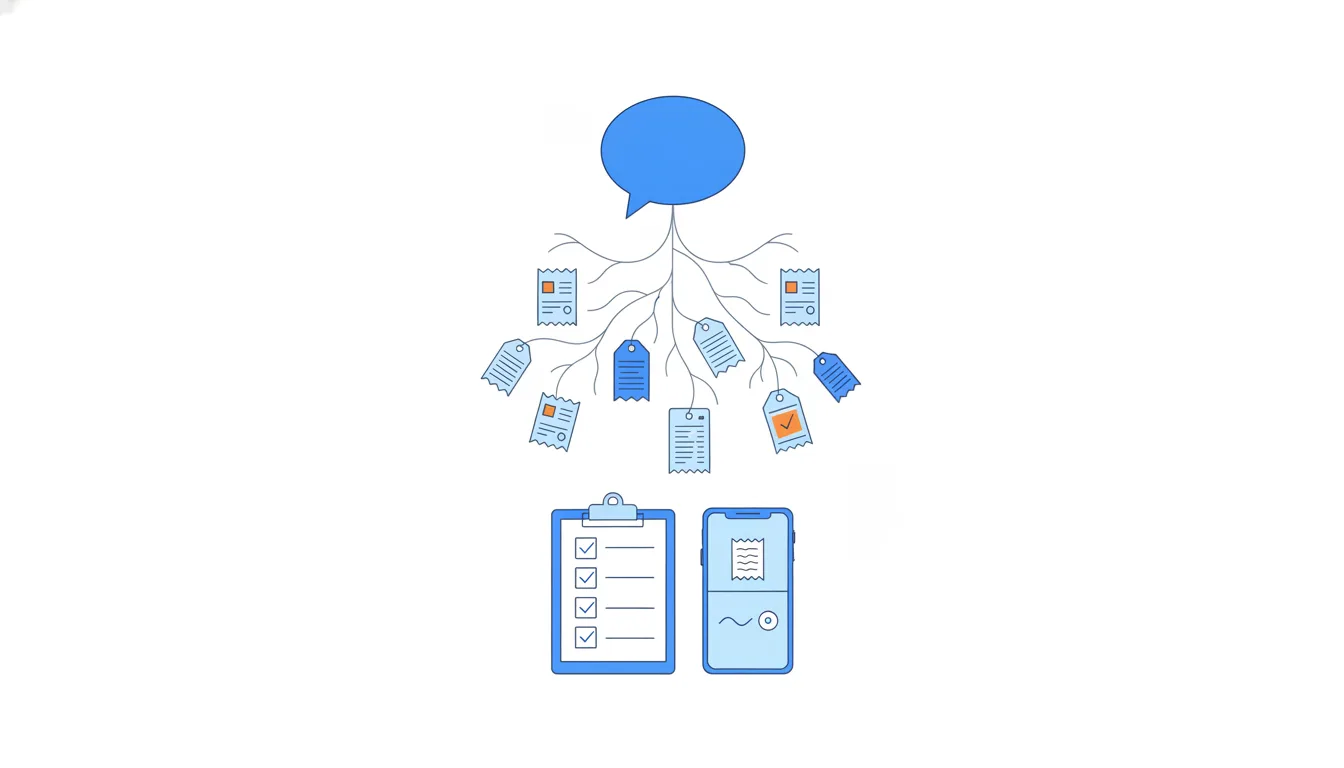
The order matters because each step depends on the one before it. An event no question needs is noise that still has to be kept correct in every release.
- DoStart: “Do reminders get debts settled faster?” → then decide which events answer it.
- Don'tStart: “Log every button on the reminder screen; we'll find questions later.”
Plenty of events, and still no link from reminder to settle-up.
One event per question, logged where it happens
Each question in the plan needs an event that answers it, logged by the part of the system that sees it happen.
- "How many reminders did we try to deliver?"
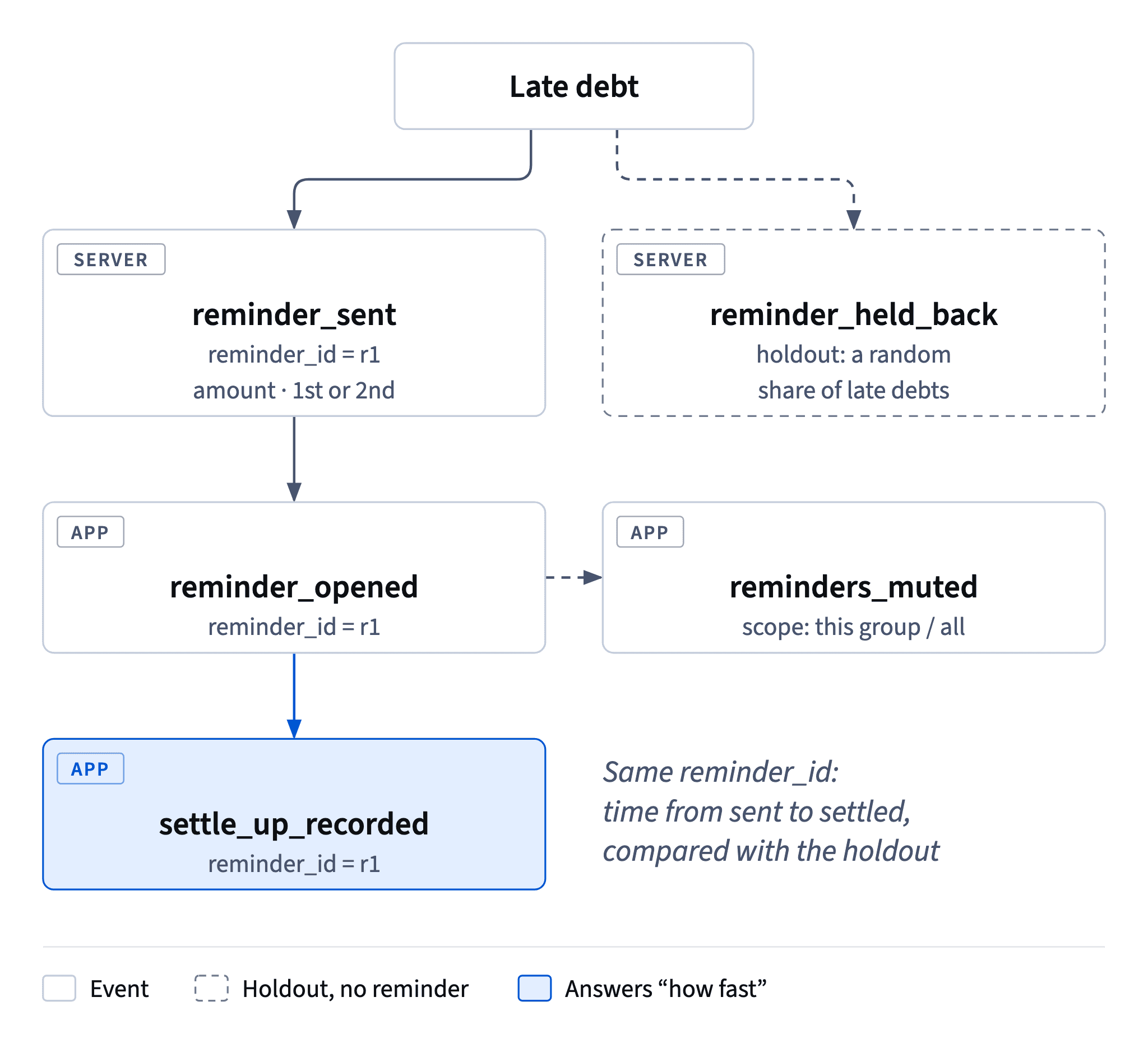
reminder_sent, logged by the server, because only the server knows about every attempt, including pushes that never arrive. - "How many did people tap?"
reminder_opened, logged by the app when the person opens it. - "Which debts were settled after a reminder?"
settle_up_recordedcarrying areminder_idwhen the settle-up starts from the reminder. - "Do people find it annoying?"
reminders_mutedwith ascope(this group or all groups).
The reminder_id is the piece people forget. It links the send, the open and the settle-up. Without it, a settle-up made after a reminder looks like any other, and "how fast after a reminder?" can't be answered.
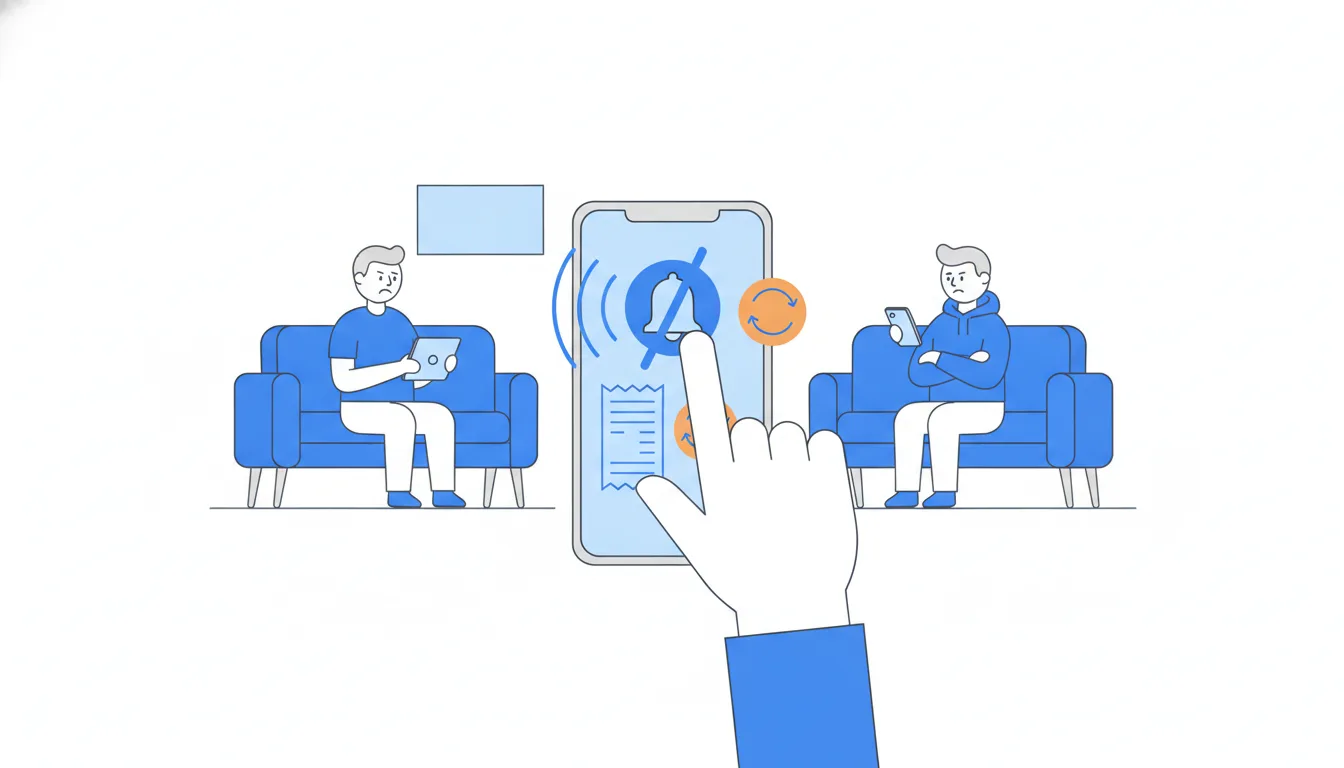
Annoyance has no button, but it shows up in behaviour: mutes, and people who stop opening reminders. Plan events for the behaviour you expect, not for feelings.
- Do
reminder_sent(server,reminder_id) →reminder_opened(app,reminder_id) →settle_up_recorded(reminder_id) - Don't
reminder_openedandsettle_up_recordedwith no shared id.You'll know reminders were opened and debts were paid, but not that one caused the other.
Things done to users aren't activity
A tracking plan usually adds a few server-side events, rows the system writes with no action by the person, as Events, properties and users showed. They are essential for reach and delivery questions, and dangerous for activity metrics.
reminder_sent is logged when the server sends a push. The person did nothing; the push may never arrive because notifications are off or the app was deleted. If an "active users" query counts any event, every reminder campaign quietly lifts the active-user chart, and a bigger campaign looks like a healthier product.
So the plan does two things. It defines activity by a qualifying action the person takes, such as app_opened or reminder_opened. And it keeps reminder_sent, marked server-side and excluded from activity metrics.
The habit that makes this automatic: next to every new event, write who causes it, the person or the system. That one column prevents a whole class of inflated numbers.
- DoPlan row:
reminder_sent· caused by: system · excluded from activity metrics - Don't“WAU rose 8% the week we launched reminders.”
Check first whether the query counts
reminder_sentas activity.
Properties for tomorrow's comparisons
Every comparison you'll want to make later needs a property on the event now. You can't add a property to last month's events.
Maya's day-one question is "do second reminders get muted more often than first ones?" To answer it, the data must say two things:
- which reminder is which:
reminder_numberonreminder_sent(1 for the first reminder about a debt, 2 for the second); - which reminder a mute followed:
reminder_idonreminders_muted, the last reminder the person got before muting.
With both, you group mutes by the number of the reminder they followed. Without them, you only know that some people muted at some point.
A practical way to find missing properties: for each question, write the chart you'll draw ("mute rate, first vs second reminder") and check that every split and filter on it exists as a property. Properties that serve no planned chart, such as the app version on a server event, can wait.
- Do
reminder_sent{reminder_id,reminder_number};reminders_muted{scope,reminder_id} - Don'tShip
reminders_mutedwith onlyscope, and plan to work out the reminder number later.Later, nothing in the data links a mute to a reminder.
Capture the value at the moment
Some details exist both as a state of the person and as a fact about one moment, and the plan should store them where the questions need them.
Take the debt amount. A user property like current_debt_usd tells you what someone owes today. That's useful for a balance screen, but useless for Theo's question: by the time he looks, many reminded debts are paid and the field says 0. To compare mute rates for small and large debts, you need the amount as it was when the reminder went out: an event property, debt_amount_usd on reminder_sent. It's frozen with the event and can be grouped months later.
The same logic applies to the mute itself. The mute is an event (reminders_muted), while "reminders are on right now" is a user property (reminders_enabled). You need both: the event for "how many muted this week?", the property for "who can we still remind?"
Rule of thumb: if a question asks what was true when something happened, store it on that event.
- Do
reminder_sent{debt_amount_usd= 48,reminder_number= 2} - Don'tJoin today's
current_debt_usdto last month's reminders.Paid debts show 0, so large debts look rare.
Writing a rate: who is in the base
A rate has a numerator and a denominator, and the definition must fix both, in the same unit.
Mute rate for reminders: of the unique users who got a reminder this week, the share who muted within 7 days.
- Unit: people, not events. Someone who toggles reminders off and on five times is one person who muted. Counting
reminders_mutedevents would let a few restless users inflate the rate. - Numerator inside the base. Only recipients count in the numerator. People who muted from settings without getting a reminder that week may matter for another question, but they aren't a reaction to this week's reminders.
- A window. "Within 7 days" means a reminder sent yesterday isn't finished yet; wait until its window closes.
Worked example: 240 recipients, 15 of them muted (27 mute events), 2 non-recipients muted too. Mute rate = 15 / 240 = 6.25%.
One more question in the plan, "faster than without a reminder", needs a holdout group: a random share of debts that would get a reminder but don't. Plan it before launch, or no comparison will be fair.
- DoMute rate = 15 recipients who muted / 240 recipients = 6.25%
- Don'tMute rate = 27 mute events / 240 recipients = 11.25%
Mixes units: events on top, people underneath.
Count attempts where they happen
A rate is only as honest as its denominator. For an open rate, the denominator is every reminder Halves tried to deliver, and only one part of the system sees all of them: the server.
A developer's draft logs reminder_shown in the app when the reminder appears on the phone, and computes open rate as reminder_opened / reminder_shown. It looks reasonable, but it hides every reminder that never reached a screen: notifications turned off, the app deleted, a phone that's dead or offline. Those reminders disappear from the denominator, so the open rate looks higher than it is, and the reach problem, maybe the biggest one, is invisible.
The fix is to log the attempt where it happens, reminder_sent on the server, and the reaction where it happens, reminder_opened in the app. Then you can report both steps honestly: how many reminders were sent, how many were opened, and the gap between.
The name reminder_shown was never the issue; it's already past tense. The issue is the source.
- DoOpen rate =
reminder_opened(app) /reminder_sent(server) - Don'tOpen rate =
reminder_opened/reminder_shown(both from the app)Reminders that never reach a phone vanish from the base.
QA checks the data, not just the feature
Before launch, someone checks that reminders work. Someone should also check the data about them: a broken event found after launch means weeks of numbers nobody can trust.
On a test account, trigger every event in the plan and read the raw rows. Four checks:
- Fires once. One reminder, one
reminder_sent; retries after a timeout are a classic source of duplicates. - Properties filled. No empty
reminder_idorreminder_number. - Test accounts flagged as internal traffic, or QA taps show up as real opens.
- Time zone kept. Times are logged in UTC; keep the user's
timezoneto spot a reminder that landed at 3 a.m. local time.

When QA finds a problem, fix it at the source and retest. Workarounds like "divide by 2" break other numbers or hide the next bug; distinct reminder_id counts are a safety net, not a substitute for a correct event.
How it fits together: questions choose the events, each logged where it happens; properties prepare tomorrow's splits; definitions turn events into numbers; QA proves the rows before launch. This module answered "what exactly are we measuring?"; the next one asks which numbers to steer by.
- Do“Retry logs
reminder_senttwice with onereminder_id: bug filed, retest before launch.” - Don't“The reminder arrived on my phone, so tracking is fine.”
Tests the feature, not the rows it writes.
Ready to practise?
Answer the lesson's exercises and earn 250 points the first time you finish it.
Start the exercises