

Theory
Events, properties and users
The language of product data: what an event records and how event and user properties differ.
~10 min read · 9 exercises · 250 points
Before you start
Where you work
You've just joined the product team at Halves, a small mobile app that splits shared bills between flatmates, couples and travel groups. The core app is free; a paid plan, Halves Plus, adds receipt scanning, recurring bills and other extras. The app logs everything people do, but the raw logs are hard to read and easy to miscount.
In this course you'll answer real questions from Maya, the product lead, and Theo, the growth marketer, with Halves's own data: from events and metrics to funnels, retention, experiments and unit economics. This first lesson starts with the smallest piece: what one row of the event log actually says.
Reading one event row
An event is a record that something happened. Every row in an event log answers three questions:
- who: the
user_id, the account that did it; - what: the
eventname, such asapp_openedorexpense_added; - when: the
event_time, stored in UTC so that phones in different time zones line up.
The remaining columns are event properties: details of that one moment. For expense_added they say how the expense was entered (manual, receipt_scan, recurring) and how much it was. For settle_up_recorded they carry the amount and a settlement_id. A column can be empty when it doesn't apply to that event.
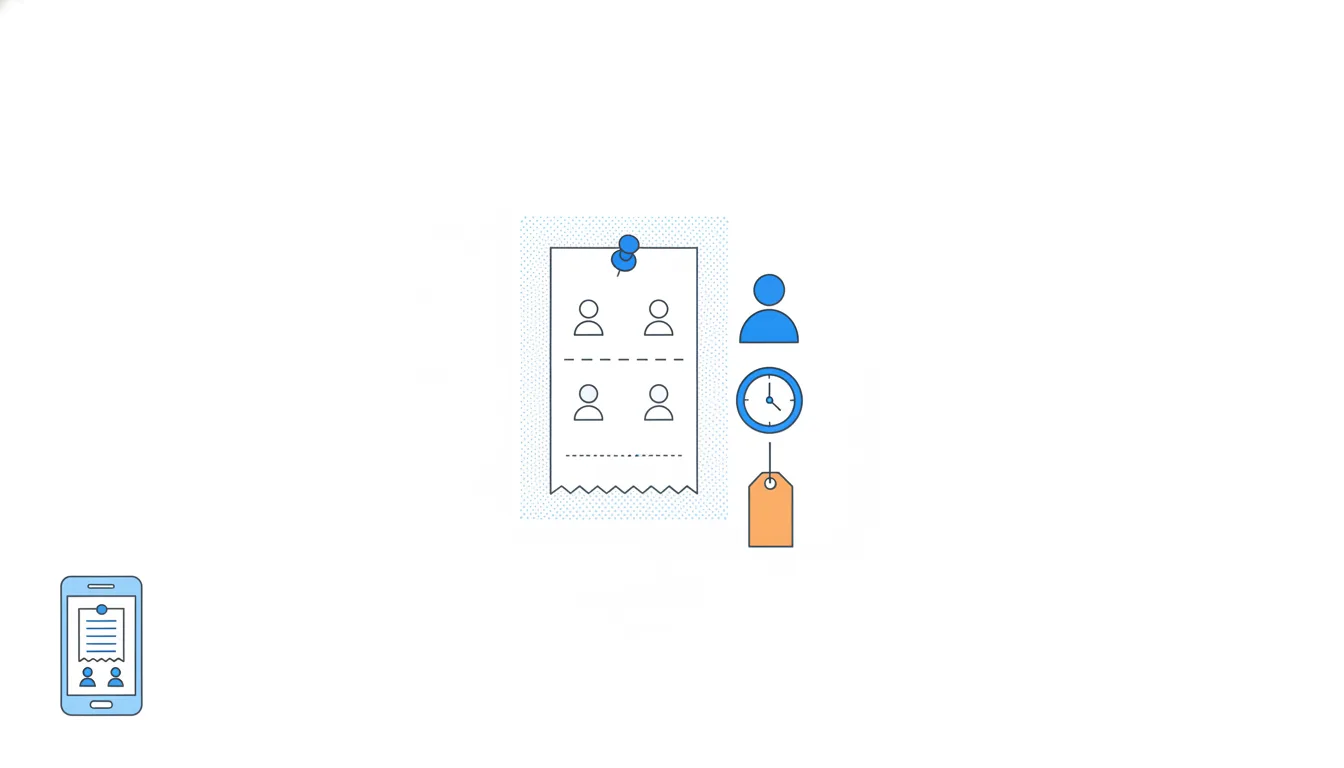
The habit worth building is to read each row as a full sentence before you count anything: "u020 added a $91 expense by hand in the Android app at 18:12 UTC on 4 June." If you can't say the sentence, you don't yet know what you're counting.
Dataset · 13 rows
Thirteen rows from Halves's event log, 1–4 June
A few rows picked from last week's export, in time order. Times are UTC.
First 5 of 13 rows
Neighbouring rows are separate events. Opening the app two minutes earlier is its own row, and a payment to a friend is a different event name.
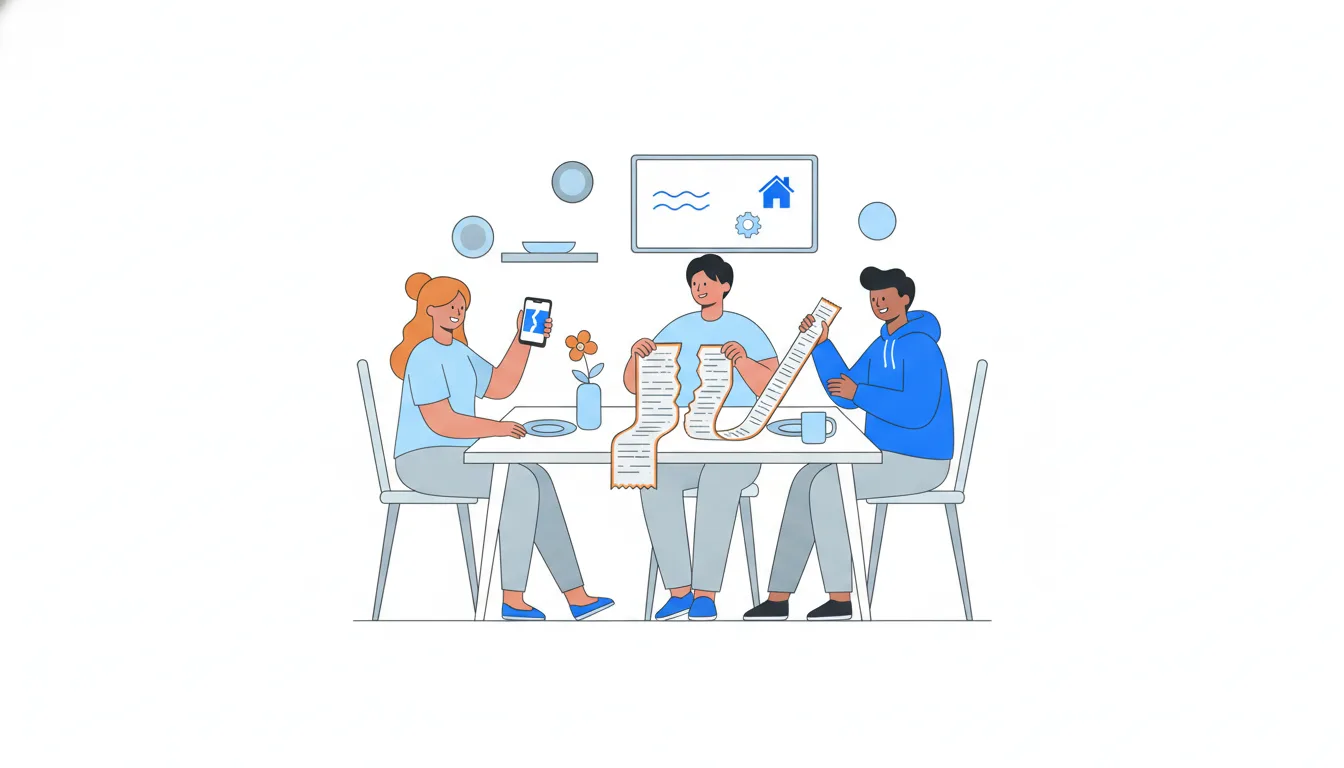
- Do“u020 added a $91 expense by hand in the Android app at 18:12 UTC on 4 June.”
- Don't“At 18:12 u020 opened the app and paid $91.”
Blends three different rows into one story.
Event properties vs user properties
Details come in two kinds, and mixing them up breaks reports.
Event properties describe one moment: the amount of this expense, how it was entered, which settlement this payment belongs to. The same person's next event can have different values.
User properties describe the person: sign-up date, acquisition channel, home time zone, plan. They are the same for all of that person's events, so they live once in the users table, one row per person.
Dataset · 6 rows
The same six people in the users file
One row per person. These values don't change from event to event.
First 5 of 6 rows
The quick test: could the value differ between two events a minute apart? If yes, it's an event property. An expense amount can change in a minute; the channel someone signed up from can't.
Why it matters: an event property answers "what happened", a user property answers "who did it". Most product questions need both, for example "do people from paid social add bigger expenses?" You take the events, look up each user_id in the users table and group by the user property.
- DoEvent property:
amount_usd = 116. User property:acquisition_channel = referral_link. - Don'tTreat
entry_methodas a user property: “u007 is a receipt-scan user.”The method can change with the very next expense.
Joining user properties to events
Most questions mix the two tables. "Do people who came from paid social add more expenses than invited people?" needs the expenses from the event log and the channel from the users table.
The standard move is a join by user_id:
- take the events you need, here
expense_added; - for each row, look up its
user_idin the users table; - attach the user property you need, here
acquisition_channel; - group and count by it.
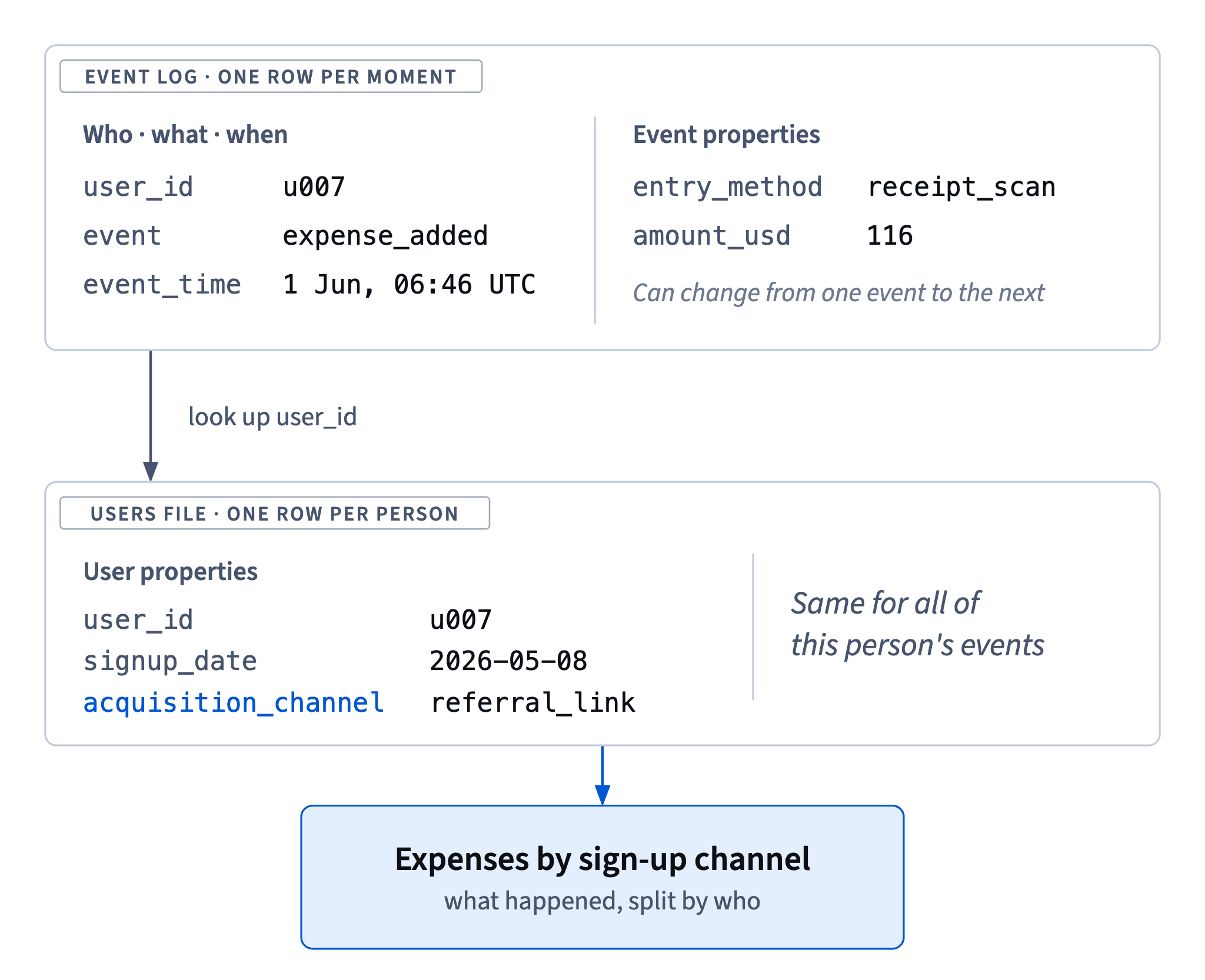
You don't need to copy the channel onto every event. A user property stored once can't drift: if a support agent corrects someone's channel, every past and future report picks up the fix. A copy on each event freezes whatever value was sent at the time and doubles the places where a bug can hide.
Some analytics setups do attach a few user properties to events for convenience. That's fine as long as everyone knows which copy is the source of truth, and it's the users table.
- Do
expense_addedevents → look upuser_idin users → group byacquisition_channel. - Don'tAsk developers to add
acquisition_channelto every event before you can answer Theo.The answer is already one join away.
What deserves to be an event
An event is something that happens at a moment: a group is created, an invite is accepted, a paywall is shown, an expense is added. A fact that simply is true for a while, like a time zone, a phone model or a current balance, is a property or something the app computes, not an event.
Two more rules keep a log usable for years:
- Name events as object plus past-tense verb, the same on every platform:
expense_added,group_created,invite_accepted. If Android logsaddExpensewhile iOS logsexpense_added, every report shows two halves of one number until someone notices. - Log what a decision depends on, not every tap and screen. Each event has to stay correct through every release, and somebody has to check it. A screen view earns its place only when a question needs it, for example a paywall view, because conversion from it matters.
Balances are a good test case: they change constantly, but only because of expenses and settle-ups. Log those events, and the balance can always be rebuilt from them.
- Do
invite_accepted,paywall_viewedwithtrigger = receipt_scan,group_createdwithgroup_type = trip - Don't
balance_is_40,timezone_kyiv,addExpenseon Android onlyStates logged as events, and one action under two names.
States and changes of state
Many product facts come in pairs: a state and the moment it changes.
- Being on Halves Plus is a state. It belongs on the person as a user property such as
plan = plus, so any report can be split into free and paying users. - Starting a trial, converting to paid and cancelling are changes. Each happens at one moment, so each is an event:
trial_started,subscription_started,subscription_cancelled, with its own time.
Logging a state as an event is a common mistake. An event like user_is_premium sent on every app open fires again and again for the same person. Counts of it measure how often subscribers open the app, not how many subscribers there are, and it still can't tell you when anyone started a trial.
The opposite mistake is keeping only the state. If you store plan = plus and log nothing when it changes, you know who pays today but not when they started, so you can't build a trial funnel or measure conversion within 7 days.
- DoUser property
plan = plus; eventstrial_startedandsubscription_cancelledwith their times. - Don'tEvent
user_is_premiumon every app open.A state disguised as an event: it repeats and never marks the change.
Server-side events and app events
Ask of every row: who or what caused it? The platform column usually tells you.
App events (ios, android) are logged by the phone when a person does something. They record real actions, but a phone with no signal may send them minutes or hours late, and an uninstalled app never sends the last few.
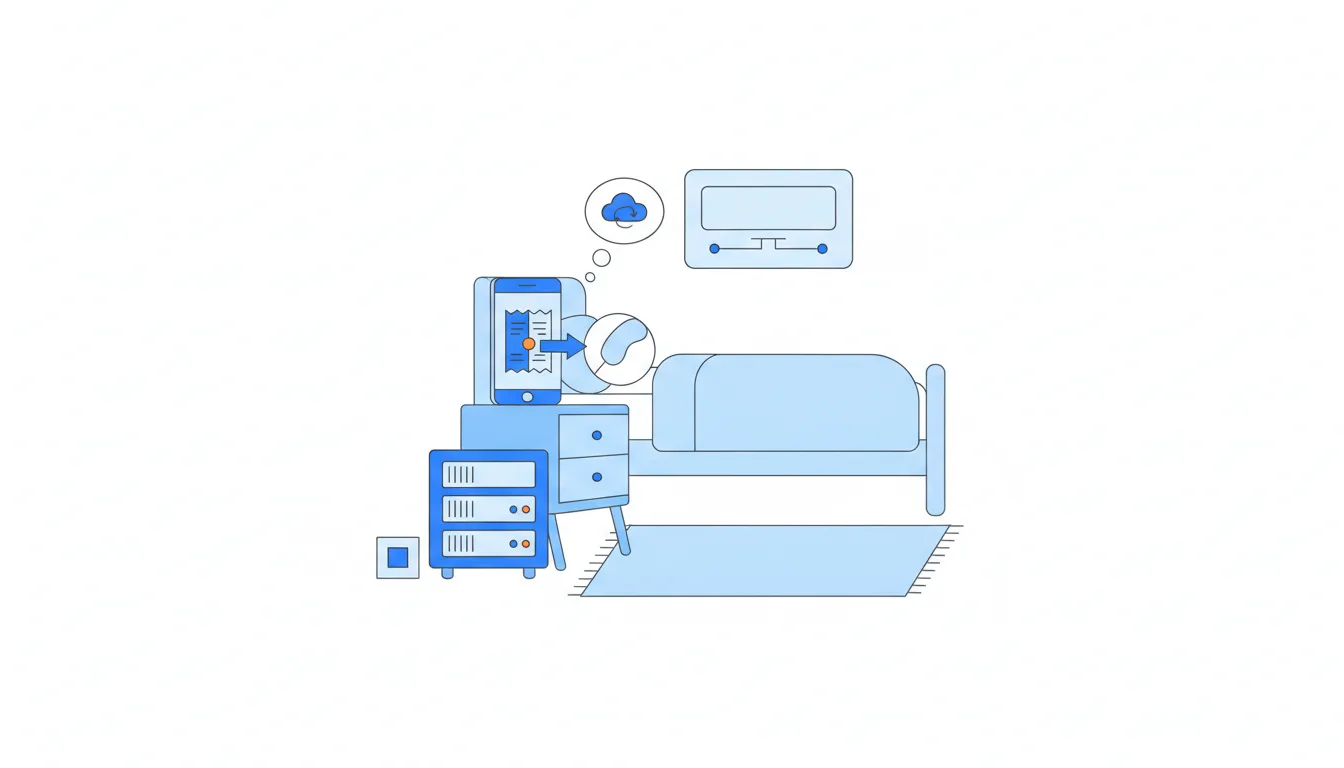
Server-side events (server) are logged by the backend. They're never lost to a bad connection, which makes them good for money and subscriptions. But some of them happen with nobody touching the app. At Halves, Plus subscribers can make a bill repeat, like rent, and the server adds that expense_added on schedule, at 06:00 UTC, while the user may be asleep.
Dataset: Thirteen rows from Halves's event log, 1–4 June · shown above
So platform = server with entry_method = recurring says nothing about whether the person used Halves that day. If you count "people who added an expense" straight from the rows, these automatic expenses inflate the number. To know whether someone used the product, look for their own app events, such as app_opened.
- Do“u001's 06:00 expense is a recurring bill the server added; u001 has no app events that day.”
- Don't“u001 was active on 1 June: they added a $420 expense.”
Treats an automatic server event as a person's action.
Count people who acted, not ids that appear
Once you know that some rows are caused by the system, a simple count changes meaning. "How many people used Halves?" is not "how many user ids appear in the log".
A safe routine for a small excerpt:
- Filter to the rows a person caused: here,
platformisiosorandroid. - List the distinct
user_idvalues that remain, so each person counts once however many rows they have. - Compare with the unfiltered list to see who dropped out and why.
In the 13-row excerpt, six ids appear. One of them, u001, appears only in a server-side recurring expense, so five people actually did something themselves. Both numbers are correct; they answer different questions. The first counts accounts the log mentions; the second counts people who used the app.
Dataset: Thirteen rows from Halves's event log, 1–4 June · shown above
Write down which one you report. In the next lesson the same choices decide whether last week's active users are reported as 22, 19 or 17.
- DoFilter out
serverrows, then count distinctuser_id: 5 people. - Don'tCount every distinct
user_idin the excerpt: 6 people used Halves.Includes u001, who only appears through a server-side recurring bill.
One action, several rows
A log is a faithful record of what the software saw, not a list of distinct things that happened. One action can leave more than one row.
At Halves, a settle-up involves two people. The payer records it, and when the other person confirms, their phone logs settle_up_recorded again. Both rows carry the same settlement_id: s004 from u013 at 12:27 and from u014 at 21:22, both for $185. Each row is true, but "how many settle-ups?" is answered by counting distinct settlement_id values: three rows, two settle-ups. Money works the same way: the three rows sum to $437, the payments to $185 + $67 = $252.
Dataset: Thirteen rows from Halves's event log, 1–4 June · shown above
Column names won't warn you. You need to know who triggers each event, where it's logged and what its id means; writing that down is the start of a tracking plan.
How it fits together: read each row as a sentence; properties say what happened and to whom; the platform column says who caused the row; ids say what one unit is. Next, Totals, unique users and counting traps turns these readings into counts.
- DoSettle-ups = distinct
settlement_id= 2 (s004,s008); paid $252. - Don'tSettle-ups = rows of
settle_up_recorded= 3; paid $437.Counts the confirmation of
s004as a second payment.
Ready to practise?
Answer the lesson's exercises and earn 250 points the first time you finish it.
Start the exercises