

Theory
What is a pull request? Anatomy of a PR page
What a pull request is, read top to bottom: base and compare branches, draft and ready, the four tabs, the description and a pull request template, reviewers and labels, linked issues, checks and the merge box.
~11 min read · 11 exercises · 250 points
Before you start
You're a reviewer
This morning Daniel marked his checkout fix, #134, ready for review and asked two people to look at it: Oscar, the backend developer, and you, from CatChow's product team. Oscar will check the code; you'll check that the fix does what support asked for.
This module is about pull requests. In this first lesson you'll read a pull request page from top to bottom and learn what each part of it tells you before you decide anything.
Read the arrow: base and compare
A pull request is a proposal: “take the commits from my branch and merge them into that one”. Its page gathers everything the team needs to decide: the description, the discussion, the commits, the automated checks and the diff. GitLab calls the same thing a merge request (MR); only the name differs.
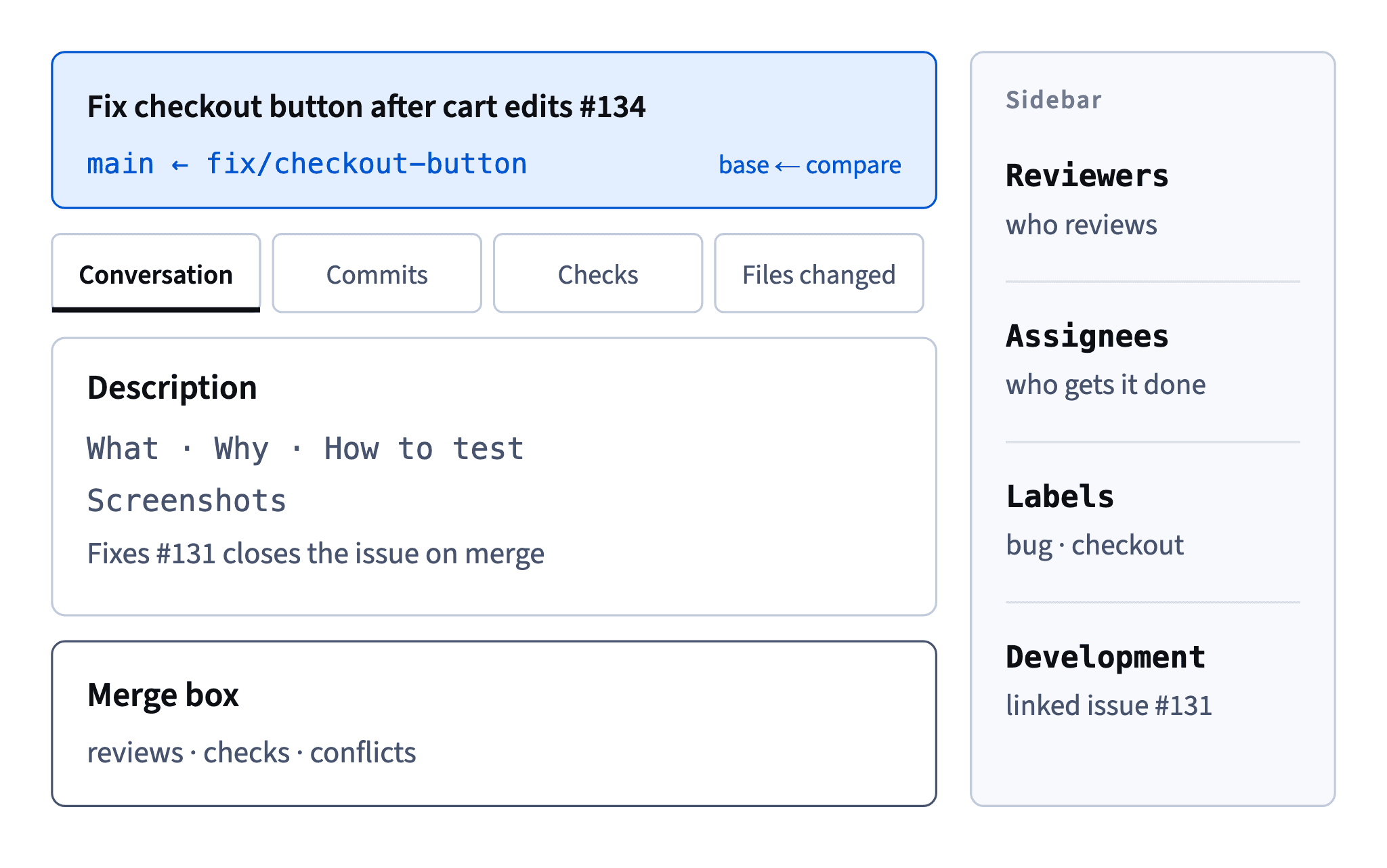
The most important fact sits in the header line: “Daniel wants to merge 2 commits into main from fix/checkout-button”. The branch after into is the base: the commits will land there. The branch after from is the compare branch: the commits come from it. GitHub also draws it as main ← fix/checkout-button.
- Open
Fix checkout button after cart edits#134
Daniel wants to merge 2 commits into main from fix/checkout-button
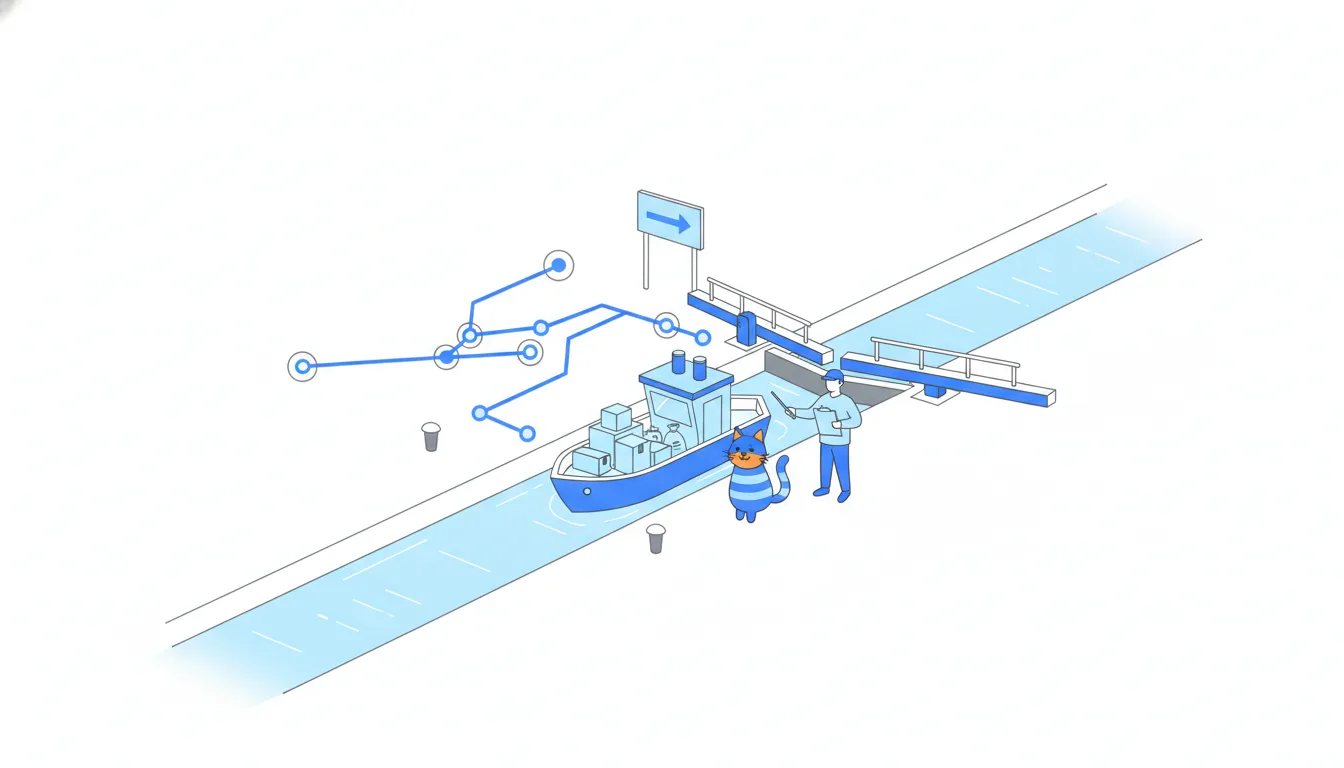
The base isn't always main. A pull request can target another feature branch, or develop in teams that collect work there first. Merging it changes only that base branch; main and the live site stay as they were until a later merge carries the work further. When someone opens a pull request from the terminal, gh pr create --base main sets the same base.
- Do“#134 goes into
main, so after the merge it reaches the site with the next deploy.”Reads the base before drawing conclusions.
- Don't“It's merged, so it's live!” about a pull request into
feature/gift-wrap.Only the base branch changed;
maindidn't.
Draft or ready for review
A draft pull request says “work in progress, don't review yet”. Its badge is grey and reads Draft. GitHub won't merge a draft, whatever the reviews say: where the merge button would be, there's a Ready for review button instead.
Why open a pull request before the work is done? The team can see what's coming, the automated checks already run on every new commit, and nobody spends a review on half a fix. Daniel opens his drafts early on purpose.
When the author presses Ready for review, the badge turns green, Open, and the reviewers get their notification. It works backwards too: Convert to draft in the sidebar sends an open pull request back to draft, for example when the author finds a problem mid-review. From the terminal the same moves are gh pr create --draft, gh pr ready 136 and gh pr ready 136 --undo.
Draft or open, neither is merged yet. The badge only tells you whether the author wants reviews now.
- DoOpen #136 as a draft on day one, so the checks run and the team sees the banner taking shape.
Early visibility without a premature review.
- Don'tApprove a draft and tell marketing it can be merged today.
A draft can't be merged until the author marks it ready.
Four tabs, four questions
Under the header, a pull request has four tabs (as of 2026), each with a counter. Pick the tab by the question you're asking.
Conversation: the timeline. The description comes first, then comments, reviews, new commits and status changes in time order. The merge box sits at the bottom.Commits: the branch's own commits, step by step. Only the commits on the compare branch, not the onesmaingained meanwhile. In a terminal,git log --oneline main..fix/checkout-buttonlists the same set.Checks: the automated runs, such asbuild,testandpreview, with their logs.Files changed: the diff of the whole pull request. Every file it touches, removed lines in red, added lines in green, with a count per file.git diff --stat main...fix/checkout-buttonprints the same summary.
f02a6d4Update FAQ answers3a9d1c4Reproduce bug in a test8be2f70Add cat treats bundleb7e4a05Re-enable button after cart editsfix/checkout-button6f2c8a1Raise free-delivery threshold to 1000 UAH (#133)a7d93e4Rewrite delivery page copy (#132)main
Commit graph, oldest first: What the Commits tab of #134 covers 1. commit f02a6d4 on main "Update FAQ answers" 2. branch fix/checkout-button starts from commit f02a6d4 3. commit 3a9d1c4 on fix/checkout-button "Reproduce bug in a test" (highlighted) 4. commit 8be2f70 on main "Add cat treats bundle" 5. commit b7e4a05 on fix/checkout-button "Re-enable button after cart edits" (highlighted) 6. commit 6f2c8a1 on main "Raise free-delivery threshold to 1000 UAH (#133)" 7. commit a7d93e4 on main "Rewrite delivery page copy (#132)"
The file list is also a reviewer's first scope check. In #134, a bug fix for a button also touched styles/checkout.css: a file worth a question.
- Do“Did the tests pass?” → open
Checksand read the log of the failing run.One question, one tab.
- Don'tHunt through
Files changedto find out why the change was made.The why lives in the description, on
Conversation.
What a pull request description holds
The description is the first comment on Conversation, and for a reviewer it's the most useful text on the page. A good one reads like a mini brief in four parts:
- What: the change in plain words.
- Why: the problem, with a link to its issue (
Fixes #131). - How to test: steps anyone can repeat, starting from the preview link.
- Screenshots: before and after, for anything customers see.
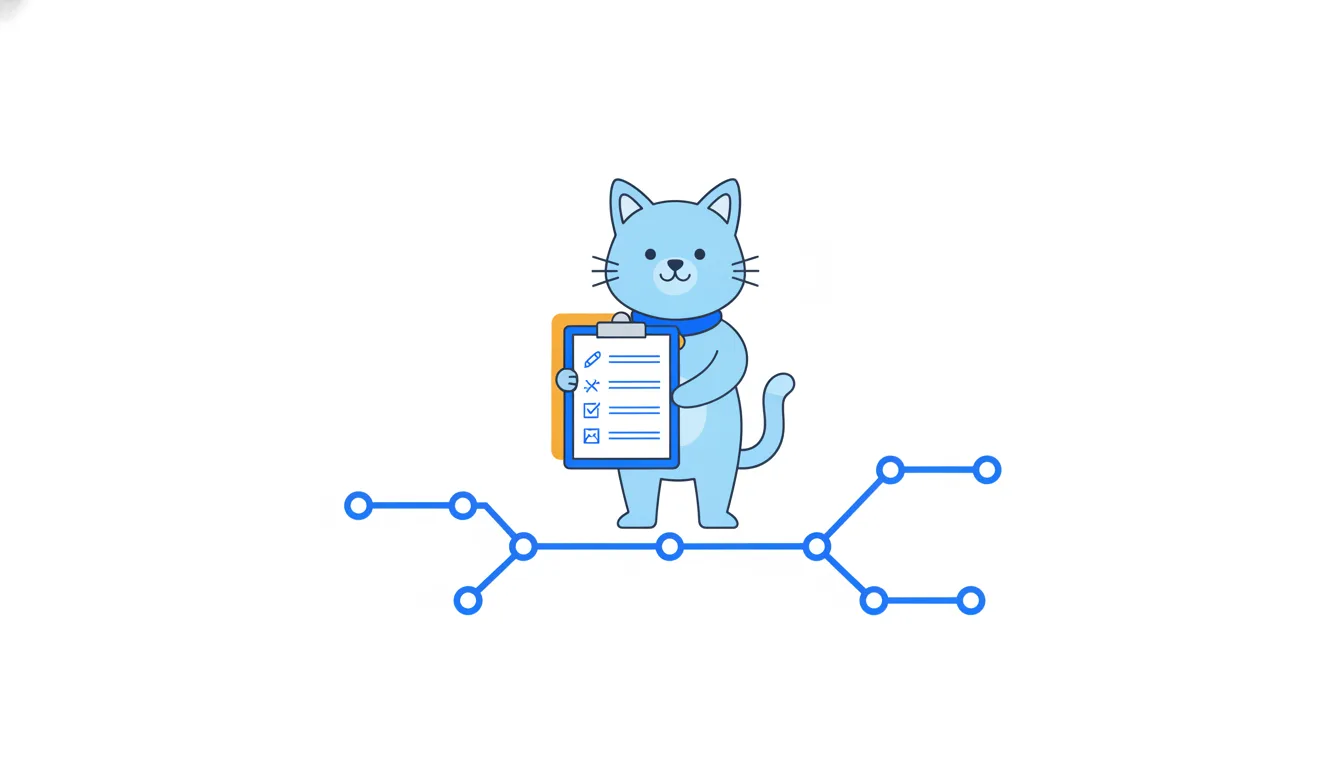
Many teams add a fifth part: what the change deliberately leaves out, so nobody reviews it for something it never promised.
What doesn't belong there: a list of every changed file (Files changed already has it) and pleas like “pls review asap”, which tell the reviewer nothing about the change. A weak description costs the author a meeting: three reviewers ask the same three questions, or nobody opens the pull request at all.
For a PM, the description is also where you check the scope: anything in the diff that the description doesn't mention deserves a question.
- Do“Why: Fixes #131. After editing the cart, customers saw a grey button and couldn't check out.”
The problem, linked to its issue.
- Do“How to test: 1. Open the preview. 2. Change a quantity: the button stays green.”
Steps anyone can repeat.
- Don't“fixed checkout, pls review”
No problem, no test steps, no scope.
Titles and a pull request template
Before anyone reads the description, they see the title in a list of fifty pull requests. A good title says what changes and where: “Fix checkout button after cart edits”. “Checkout fixes” or “Daniel's branch” says nothing, and later the same title shows up in release notes and in the history of main, so it pays off twice.
To stop descriptions from starting as an empty box, teams keep a pull request template: a Markdown file in the repository, usually .github/pull_request_template.md. When anyone opens a new pull request, GitHub copies it into the description, so every pull request starts from the same headings: What, Why, How to test, Screenshots.
Lines inside <!-- --> are hints for the author; GitHub doesn't show them in the finished description. Filling the template takes two minutes, and the empty headings remind the author what reviewers will ask. GitLab has the same idea under the name merge request templates.
- DoTitle: “Fix checkout button after cart edits”
What changes and where, readable in any list.
- Don'tTitle: “Checkout fixes”, description left empty
Nobody can tell from the list what to review.
Closing keywords: Fixes #131
Fixes #131 in a description is more than a link. Fixes is a closing keyword: when the pull request is merged into the repository's default branch (at CatChow, main), GitHub closes issue #131 by itself.
Three verbs work, in any form: close, fix and resolve. So Closes #131, Fixed #131 and Resolves #131 all count. Each issue needs its own keyword: Fixes #131, fixes #132. Without a keyword, “#131” is only a reference: both pages mention each other, and nothing closes.
The sidebar confirms the link under Development: “Successfully merging this pull request may close these issues”, followed by #131 (GitHub's wording as of 2026).
Timing matters. Opening the pull request, an approval or leaving draft only connects the two pages; the issue stays open until the merge. And the keyword only acts on a merge into the default branch. At CatChow every merge into main is deployed within minutes, so support sees #131 close at about the time the fix goes live.
- Do
Fixes #131, fixes #132One keyword per issue: both close on merge.
- Don't
Related to #131and then waiting for the issue to closeWithout a closing keyword it's only a reference.
The keyword only counts on the default branch
Closing keywords have one condition that's easy to miss: they act only when a pull request is merged into the default branch. That's the branch the repository opens on, usually main.
Some pull requests go somewhere else. A copy change can target feature/gift-wrap, the branch a bigger feature is being built on, and teams that work with a develop branch merge most pull requests there. Merge such a pull request, and its Closes #140 does nothing: the issue stays open, because the work hasn't reached the default branch yet.
That's actually the right behaviour. An issue should close when the fix is really in main, not when it is one step closer.
So when the base isn't the default branch, decide how the issue will close. Put the keyword in the pull request that finally carries the work into main, or close the issue by hand once that merge happens. Before you report anything as done, read the base in the header, then look at the issue's state.
- DoPut
Closes #140in the pull request that mergesfeature/gift-wrapintomain.The issue closes when the work reaches
main. - Don'tMerge a pull request into
feature/gift-wrapand tell support #140 is done.The issue is still open and nothing is live.
The sidebar: who does what
The right-hand sidebar of a pull request answers “who and what for”:
Reviewers: the people asked for a verdict. On #134, Oscar for the code and Sofia for the product side.Assignees: who is responsible for getting the pull request done, usually the author. Being assigned approves nothing.Labels: coloured tags for sorting and filtering, such asbugandcheckout. They change no code and block nothing.ProjectsandMilestone: where the work sits in the team's plans.Development: the linked issue that a closing keyword will close.
Keep two kinds of rule apart. A rule is enforced by GitHub: at CatChow, main needs one approval, and until then the merge button simply stays blocked. A habit is enforced by the team: CatChow asks for two reviewers, an engineer for the code and a product person for anything customers will see. GitHub would accept one.
From a terminal, gh pr edit 134 --add-reviewer oscar --add-label bug sets the same fields.
- Do“Oscar reviews the code, I review what customers will see.”
Two reviewers, two different questions.
- Don't“Daniel is the assignee, so it's approved.”
Assignees are responsible for the work; they don't approve it.
Checks, previews and the merge box
Every time the author pushes a commit, checks run on it automatically. CatChow has three: build (does the site still build?), test (do the automated tests pass?) and preview. The first two are continuous integration, CI: robots that check every change. preview deploys the branch to a temporary copy of the site with its own link, so a PM can click through the change on a phone before any customer sees it.
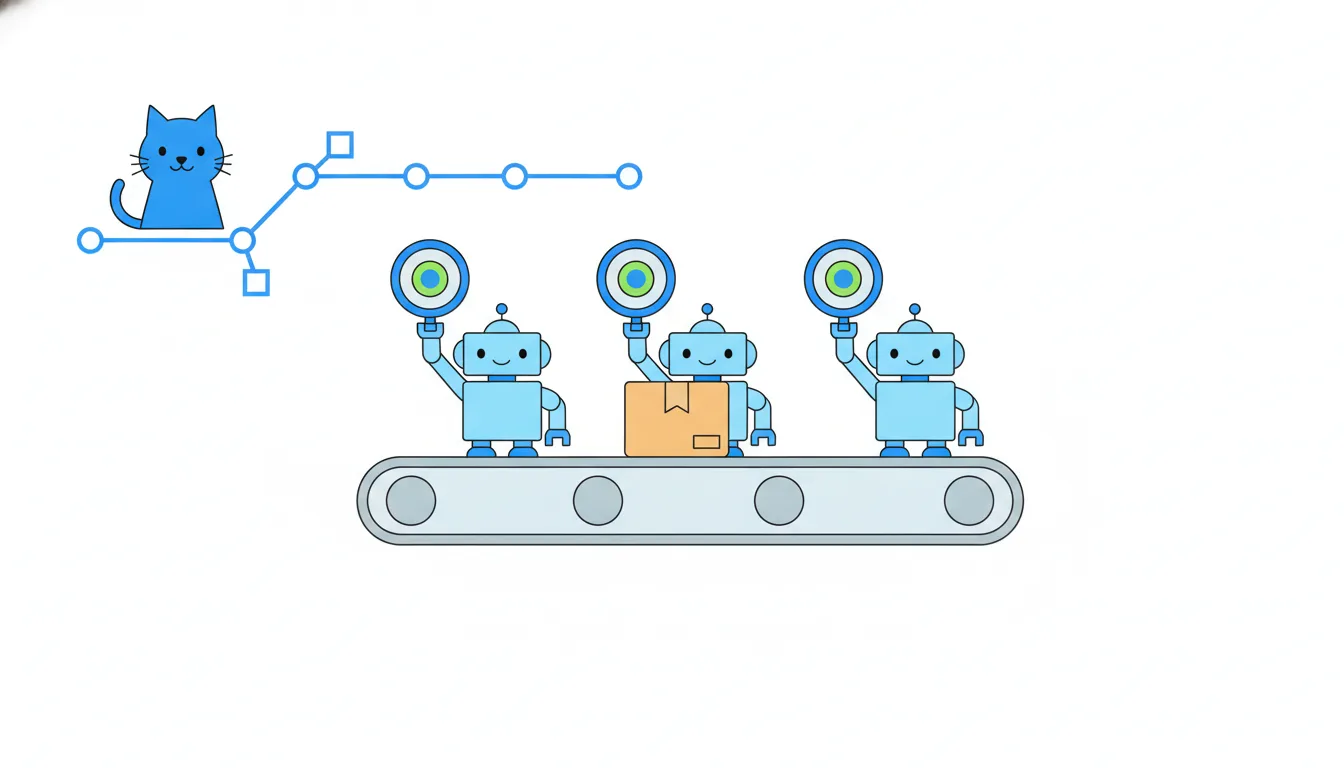
Checks run on the branch, on its newest commit, not on the live site. The site keeps showing main. So a red test means “this change broke a test and needs another look”, not “customers can't check out”. A failure on an older commit stops mattering once a newer one passes. gh pr checks 134 prints the same list in a terminal.
build
Successful in 1m
test
Successful in 3m
preview
Preview deployed: View deployment
At the bottom of Conversation, the merge box sums up whether the pull request can be merged: reviews, checks and conflicts. “Review required” plus “Merging is blocked” (GitHub's wording as of 2026) means the checks may be green, but nobody has approved yet.
- Do“
testfailed on the newest commit of #134. Daniel is on it; the live site isn't affected.”Says where the failure is and what it means.
- Don't“The checkout is broken, tell customers to wait!”
Checks test the branch, not the live site.
Ready to practise?
Answer the lesson's exercises and earn 250 points the first time you finish it.
Start the exercises