

Theory
GitHub Projects: project boards from issue to release
GitHub project management for product people: board, table and roadmap layouts in GitHub Projects, the status field and custom fields, built-in workflows that move cards, and how to follow a feature from issue to pull request, merge, release and feature flag. Why "Done" on a board doesn't always mean customers can use it, and what to show the CEO.
~12 min read · 11 exercises · 250 points
Before you start
A board for the launch
Tuesday afternoon of week three, and CatChow's product team is still on the loyalty launch. The milestone shows how many items are closed, but this morning the CEO asked something else: who is doing what this week, and are we on track? Daniel would rather drag cards than write status updates.
In this lesson you'll set up a project board on top of the team's issues and pull requests, and follow a feature from issue to release, including when "Done" doesn't yet mean customers can use it.
GitHub Projects: the plan lives where the work is
A milestone tells you how many items are closed. It can't answer the CEO's other question: “Who is doing what this week, and are we on track?” A spreadsheet next to GitHub could, for about two days, until it falls out of date.
GitHub Projects is GitHub's planning space on top of issues and pull requests. Three facts make it different from a spreadsheet:
- A project belongs to an organisation or a person, not to one repository, so it can hold issues and pull requests from several repositories at once.
- Every item is the real issue or pull request, not a copy. When #159 was closed, every project holding it showed that at once.
- Nothing moves out of the repository. The issues stay where they are; the project only arranges them.
So CatChow creates a project called “Loyalty launch” in the catchow organisation and adds the milestone's items. From then on, the plan and the work can't drift apart, because they are the same objects seen from two places.
- DoProject “Loyalty launch” in the catchow organisation, holding the real issues and pull requests from the milestone.
Closing an issue updates the plan by itself.
- Don'tA status spreadsheet where someone copies issue titles and states every Monday.
Out of date by Wednesday.
Adding items and draft items
A project fills up in three ways.
- Existing issues and pull requests. Paste a link or type
#in the project and search by number or title. Items can come from any repository the project's owner can see. - Draft items. A quick note that lives only in the project: a title, a description, and the same fields as any card, so it can sit in a column and carry a priority. It has no number and no repository, and the repository's issue list doesn't show it. When the idea is ready, choose Convert to issue, pick a repository, and it becomes a real issue with a number.
- Workflows can add items for you, for example every new issue with a certain label. You'll meet them in a moment.
Draft items suit half-formed thoughts in a planning session: “Ask support for a loyalty FAQ”. They are not a place to keep real work, because nobody outside the project can find or reference them. And removing an issue from a project only takes the card off the plan; the issue itself stays open in its repository.
- DoDraft item “Ask support for a loyalty FAQ” during planning, converted into an issue once Emma agrees to write it.
A quick note that becomes real work when it's ready.
- Don'tThe whole checkout change tracked for weeks as a draft item.
No number, so no pull request can close it or mention it.
One project, three layouts
A project has views, saved as tabs along the top. Each view uses one of three layouts, as of 2026.
Tableis a spreadsheet: a row per item, fields as columns, editing right in the cell. It's the fastest way to set the priority of twenty new issues in one sitting.Boardis a kanban board: cards in columns, one column per value of a field, usuallyStatus. Dragging a card to another column changes that field. Developers live here:In progresswhen they start,In reviewwhen the pull request is ready.Roadmaplays items on a timeline by a date or iteration field, with markers such as a milestone's due date. It answers “when?”, which makes it the natural view for a CEO.
Filters, sorting and grouping are not a layout of their own: every view has them and saves them. A filter like label:bug is:open works in a table, a board or a roadmap.
All views show the same items. Change a field in one, and every other view shows the change.
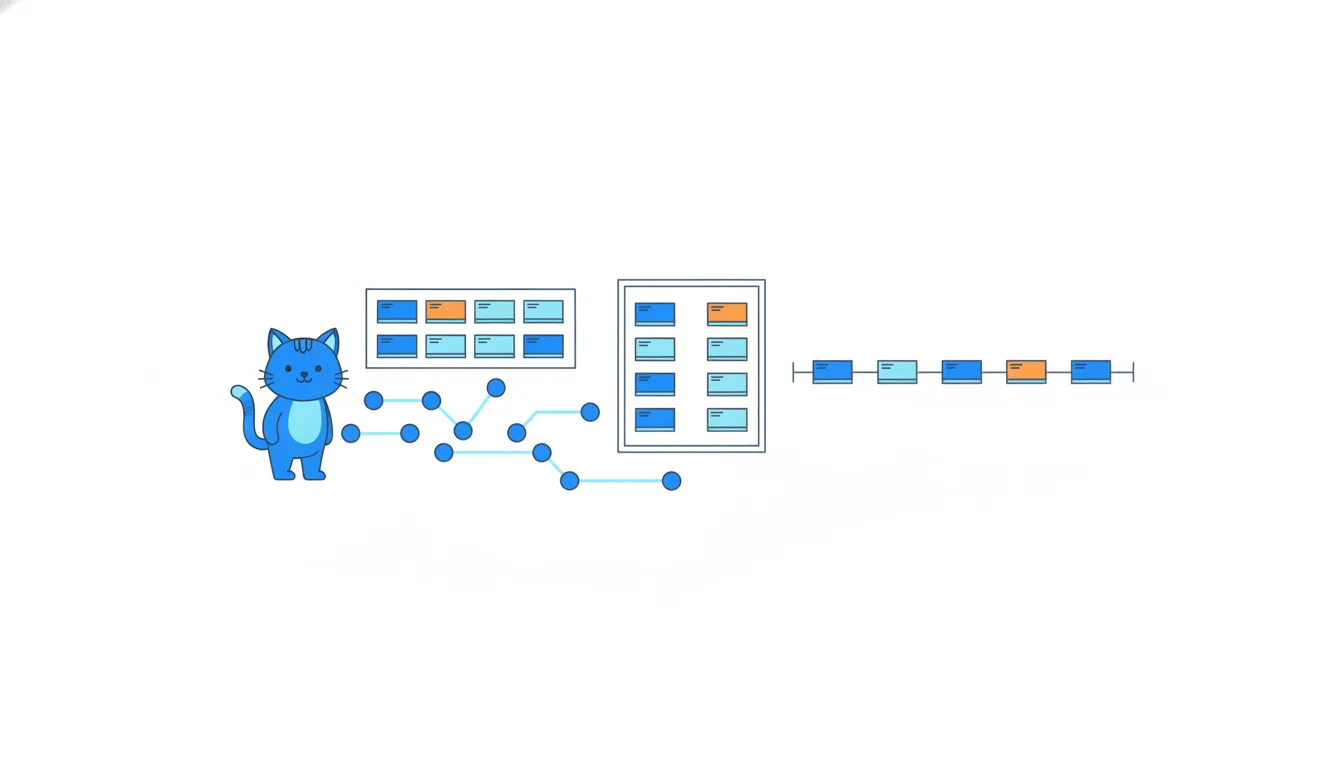
- DoTable view to set
Priorityfor twenty new issues; Board view for the daily flow; Roadmap view for the CEO.Each layout for the question it answers best.
- Don'tCopying the board into a separate “CEO project” and updating both by hand.
One project with several views already does this, without drift.
Status and custom fields
Board columns come from fields. Status is built in, with Todo, In Progress and Done to start with. Add a fourth option, In review, between the last two, and the board gets a fourth column at once.
Issues bring their own fields into the project: assignees, labels, milestone, linked pull requests, even sub-issue progress such as “1 of 4”. These are the issue's fields, so they look the same in every project and on the issue page.
On top of that, a project can have custom fields of its own. For the loyalty launch, three are enough:
Priority, a single select with P1, P2 and P3;Target date, a date that feeds the roadmap layout;Iteration, one-week slots from Monday to Friday, so “what's in this week?” becomes a filter instead of a meeting.
Custom fields belong to the project, not to the issue. #163 can be P1 in “Loyalty launch” and have no priority in another project. On the issue's own page they appear in the Projects part of the sidebar, one block per project.
- DoFilter the board by the current
Iterationto answer “what's in this week?”.A filter instead of a meeting.
- Don'tAssume #163's P1 from “Loyalty launch” shows up in the support team's project too.
Custom fields stay in their own project.
How to read a board
By Wednesday the “Loyalty launch” board has four columns of real work. #164, the launch switch, waits in Todo. The parent #147 sits in In progress with “1 of 4” sub-issues closed, next to #163, spending points at checkout (Daniel, P1, target 5 November), and the draft programme page #157 by Emma, the content marketer. #162, the balance, is in In review with its linked pull request #166. #159 is in Done, closed by #165.
Switch on loyalty points for all customers#164
Todo · Sofia · target 10 November
Launch loyalty points before Black Friday#147
In progress · Sofia · 1 of 4 sub-issues closed
Spend points at checkout#163
In progress · Daniel · P1 · target 5 November
Write loyalty programme page#157
In progress · Emma · P2
Show points balance in the account#162
In review · linked pull request #166 · Daniel · P1
Points counted before promo discount#159
Done · closed by #165
Read a board from right to left: what's finished, what's waiting for a reviewer, what's being built, what hasn't started. The right-hand columns are closest to customers, so they matter most this week.
The review column is where a PM can help most. Work in it is built and waits for people: an approval, an answer to a comment, a merge. A nudge to the right reviewer often moves a card further than any amount of new work.
Keep two things apart while reading. Priority says what matters most, not what is closest to done. And the parent's column says little about progress; its sub-issues tell the real story.
- Do“#162 is built and waits in review. I'll ask Oscar to look at #166 today.”
Starts from the right and unblocks waiting work.
- Don't“#163 is P1, so it'll be merged next.”
Priority isn't progress: #163 is still being built.
Built-in workflows move the cards
Nobody wants to spend Fridays chasing people to drag cards. A project has built-in workflows under its Workflows menu, as of 2026, and they keep part of the board current by themselves.
Two are on in every new project:
- Item closed: when an issue or pull request is closed, its
StatusbecomesDone. - Pull request merged: when a pull request is merged, its
StatusbecomesDone.
Daniel switches on two more. Item added to project sets Status to Todo, and Auto-add to project pulls in every new catchow/website issue with the label loyalty. Now a new loyalty issue lands in Todo on its own, and a pull request with Fixes #162 closes #162 on the merge, which moves the card to Done. The middle columns people still move by hand, or with a GitHub Actions script.
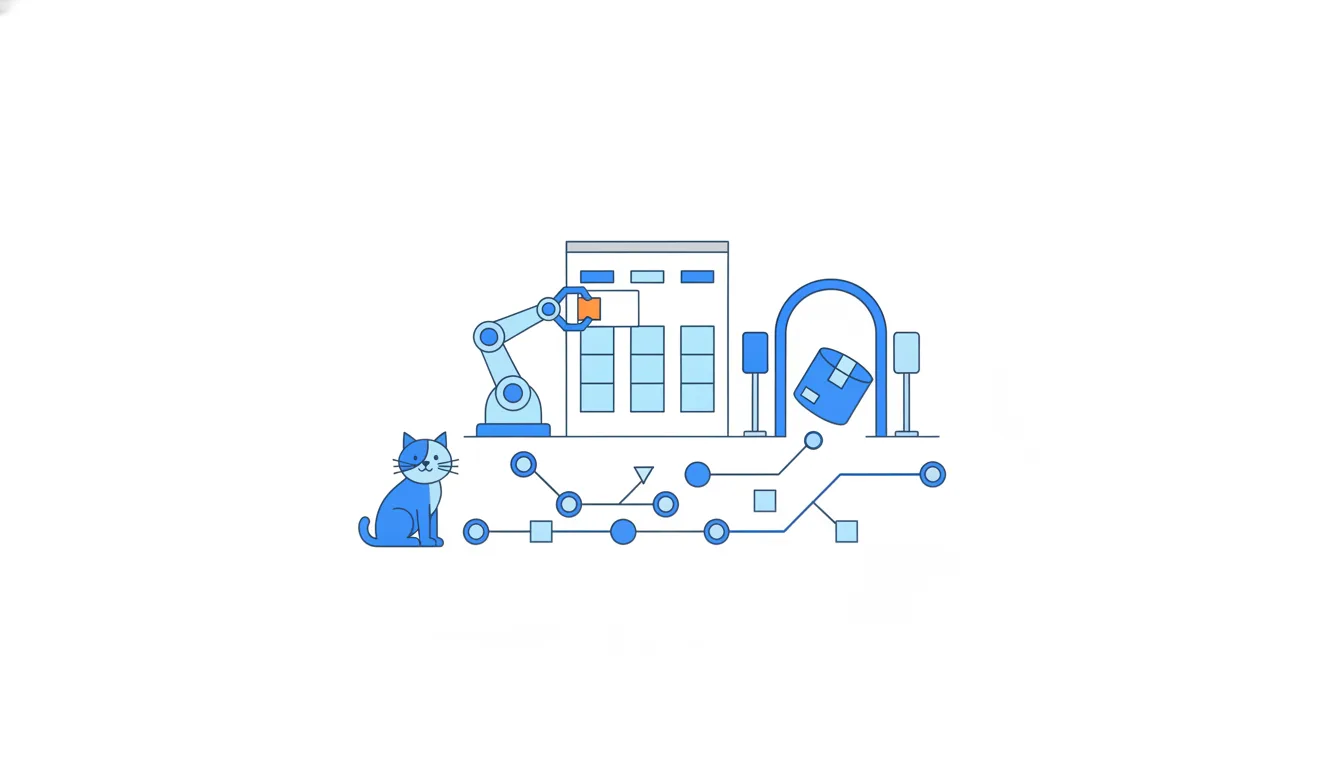
This is why the closing keyword now matters twice. If the description says Part of #162 instead, #162 stays open, its card stays in In review, and the board is wrong until someone notices. Publishing a release, by contrast, moves no cards at all.
- DoPull request description:
Fixes #162. Part of #147.The merge closes #162 and the workflow moves its card to
Done. - Don'tPull request description:
Part of #162.#162 stays open and its card stays in
In reviewafter the merge.
Done is not launched
On Thursday the team publishes v1.5.0: #156, #160, #165 and #166 since v1.4.1. Two loyalty cards sit in Done, the release notes list their pull requests, and customers still see nothing.
On this board Done means merged or closed. At CatChow that also means deployed within minutes. But the whole programme is behind the feature flag loyalty-points, on for staff only, and the board can't see the flag.
e5f81a3Hide loyalty menu link when flag is off (#158)v1.4.1b2e6f10Earn points on paid orders (#156)6e0b4d8Add issue templates (#160)7a1d9c3Count points after discounts (#165)c3f7a05Show points balance in the account (#166)mainv1.5.0
Commit graph, oldest first: main from v1.4.1 to v1.5.0 1. commit e5f81a3 on main "Hide loyalty menu link when flag is off (#158)", tagged v1.4.1 2. commit b2e6f10 on main "Earn points on paid orders (#156)" 3. commit 6e0b4d8 on main "Add issue templates (#160)" 4. commit 7a1d9c3 on main "Count points after discounts (#165)" 5. commit c3f7a05 on main "Show points balance in the account (#166)", tagged v1.5.0 (highlighted)
Each question has its own source of truth:
- The project board: the work, its owners and whether it's on schedule.
- The pull request page: the review, the approvals and the checks.
Deployments→production: which commit is running on the live site right now.- The release page: which version first included a change.
- The flag panel: what customers can actually use.
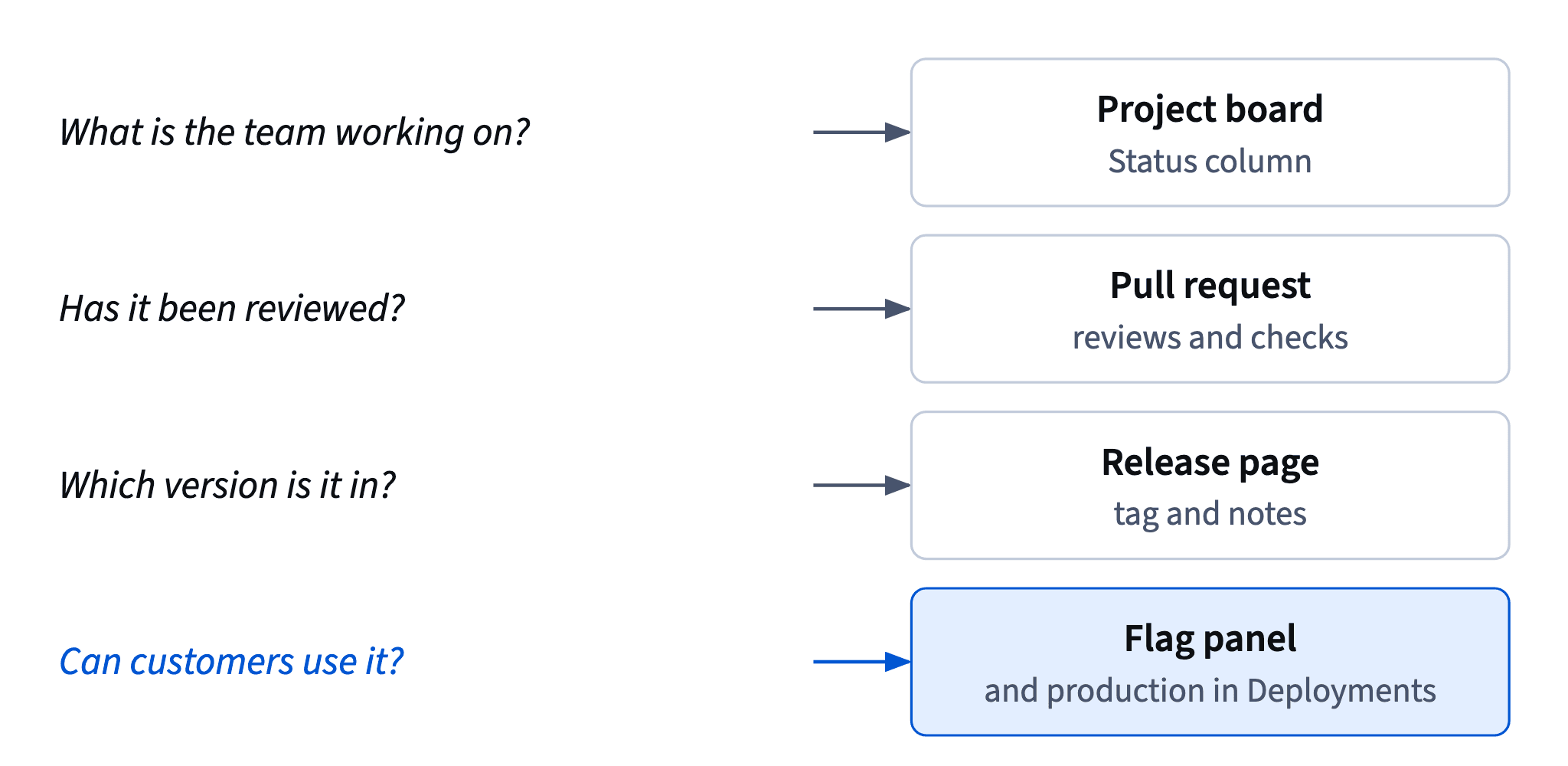
So when someone asks “is it live?”, don't read them the board. Read production under Deployments and the flag, and say which of the two answers you're giving.
- Do“The balance is merged, deployed and in
v1.5.0. Customers will see it when the flag goes on for everyone on 10 November.”Each fact from its own source.
- Don't“It's in
Doneon the board, so customers have it.”The board can't see the flag.
Keep Done honest; make the launch a card
The CEO opens the board and writes: “2 of 4 sub-issues Done, so we're halfway launched?” It's a fair reading of a board that wasn't built for him, and it's wrong: both finished pieces are hidden behind the flag, so customers have nothing yet.
Teams handle this in two ways. Some add a Released column and move cards into it on release day. CatChow keeps Done meaning “merged or closed” and makes the launch a card of its own: #164, “Switch on loyalty points for all customers”, owned by Sofia, waits in Todo until 10 November. The moment customers get the feature is then visible on the board, with an owner and a date.
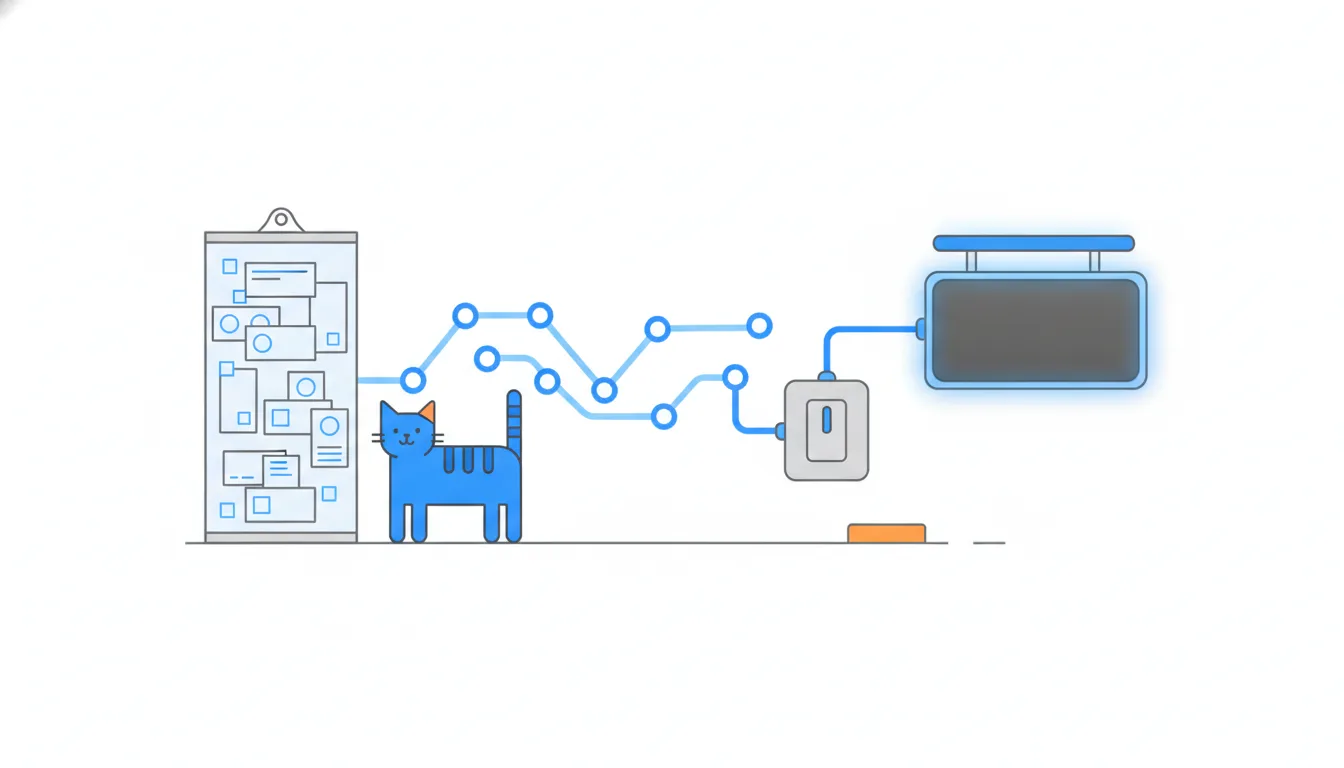
A good reply to the CEO separates three things in two or three sentences:
- what's built: the bug fix and the balance are merged and live for staff;
- what customers see: nothing yet, because the flag is on for staff only;
- what's next: spending at checkout (target 5 November), then the switch on 10 November.
Mentioning the flag also reassures: the launch is a switch the team controls, not a gamble.
- Do“Two of four pieces are built and live for staff; customers see nothing until we switch the flag on, planned for 10 November. Next: spending points at checkout.”
Built, visible to customers, next.
- Don't“Yes, 50% done, on track for launch.”
Counts cards, not what customers get.
From issue to customers, step by step
Follow one piece of the loyalty programme, #163 “Spend points at checkout”, along the whole path:
- Issue #163 is opened with the label
loyalty. - The auto-add workflow puts it on the board in
Todo. - Daniel moves the card to
In progressand starts pull request #167 withFixes #163. - The card moves to
In review; Oscar and Sofia review #167. - #167 is merged and deployed; #163 closes and the workflow moves its card to
Done. - Next Thursday's release,
v1.6.0, lists #167 in its notes. - On 10 November the flag
loyalty-pointsgoes on for all customers.
Only step 7 changes what customers can do. Everything before it is the team's work, which the board tracks.
Picture: The board shows the work, the pull request the review, the release page the version, and the flag panel with Deployments what customers get. · shown above
The same split shapes the weekly update for the CEO: what changed this week, what's at risk and what happens next, in his words rather than the board's. Give him a view of his own, a Roadmap filtered to the loyalty issues by target date with the milestone marker, and leave out drafts and the column-by-column detail.
- DoWeekly update: “Done: bug fix and balance (in
v1.5.0, staff only). Risk: checkout review needs two days, target 5 November is tight. Next: flag on for everyone on 10 November.”Changes, risk and next step, in plain words.
- Don'tSending the CEO a screenshot of the whole board every Friday.
He has to decode columns himself, and the flag isn't on it.
Ready to practise?
Answer the lesson's exercises and earn 250 points the first time you finish it.
Start the exercises