

Theory
Merging on GitHub: merge commit, squash and merge, rebase
What merging does, the three options behind GitHub's merge button (merge commit, squash and merge, rebase and merge) and what each leaves in the history, a fast-forward merge in plain words, and how to check whether a change is really in main.
~11 min read · 10 exercises · 250 points
Before you start
The green button
News for CatChow's product team on the finance request: Daniel's pull request #133, raising the free-delivery threshold to 1000 UAH, has been approved in review. Its title is your commit message from module 1. One step is left: merging it.
In this lesson you'll see what merging does, the three options behind GitHub's merge button and what each leaves in the history, and how to check whether a change has really reached main.
What merging does
Back at CatChow, finance asked to raise the free-delivery threshold. Daniel's pull request #133, "Raise free-delivery threshold to 1000 UAH", has been approved in review. One step is left: merging it.
Merging means bringing the changes of one branch into another. A merge has a direction: here, from feature/free-delivery-1000 into main. Until it happens, the site keeps saying 800.
The branch has three commits: the new number in the config, the delivery page text and the hint in the cart. After the merge main contains all three changes together, whatever files they touch; nothing has to be merged file by file. The branch itself stays exactly as it was, and it's usually deleted afterwards.
8be2f70Add cat treats bundlemain5c1d7e2Set freeDeliveryFrom to 1000a8f40b9Update delivery page textd36b9c5Update cart hint textfeature/free-delivery-1000
Commit graph, oldest first: Pull request #133 before the merge 1. commit 8be2f70 on main "Add cat treats bundle" 2. branch feature/free-delivery-1000 starts from commit 8be2f70 3. commit 5c1d7e2 on feature/free-delivery-1000 "Set freeDeliveryFrom to 1000" 4. commit a8f40b9 on feature/free-delivery-1000 "Update delivery page text" 5. commit d36b9c5 on feature/free-delivery-1000 "Update cart hint text"
Engineers write the direction the other way round in a terminal: they stand on the receiving branch and name the one coming in, git switch main and then git merge feature/free-delivery-1000. On GitHub the pull request states it plainly at the top, for example "wants to merge 3 commits into main from feature/free-delivery-1000".
- Do"#133 merges
feature/free-delivery-1000intomain: all three changes arrive together." - Don't"After the merge the branch got
main's changes."The direction here is from the branch into
main.
One button, three options
At the bottom of a pull request there's a green Merge pull request button with a small arrow next to it. The arrow opens three options:
Create a merge commitSquash and mergeRebase and merge
Which one gives the right result? All of them. After any of the three, the files in main are identical: the free-delivery threshold is 1000 either way, and the delivery page and cart hint read the same. What differs is the history you'll read afterwards: how many entries main gains, whether the branch's original commits appear, and whether the graph shows two lanes joining or one straight line.
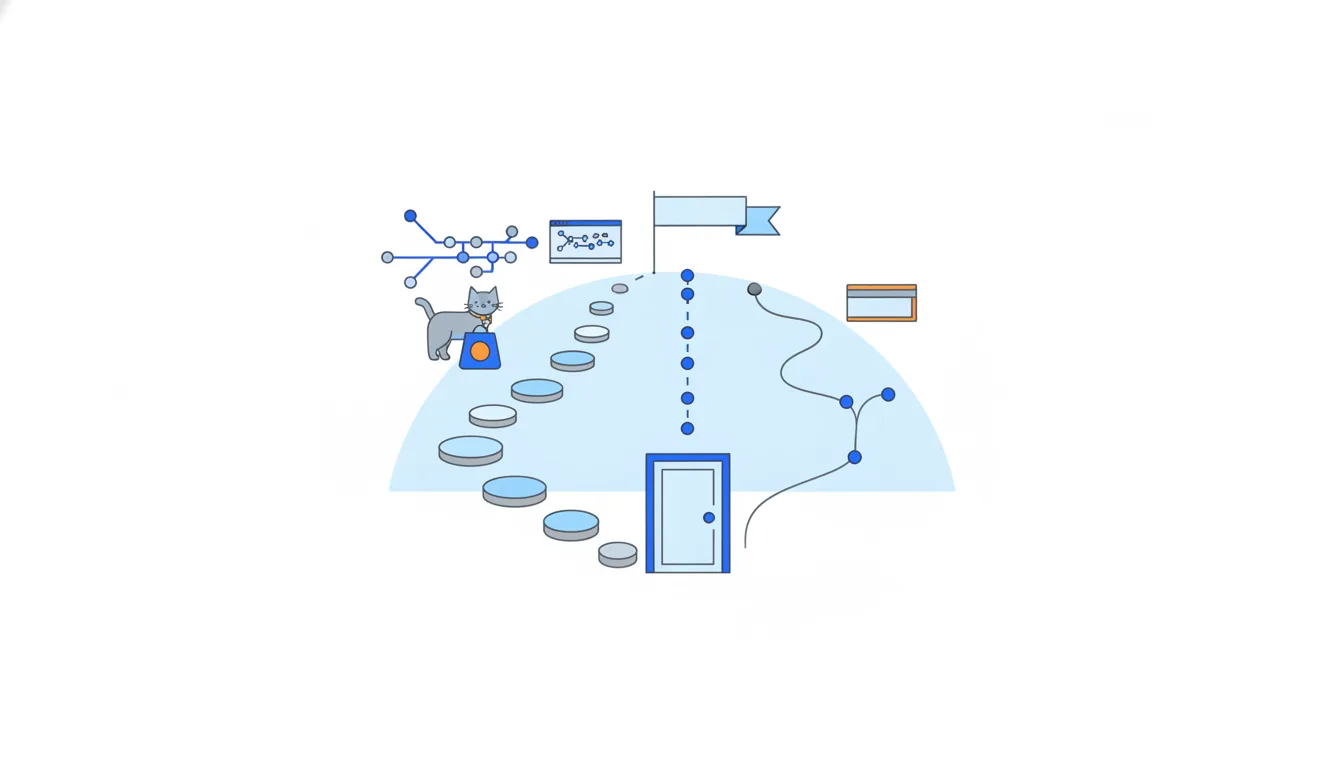
Which options you see depends on the repository settings. An admin can switch any of them off, so some repositories offer only one. That setting is also how a team quietly enforces its chosen way.
For a PM the practical upshot is simple. You don't need to pick an option to know whether a change is in. But you do need to know which one your team uses before you count commits or read the graph.
- Do"Whichever option Daniel picks,
mainwill say 1000." - Don't"Use
Rebase and merge, otherwise the text might come out wrong."The files are identical; only the history differs.
Option 1, a merge commit
Create a merge commit adds the branch's commits to main as they are and ties the two lines together with one extra commit, a merge commit.
On a graph you see two lanes joining. The merge commit is special: it has two parents, the previous commit on main and the last commit on the branch. GitHub writes its message itself, for example "Merge pull request #133 from catchow/feature/free-delivery-1000".
8be2f70Add cat treats bundle5c1d7e2Set freeDeliveryFrom to 1000a8f40b9Update delivery page textd36b9c5Update cart hint textfeature/free-delivery-1000e4b7a90Merge pull request #133main
Commit graph, oldest first: Option 1: a merge commit 1. commit 8be2f70 on main "Add cat treats bundle" 2. branch feature/free-delivery-1000 starts from commit 8be2f70 3. commit 5c1d7e2 on feature/free-delivery-1000 "Set freeDeliveryFrom to 1000" 4. commit a8f40b9 on feature/free-delivery-1000 "Update delivery page text" 5. commit d36b9c5 on feature/free-delivery-1000 "Update cart hint text" 6. merge commit e4b7a90: feature/free-delivery-1000 merged into main "Merge pull request #133" (highlighted)
So for Daniel's three-commit branch, the history of main grows by four entries: his three commits, with their original hashes, plus the merge commit. Nothing is rewritten, and you can always see where a branch started and where it came back. In a terminal engineers get the same result with git merge --no-ff feature/free-delivery-1000, which always creates a merge commit.
The price is a busier history. Every small step of every branch ends up in main, including commits like "oops, typo", and a week with ten pull requests leaves a tangle of lanes to read.
- Do"r3 has two parents, r2 and t2, so it's a merge commit."
- Don't"After a merge commit,
mainhas just one new entry."The branch's commits come along too.
Option 2, squash and merge
Squash and merge packs all the commits of a pull request into one new commit on main. Every change from the branch arrives together as a single step in the history.
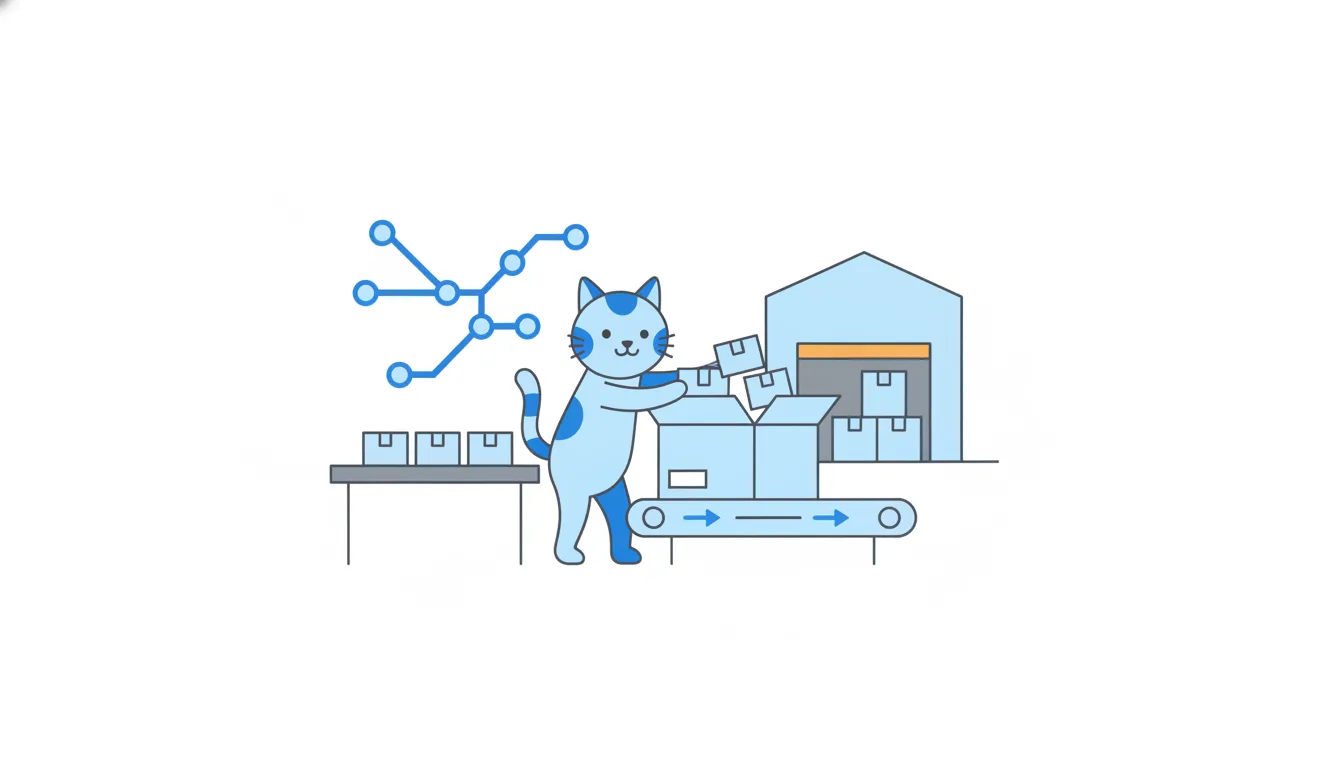
On a graph the branch connects to that commit with a dashed line: the branch's commits themselves did not become part of main's history; only their combined changes did. GitHub adds the pull request number to the commit title by itself, as in "Raise free-delivery threshold to 1000 UAH (#133)", so the way back to the discussion is one click. Before confirming, the person merging can edit the message; by default it uses the pull request title and lists the original commit titles underneath.
8be2f70Add cat treats bundle5c1d7e2Set freeDeliveryFrom to 1000a8f40b9Update delivery page textd36b9c5Update cart hint textfeature/free-delivery-10006f2c8a1Raise free-delivery threshold to 1000 UAH (#133)main
Commit graph, oldest first: Option 2: squash and merge 1. commit 8be2f70 on main "Add cat treats bundle" 2. branch feature/free-delivery-1000 starts from commit 8be2f70 3. commit 5c1d7e2 on feature/free-delivery-1000 "Set freeDeliveryFrom to 1000" 4. commit a8f40b9 on feature/free-delivery-1000 "Update delivery page text" 5. commit d36b9c5 on feature/free-delivery-1000 "Update cart hint text" 6. commit 6f2c8a1: feature/free-delivery-1000 squash-merged into main "Raise free-delivery threshold to 1000 UAH (#133)" (highlighted)
CatChow uses squash. That's why main looks like a straight line: one pull request, one commit, and "oops, typo" never reaches main.
Where are the original steps? In the pull request's Commits tab, which keeps them even after the branch is deleted. In a terminal, git merge --squash prepares the same combined change for one commit.
- DoMissing commits? Click
(#133)in the commit title → the pull request →Commits - Don't"Two of Daniel's commits got lost on the way to
main."They were squashed; the pull request keeps them.
Fast-forward, the merge with no new commit
You'll hear engineers say "fast-forward". It's the simplest merge of all, and it happens when main hasn't changed since the branch started.
Remember that a branch is just a name pointing at a commit. If main still points at the commit where the branch began, the branch is simply further along the same line. There's nothing to combine, so Git can move the name main forward to the last commit of the branch. No new commit, no second parent: the name just catches up.
That's what git merge feature/free-delivery-1000 does by default in a terminal in that situation. If the team wants a visible merge commit anyway, they add --no-ff; if they want to refuse anything but a fast-forward, --ff-only.
One catch for GitHub users: as of 2026 GitHub's merge button doesn't do a plain fast-forward. Create a merge commit always adds a merge commit, and Rebase and merge always re-creates the commits with new hashes. So a fast-forward in the history usually means someone merged from a terminal.
- Do
maindidn't move →git mergefast-forwards: the name catches up, no new commit - Don'tExpect GitHub's green button to fast-forward
It always adds a merge commit or re-creates the commits.
Option 3, rebase and merge
Rebase and merge replays the branch's commits on top of main, one by one. There's no merge commit and no squashing.
On the graph main simply continues in a straight line with three new commits that carry the same messages as the branch's commits but different hashes. They're copies: rebase re-creates each commit in a new place, and a re-created commit always gets a new hash. The originals stay on the branch until it's deleted. In a terminal the same idea is git rebase main on the branch, followed by a fast-forward of main.
8be2f70Add cat treats bundle5c1d7e2Set freeDeliveryFrom to 1000a8f40b9Update delivery page textd36b9c5Update cart hint textfeature/free-delivery-10001f6a3d8Set freeDeliveryFrom to 10002b9e5c4Update delivery page text7d0c8f1Update cart hint textmain
Commit graph, oldest first: Option 3: rebase and merge 1. commit 8be2f70 on main "Add cat treats bundle" 2. branch feature/free-delivery-1000 starts from commit 8be2f70 3. commit 5c1d7e2 on feature/free-delivery-1000 "Set freeDeliveryFrom to 1000" 4. commit a8f40b9 on feature/free-delivery-1000 "Update delivery page text" 5. commit d36b9c5 on feature/free-delivery-1000 "Update cart hint text" 6. commit 1f6a3d8 on main "Set freeDeliveryFrom to 1000" 7. commit 2b9e5c4 on main "Update delivery page text" 8. commit 7d0c8f1 on main "Update cart hint text" (highlighted)
Put the four pictures side by side:
- Merge commit: two lanes joining in a commit with two parents.
- Squash: one new commit on
main, with a dashed link to the branch. - Rebase: copies of the branch's commits, one after another on
main. - Fast-forward (terminal only): no new commit; the name
mainmoves to the tip of the branch.
If you can tell these four apart on a graph, you can read any team's history.
- DoSame messages, new hashes, straight line →
Rebase and merge - Don'tSearch
mainfor the branch's original hashes after a rebaseRebase creates copies with new hashes.
Why a team picks one way
If the files end up the same, why do teams argue about merge options? Because they read history every day, and each option makes it read differently.
- Squash fans want each entry in
mainto be one finished piece of work with a link to its pull request. Undoing it means reverting one commit. - Merge commit fans want the full record: every commit with its original hash and the exact points where branches joined.
- Rebase fans want every step too, but in a straight line.
There's no winner. What matters is that the team agrees on one way, so the history reads the same from week to week.
For a PM this changes how you count. In a squash repository one commit can hide a week of work. In a merge-commit repository ten commits can be one small feature. So "how many commits went into this release?" is a trick question until you know how the team merges; "how many pull requests?" is usually the better question. And when you read a graph, recognise the option first: straight line with copies means rebase.
- Do"How many pull requests went into this release?"
Means the same whichever merge option the team uses.
- Don'tCompare two teams' productivity by counting commits in
mainSquash and merge commits give very different counts for the same work.
Is the change in `main`?
The question you'll hear most often as a PM is "is it in?". The answer is on the badge at the top of every pull request:
Open(green): proposed and under discussion; the changes are still on the branch.Draft(grey): the author is still working; not ready for review, let alonemain.Merged(purple): the changes went into the target branch. The line next to the badge says which one and when.Closed(red): closed without merging; the changes never got in.
Raise free-delivery threshold to 1000 UAH#133
Merged into main today: the changes are in main
Rewrite delivery page copy#132
Open: Emma's changes are still on her branch
Fix checkout button after cart edits#134
Draft: Daniel is still working on it
So in a list with #129 and #133 Merged, #132 Open, #134 Draft and #127 Closed, only #129 and #133 have their changes in main.
Read the line next to Merged, too. A pull request can target a branch other than main, and "merged into release/2.5" is not the same as "merged into main". The pull requests list has filters such as is:merged and is:open if you need to check many at once.
- DoPurple
Merged+ "merged intomain" → the change is inmain - Don'tCount a red
Closedpull request as deliveredClosed means it was dropped without merging.
Merged is not the same as live
A purple Merged badge is good news, but it's a fact about the past. Before you tell anyone "it's live", ask three questions:
- Merged into what? The line next to the badge names the target branch. Only a merge into
mainheads for CatChow's site. - When, and has it shipped? At CatChow a merge into
mainis deployed automatically within minutes. Other teams collect merges and ship them later as a release, so merged can mean "waiting for Thursday's release". Module 4 covers releases. - Is it still there? Daniel's checkout redesign, pull request #97, still says
Merged, although #98 reverted it ten minutes later. A revert doesn't change the old badge.
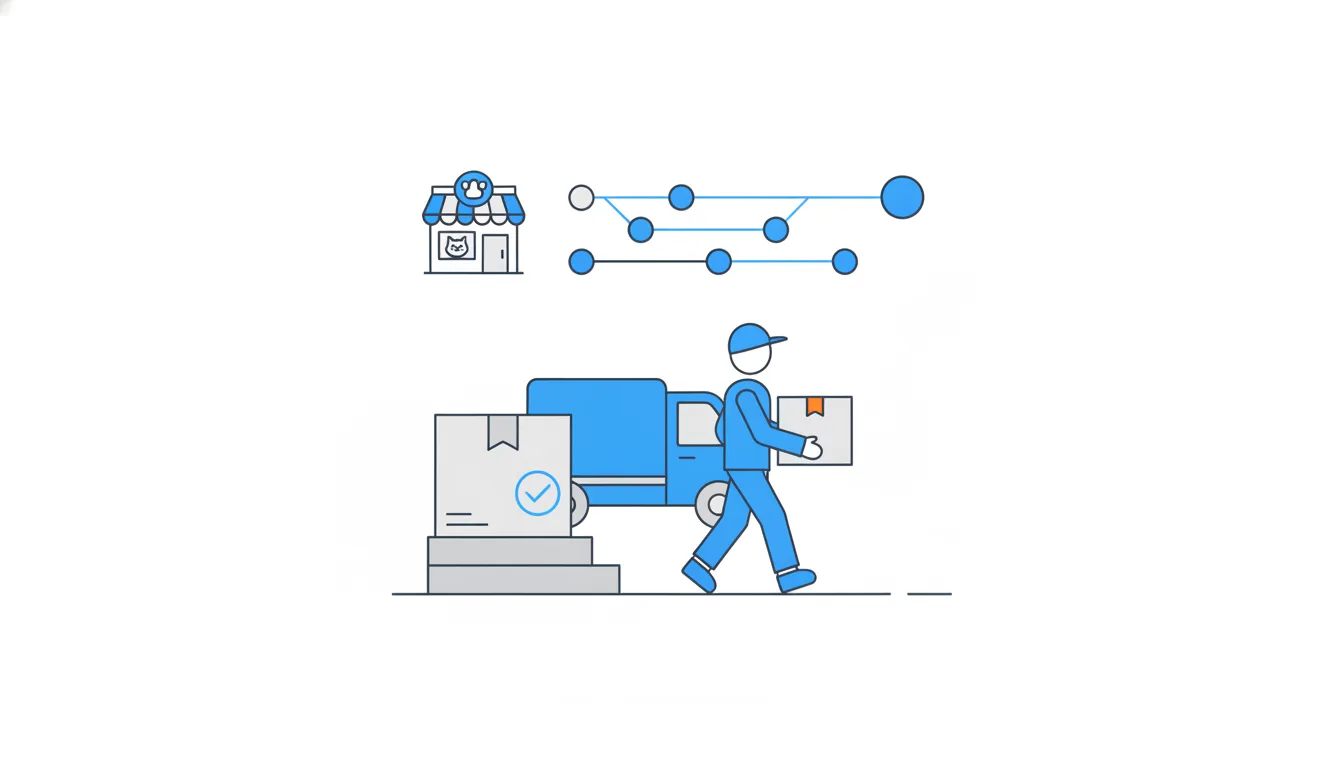
When in doubt, skip the badges and open the file in main: if config/prices.json says 1000, the change is in. For "is it live?", check the site itself or ask the team how deployment works.
The habit protects you from the most common PM mistake on GitHub: promising customers something that was merged, then undone.
- Do"#133 merged into
maintoday, andprices.jsoninmainsays 1000."Badge, target and the file itself agree.
- Don't"#97 says Merged, so the new checkout is live."
It was reverted by #98 ten minutes later.
Ready to practise?
Answer the lesson's exercises and earn 250 points the first time you finish it.
Start the exercises