

Theory
Git flow: develop, release and hotfix branches
The release-oriented branching model: long-lived main and develop, feature branches, a release branch for each version, hotfix branches, and tags on main. When it fits (app store releases, several supported versions), why many web teams moved to GitHub flow or trunk-based development, and how to recognise each model from a branch list.
~11 min read · 11 exercises · 250 points
Before you start
"Proper releases"
A new week on CatChow's product team. The autumn sale banner went live on Monday exactly on time, and then at lunch the CEO asked why CatChow doesn't have "proper releases, like every serious company". Daniel used to work that way on a phone app.
In this lesson you'll meet a release-oriented way of branching, see when it fits and why many web teams moved away from it, and learn to recognise a team's model from its list of branches.
Git flow: two long-lived branches and three temporary kinds
Git flow is a release-oriented branching model from 2010. Instead of one main plus short branches, it has two branches that live forever and three kinds of temporary ones:
main: released versions only. Every commit on it gets a version tag, such asv2.7.0orv2.8.0. The original description called this branchmaster.develop: where the next version is assembled from finished features.feature/*: one feature each, branched fromdevelopand merged back into it:git switch -c feature/workout-reminders develop.release/*: prepares one version for shipping: fixes and the version bump only.hotfix/*: an urgent fix to the version users already have, branched frommain.
Teams in git flow usually merge with a merge commit, never squash (git merge --no-ff feature/workout-reminders), so each feature stays visible on develop as its own loop. That's what the original model recommends.
On a graph it looks like five lanes with merges going both ways, compared with GitHub flow's one lane plus short side branches.
2c71a0eVersion 2.7.0v2.7.04d8e2b1Update translations7a3f9c2Add reminder settingsc5e0d38Fix crash on loginhotfix/2.7.1e8b2f14Merge hotfix/2.7.1v2.7.10f6c3a9Merge hotfix/2.7.1 into develop91be4d7Send reminder notificationsfeature/workout-reminders5b9d7e2Merge feature/workout-remindersa4c1e86Bump version to 2.8.03e7f0b5Fix reminder text on small screensrelease/2.8.06d2a9f3Merge release/2.8.0mainv2.8.0b8e4c71Merge release/2.8.0 into developdevelop
Commit graph, oldest first: Git flow in a mobile app team 1. commit 2c71a0e on main "Version 2.7.0", tagged v2.7.0 2. branch develop starts from commit 2c71a0e 3. commit 4d8e2b1 on develop "Update translations" 4. branch feature/workout-reminders starts from commit 4d8e2b1 5. commit 7a3f9c2 on feature/workout-reminders "Add reminder settings" 6. branch hotfix/2.7.1 starts from commit 2c71a0e 7. commit c5e0d38 on hotfix/2.7.1 "Fix crash on login" (highlighted) 8. merge commit e8b2f14: hotfix/2.7.1 merged into main "Merge hotfix/2.7.1", tagged v2.7.1 9. merge commit 0f6c3a9: hotfix/2.7.1 merged into develop "Merge hotfix/2.7.1 into develop" 10. commit 91be4d7 on feature/workout-reminders "Send reminder notifications" 11. merge commit 5b9d7e2: feature/workout-reminders merged into develop "Merge feature/workout-reminders" 12. branch release/2.8.0 starts from commit 5b9d7e2 13. commit a4c1e86 on release/2.8.0 "Bump version to 2.8.0" 14. commit 3e7f0b5 on release/2.8.0 "Fix reminder text on small screens" 15. merge commit 6d2a9f3: release/2.8.0 merged into main "Merge release/2.8.0", tagged v2.8.0 16. merge commit b8e4c71: release/2.8.0 merged into develop "Merge release/2.8.0 into develop"
- Do
feature/workout-remindersfromdevelop, merged back intodevelopwith a merge commit.Features live on the
developside. - Don'tA feature branch from
main, merged straight intomain.In git flow
maintakes only releases and hotfixes.
Merged is not released
In git flow, a feature is merged into develop, not into main. That's the biggest difference for a PM: merged means “in the next version”, not “users have it”.
Think of develop as a station platform and the release as a train that leaves on a schedule. Workout reminders were merged in the middle of a sprint and reached people's phones almost two weeks later: the release branch had to be cut, tested, merged into main, tagged, reviewed by the app stores, and then each user had to update the app.
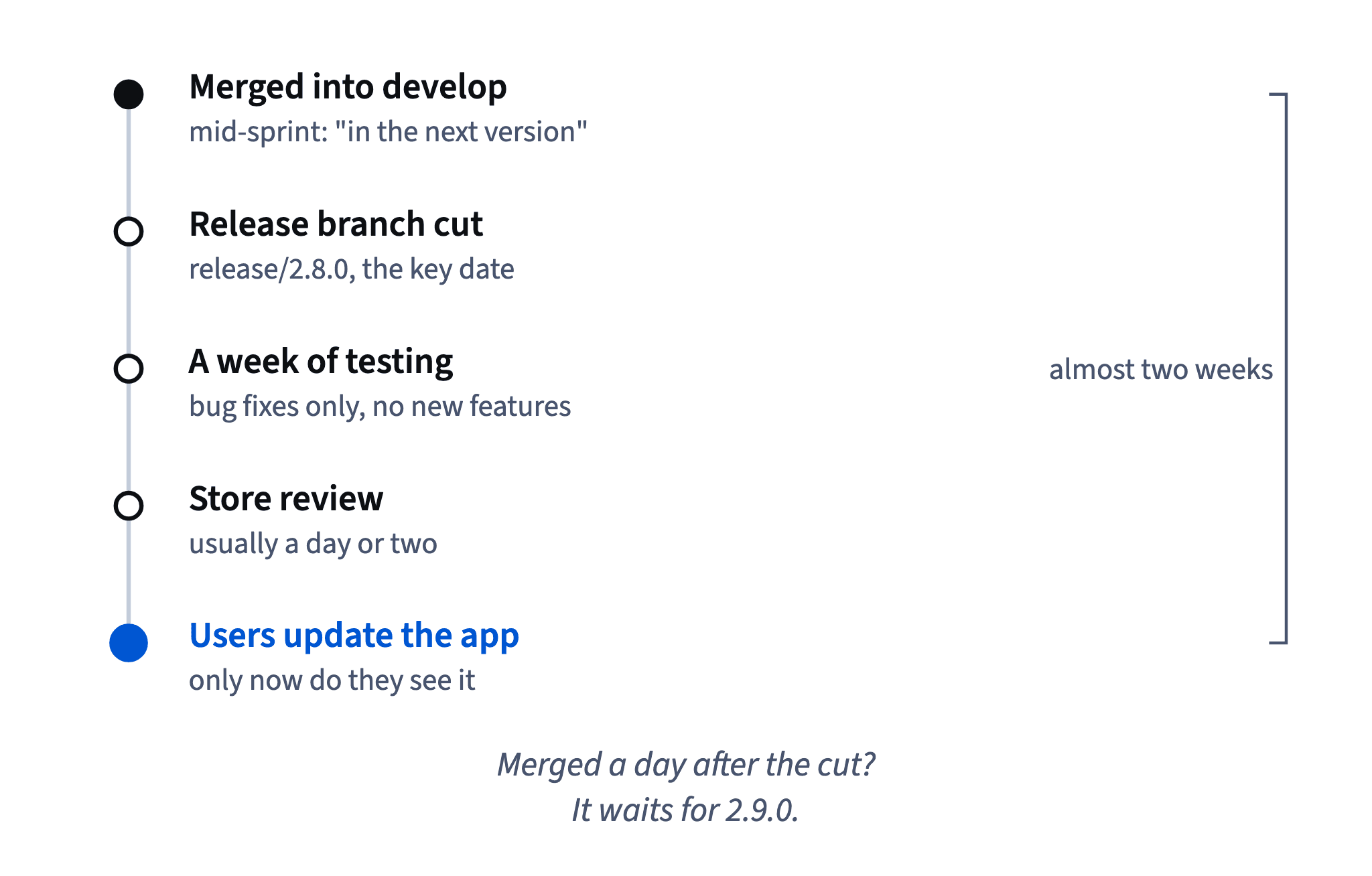
In CatChow's GitHub flow, merged means live within minutes. In git flow, the useful question isn't “is it merged?” but “which release is it in?”. Teams that forget this end up with marketing announcing features users can't see yet.
GitHub shows the difference if you read closely. The pull request header says it was merged “into develop”, and the newest tag in the repository is still the previous version. git tag --contains <commit> prints nothing until a release that includes the commit has been tagged.
- Do“Reminders are merged into
develop, so they'll ship in 2.8.0.”Answers “which release?”.
- Don't“Reminders are merged, users can try them tonight.”
Merged into
developisn't released.
Status updates on a release train
When a team works in git flow, every status update about a feature needs two facts: which version it's in and when that version reaches users. “Merged” alone is the most misleading word you can send to marketing.
A good update names the stage and the next date:
- “Reminders are in
develop: they'll ship in 2.8.0. The release branch is cut on Monday, then a week of testing and store review; users get it in about two weeks, after they update.” - “Step goals missed the 2.8.0 cut; they're planned for 2.9.0.”
- “2.8.0 is approved in the stores and rolling out.”
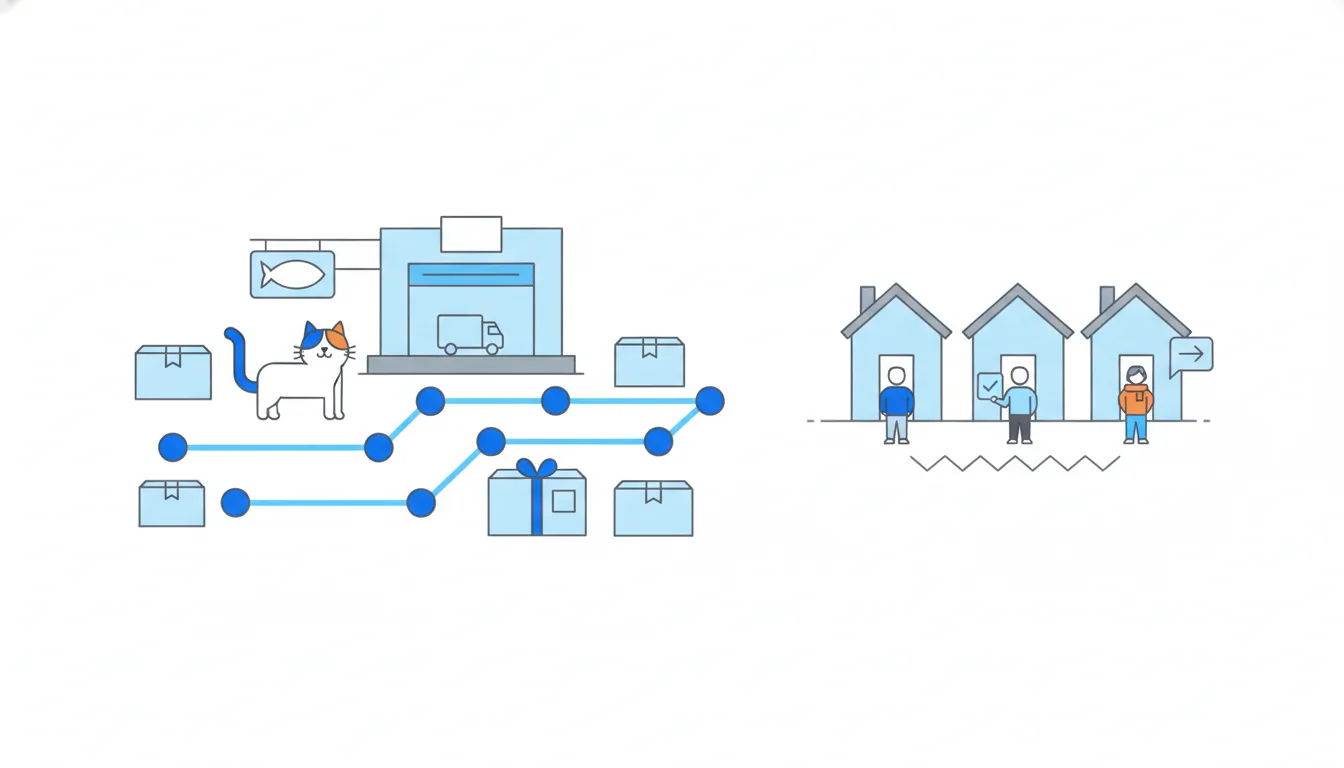
The app stores add a stage of their own: a version can be approved and still roll out gradually to a growing share of users. And nobody sees a mobile app change until they update.
So plan announcements for the day a version is actually available, not the day a feature is merged. Promise the date only once the release is submitted, and confirm it again when it's approved.
- Do“In 2.8.0, which reaches users in about two weeks. I'll confirm the date once it's submitted.”
Version, timing and a promise to confirm.
- Don't“It's merged, announce it on Friday.”
Users won't have it for two weeks.
Cutting a release branch
A release branch is where one version gets ready to ship. When develop holds enough for the next version, someone cuts it: git switch -c release/2.8.0 develop. From that moment it's a separate lane.
On the release branch the team only fixes bugs, changes the version number and writes release notes. No new features. Testers hammer it for a week or so.
Meanwhile develop stays open, so features for 2.9.0 keep arriving. They are not on the release branch: only what was in develop at the moment of the cut goes into 2.8.0, plus fixes made on the release branch itself.
When the release is ready, it's merged into main and tagged (git tag -a v2.8.0 -m "Version 2.8.0"), then merged back into develop so the fixes made during stabilisation aren't lost.
To answer “what's in 2.8.0?”, find the commit the release branch was cut from and add the fixes on the branch. Merge order on develop doesn't matter; the cut does.
- Do“Dark mode was in
developat the cut, so it's in 2.8.0; step goals arrived later.”Reads the cut point.
- Don't“Both were merged before
v2.8.0was tagged, so both are in it.”What counts is the cut, not the tag date.
The cut date: missing the train
In git flow the cut date, the day the release branch is created from develop, is the most important date in the calendar. A feature merged into develop a day after the cut has missed the train: it isn't on the release branch, so it waits for the next version.
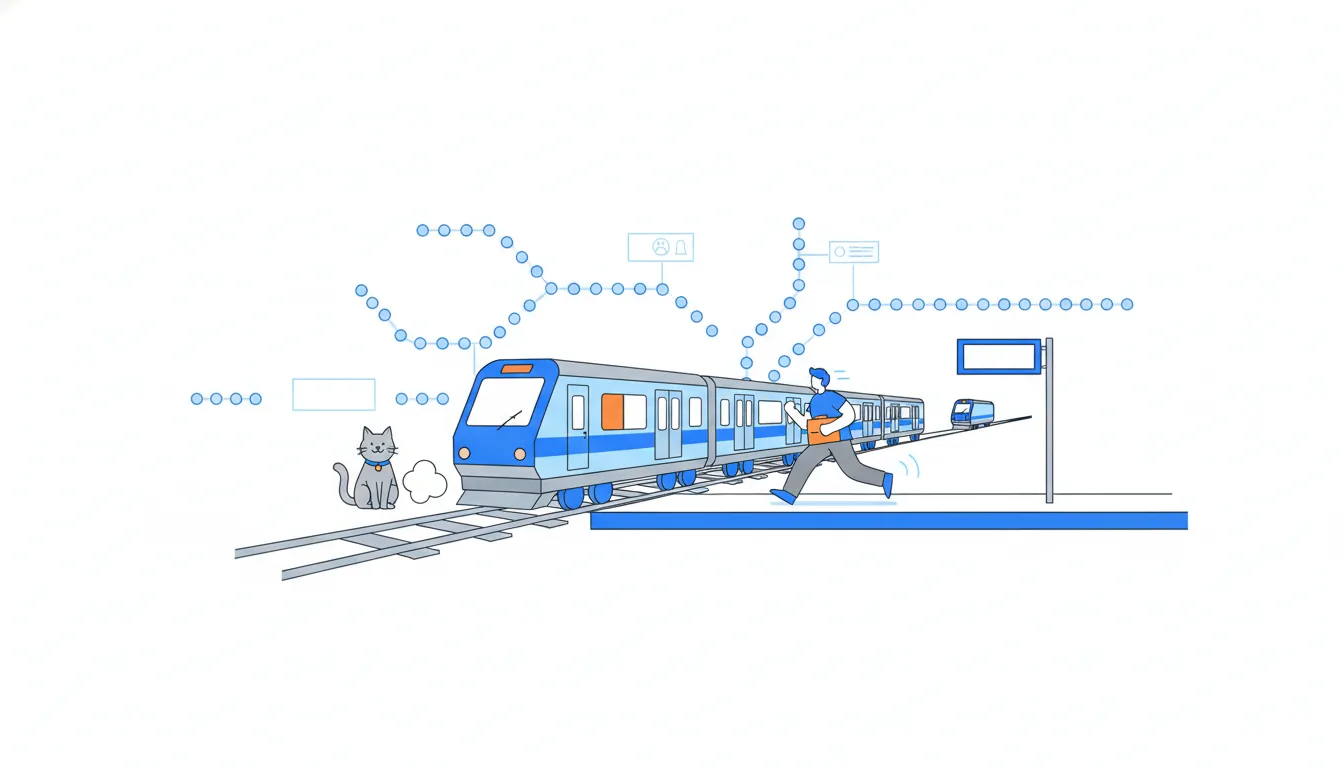
That gives planning a clear rhythm: a cut date, a week of stabilisation, a release date. Roadmaps in such teams often read by version: “2.8.0: reminders, 2.9.0: step goals”. For the calendar, it's predictable, and PMs often negotiate hard over what makes the cut.
The price is waiting. Even a one-line improvement merged into develop rides the next train, two weeks or a month later. Only something urgent enough for a hotfix skips the schedule.
For a PM this means two habits. Know the next cut date and tell the team early which features must make it. And when something misses the cut, say so plainly and move it to the next version, rather than pushing a feature onto a release branch that should only take fixes.
- Do“Step goals missed Monday's cut; they're in 2.9.0, due in a month.”
Honest about the train it'll take.
- Don'tMerge a new feature straight into
release/2.8.0to squeeze it in.Release branches take fixes only.
Hotfix branches
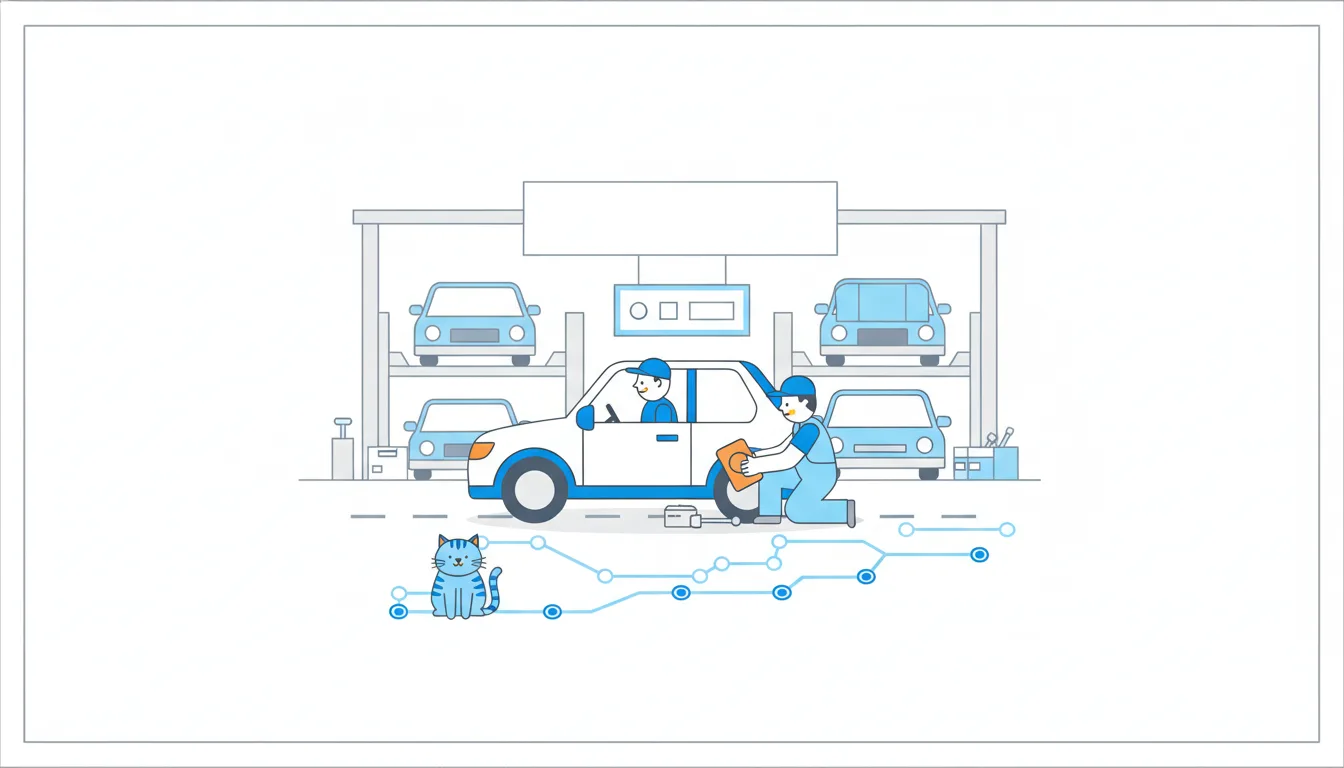
A hotfix is an urgent fix to what users already have, between releases. When version 2.7.0 crashes on login for some users, nobody waits two weeks for 2.8.0.
The hotfix starts from what users run, not from develop, which is full of unreleased work. In git flow that's main at the release tag:
git switch -c hotfix/2.7.1 v2.7.0
Then the steps:
- Commit only the crash fix and get it reviewed.
- Merge the hotfix into
mainand tag itv2.7.1. - Merge the hotfix into
developtoo, so later releases keep the fix. - Ship 2.7.1, for a mobile app by submitting it to the stores. The tag marks exactly what is shipped, so submitting comes after tagging.
Nothing else goes on a hotfix branch: no small improvements “while we're at it”. The narrower the fix, the faster it can be tested and approved, and the smaller the chance of breaking something else for users who are already struggling.
- Do
git switch -c hotfix/2.7.1 v2.7.0Starts from exactly what users run.
- Don'tBranch the hotfix from
developbecause it's newer.It would ship unreleased features with the fix.
The merge back: don't let the bug return
A hotfix has two destinations. One is main, with a new tag, so users get the fix. The other is wherever the next version is being built, so that version keeps the fix.
Usually that's develop. But if a release branch is open at that moment, say release/2.8.0, the hotfix goes into the release branch instead. The fix then reaches develop when the release is merged back into it. Merging it into develop alone would miss 2.8.0, which was cut before the fix existed.
Why it matters even though users already have 2.7.1: version 2.8.0 is built from develop and its release branch, not from main. Forget the merge back, and 2.8.0 ships with the login crash again. Users who just got the fix lose it in the next update, a regression nobody planned.
For a PM, it's worth one question after every hotfix: “is the fix also in the next release?” With git branch --contains <commit> an engineer can check which branches already hold the fix commit.
- DoMerge
hotfix/2.7.1intomainand into the openrelease/2.8.0.2.8.0 keeps the fix.
- Don'tMerge the hotfix into
mainonly, since users already have it.The next release brings the crash back.
When git flow fits, and when it doesn't
Git flow fits when releases are events:
- a mobile app that goes through store review before users can download it;
- software customers install and update when they like;
- several versions you support at once, such as customers still running the two previous desktop releases.
There, release branches give a stable place to test one version, and hotfix branches can repair exactly the version users run.
For a website with one live version, such as CatChow's shop or a marketing site, develop mostly adds waiting and double merges. Many web teams moved to GitHub flow, or to trunk-based development: everyone merges small changes into main at least daily, branches live hours rather than days, and feature flags hide whatever isn't ready. Trunk-based needs very good automated tests and a lot of discipline.
Even the model's author later added a note saying the same: continuously delivered web apps are better served by a simpler workflow, and git flow is for explicitly versioned software. Choose by how you ship, not by what sounds serious.
- DoA desktop app with monthly releases and two older versions in use: git flow.
Releases are events, several versions live.
- Don'tAdd
developand monthly releases to a shop that deploys every merge in minutes.Adds waiting and double merges for nothing.
Spot the model from the branch list
You'll meet all three models in other repositories: a partner's app, an agency, your next job. The branches page gives the model away in seconds; in a terminal, git branch -r lists the same remote branches.
- Git flow:
developnext tomain, plus names likerelease/3.2.0andhotfix/3.1.2, and severalfeature/…branches. Oftendevelopis even the default branch, so new pull requests target it automatically. - GitHub flow: just
mainand a few freshfix/…,feature/…orcontent/…branches, each a few days old, each with a pull request intomain. - Trunk-based development: almost nothing but
main, branches that live hours, and lots of feature flags hiding unfinished work.
develop
Default · updated today
main
Updated 9 days ago · tag v2.8.0
release/2.9.0
Updated yesterday · 3 ahead of develop
feature/step-goals
Updated 2 hours ago · pull request into develop
hotfix/2.8.1
Updated 1 hour ago · pull request into main
Two more clues help. The tags page shows whether the team numbers its versions at all: a neat row of v3.1.0, v3.1.1, v3.2.0 fits git flow. And the pull request list shows which base branch most pull requests go into.
Knowing the model tells you what “merged” means in that team before you promise anyone a date.
- Do“
developis the default and there's arelease/3.2.0: merged here means next release.”Model first, then the meaning of “merged”.
- Don'tAssume every team deploys on merge, like CatChow.
“Merged” means different things in different models.
Ready to practise?
Answer the lesson's exercises and earn 250 points the first time you finish it.
Start the exercises